




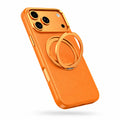
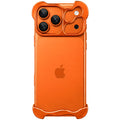
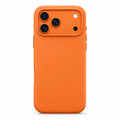
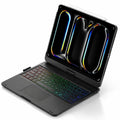
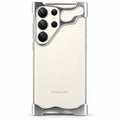
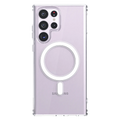
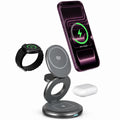

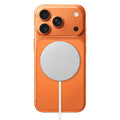




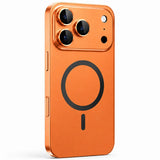


Built-in viewing stand
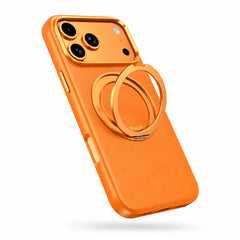
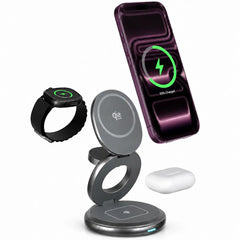
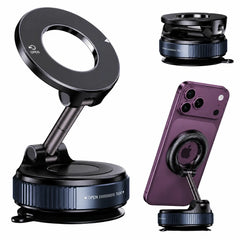
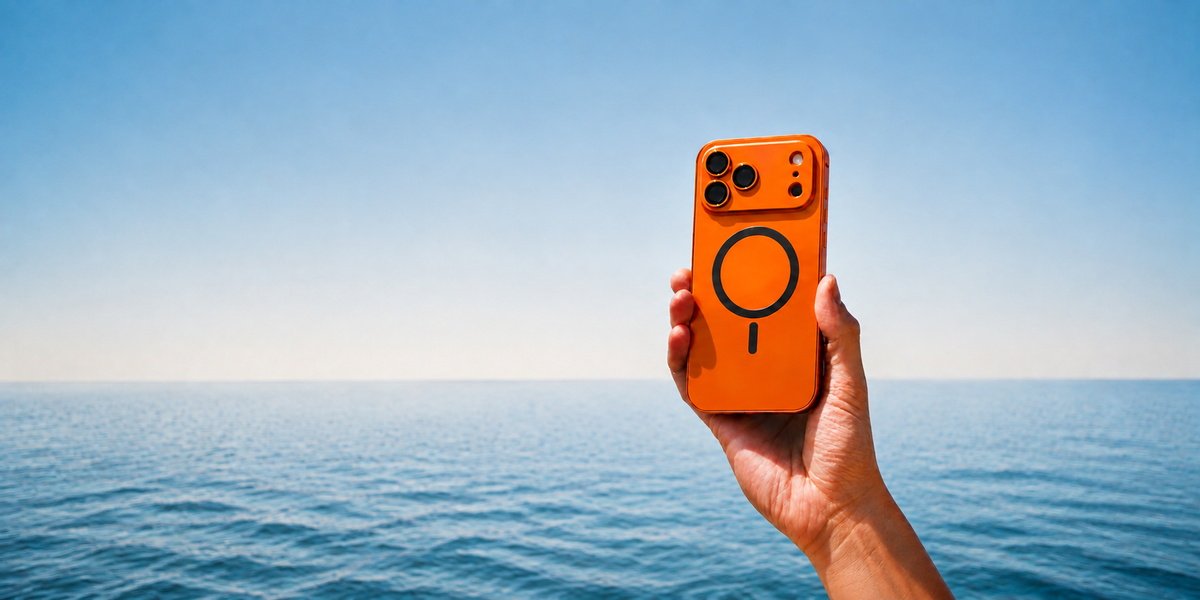
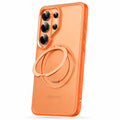
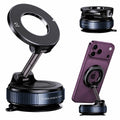
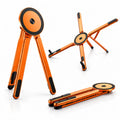
Open the ring to support your phone for hands-free viewing.
 Cases & Bands
Your cart is empty
Less clutter. More freedom. Start with the essentials for your devices.
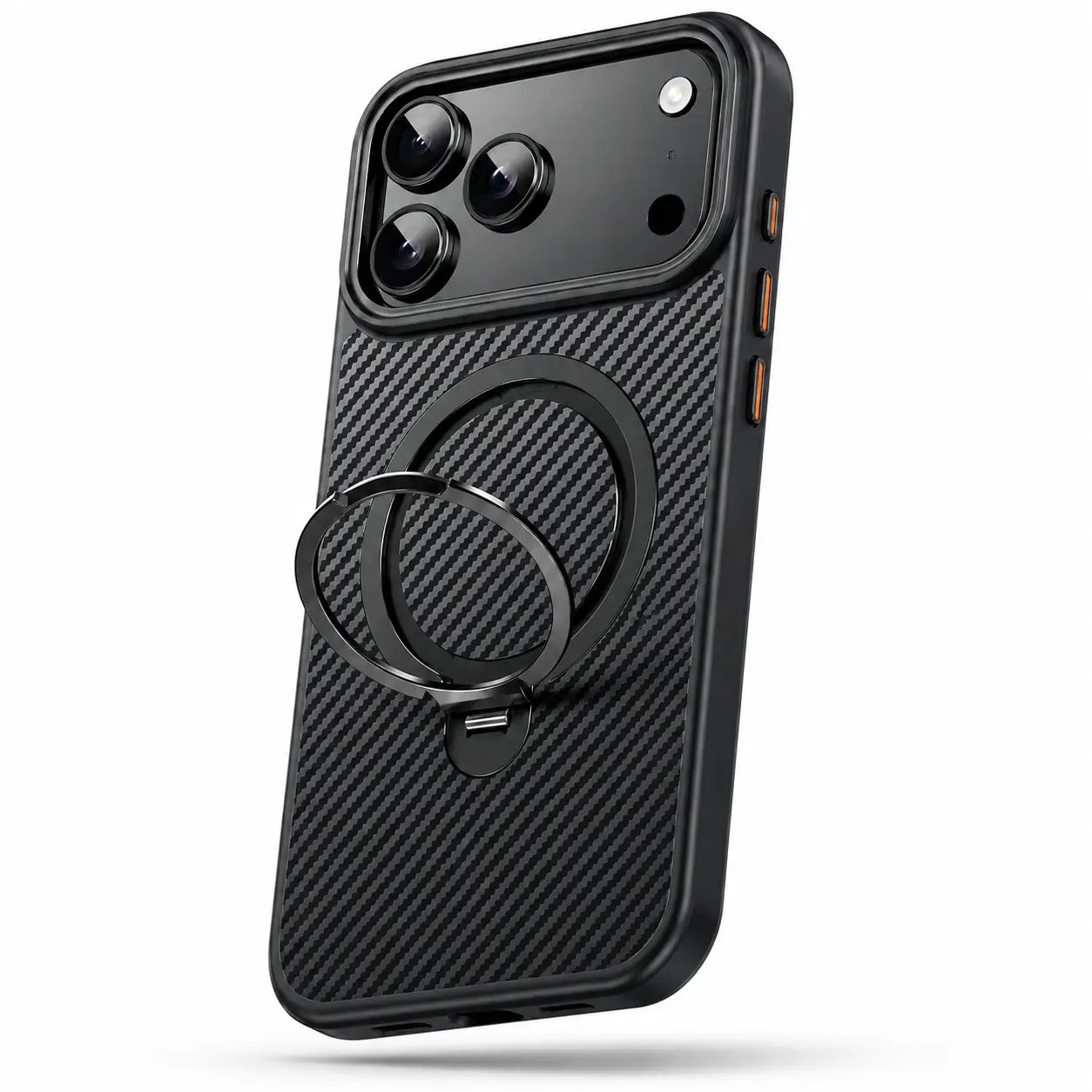
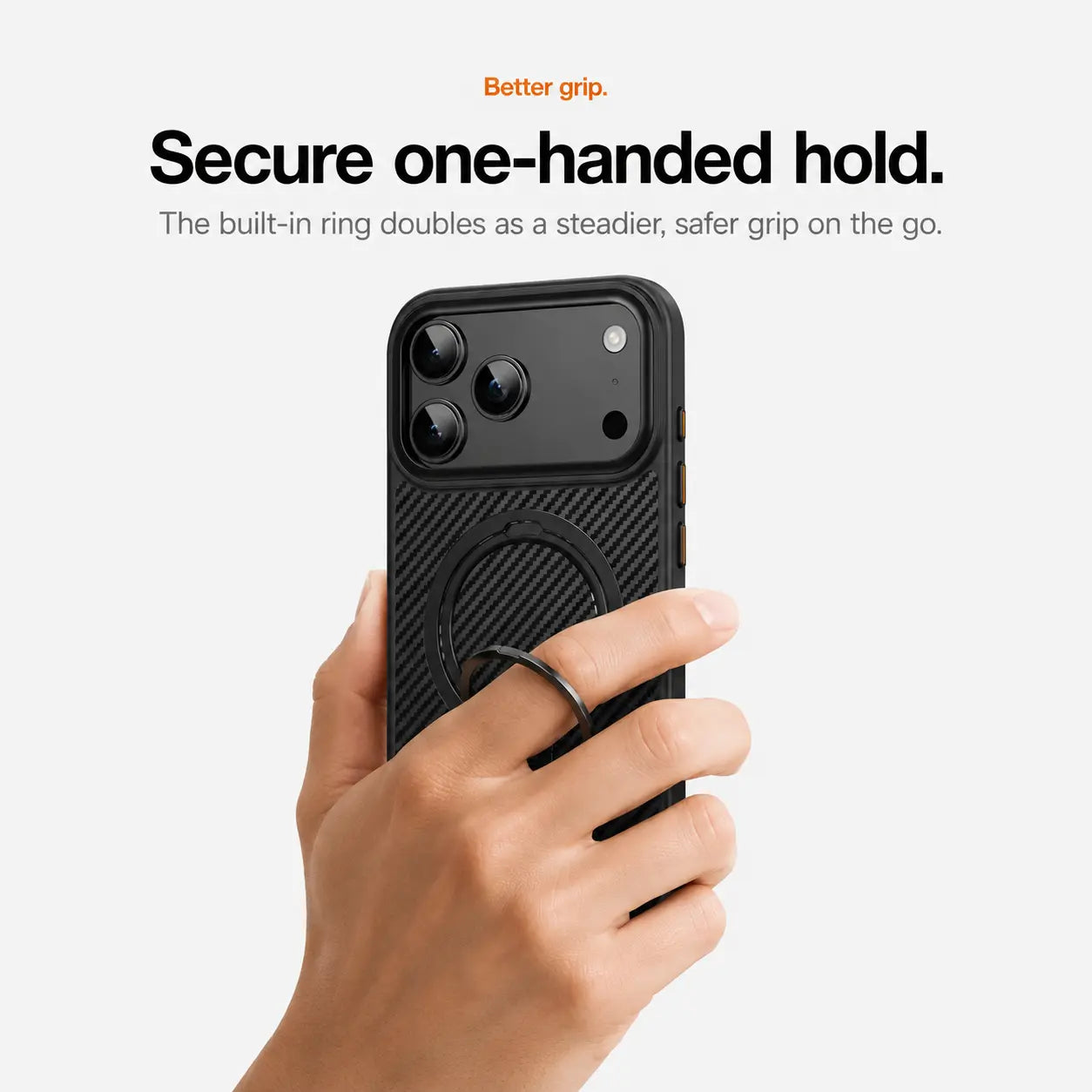
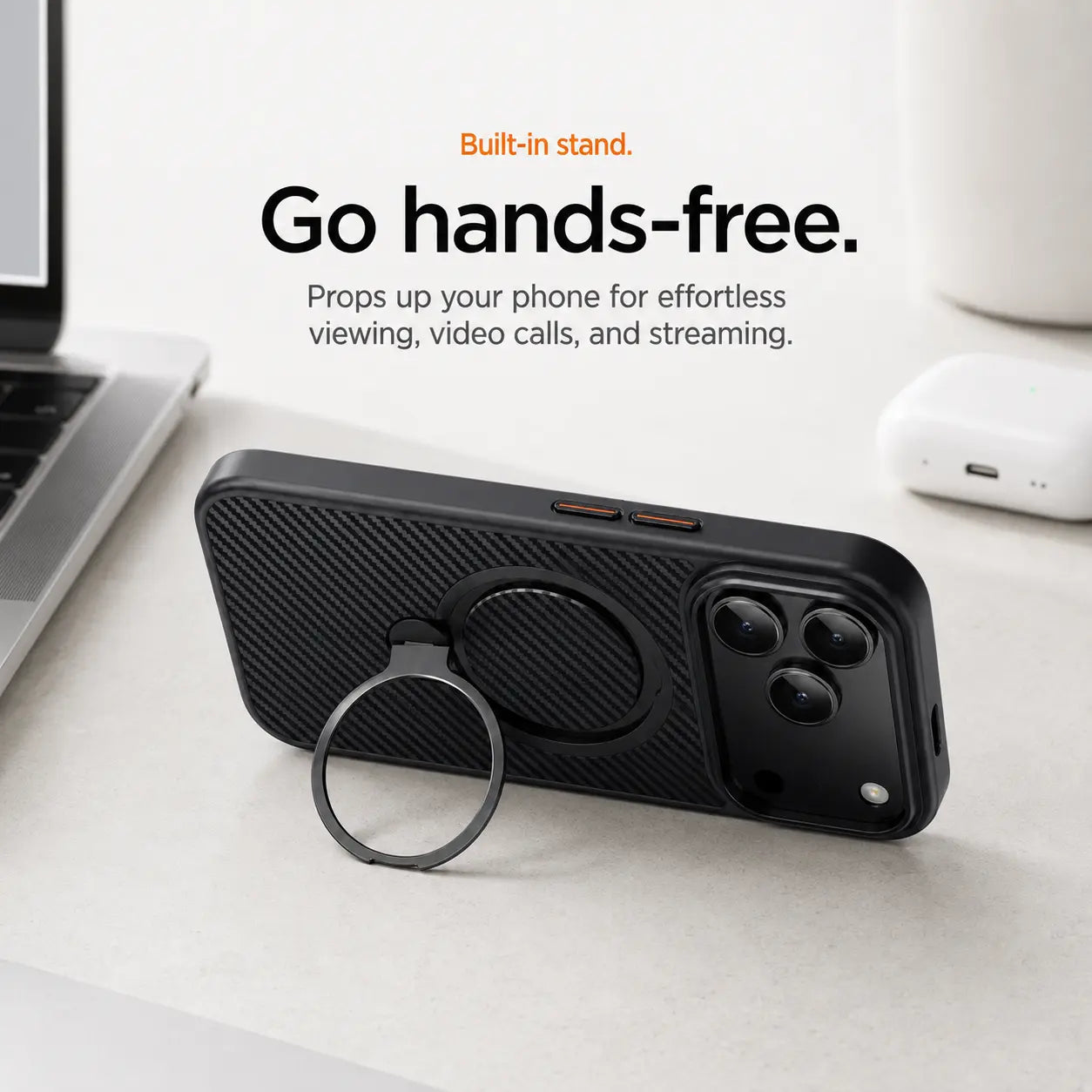
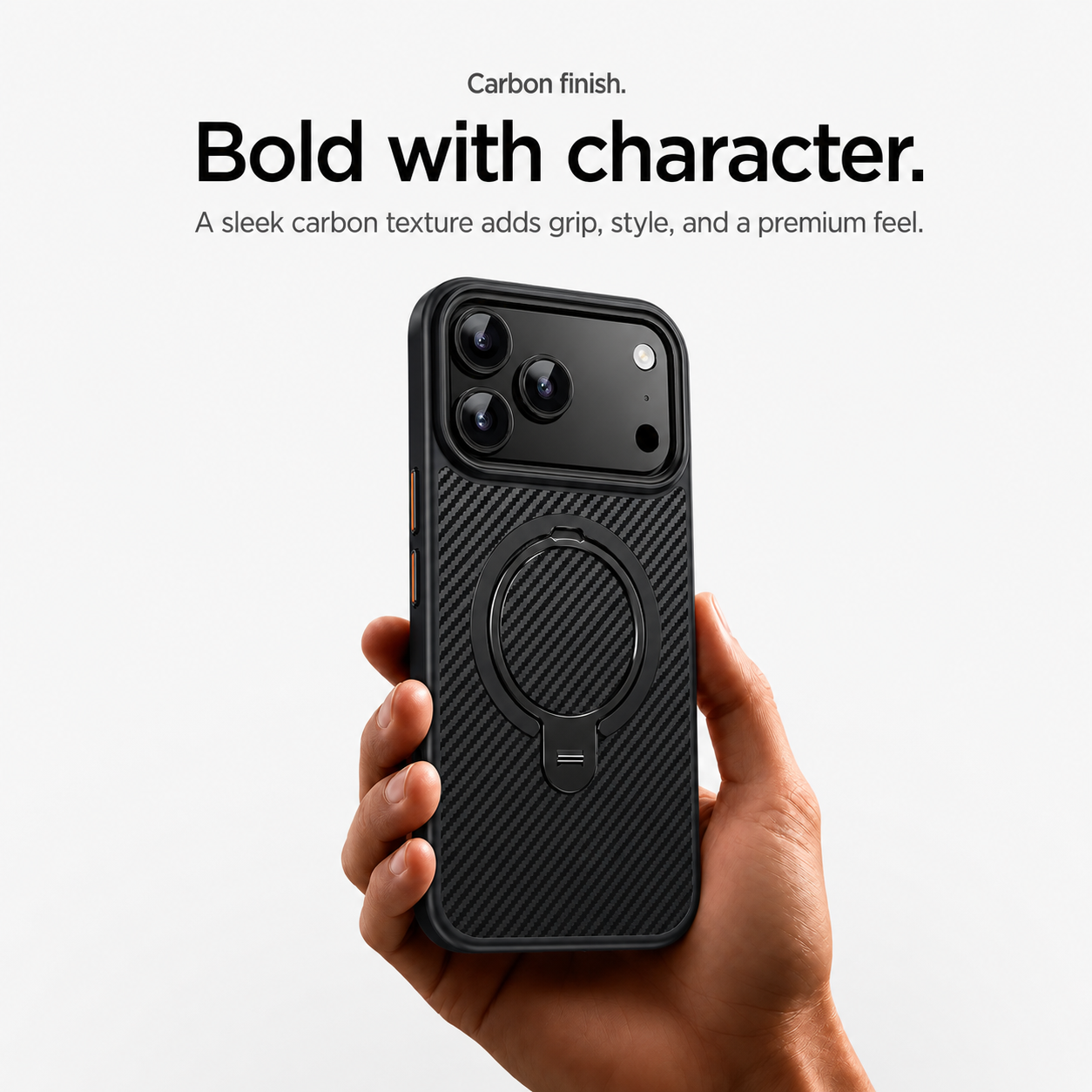

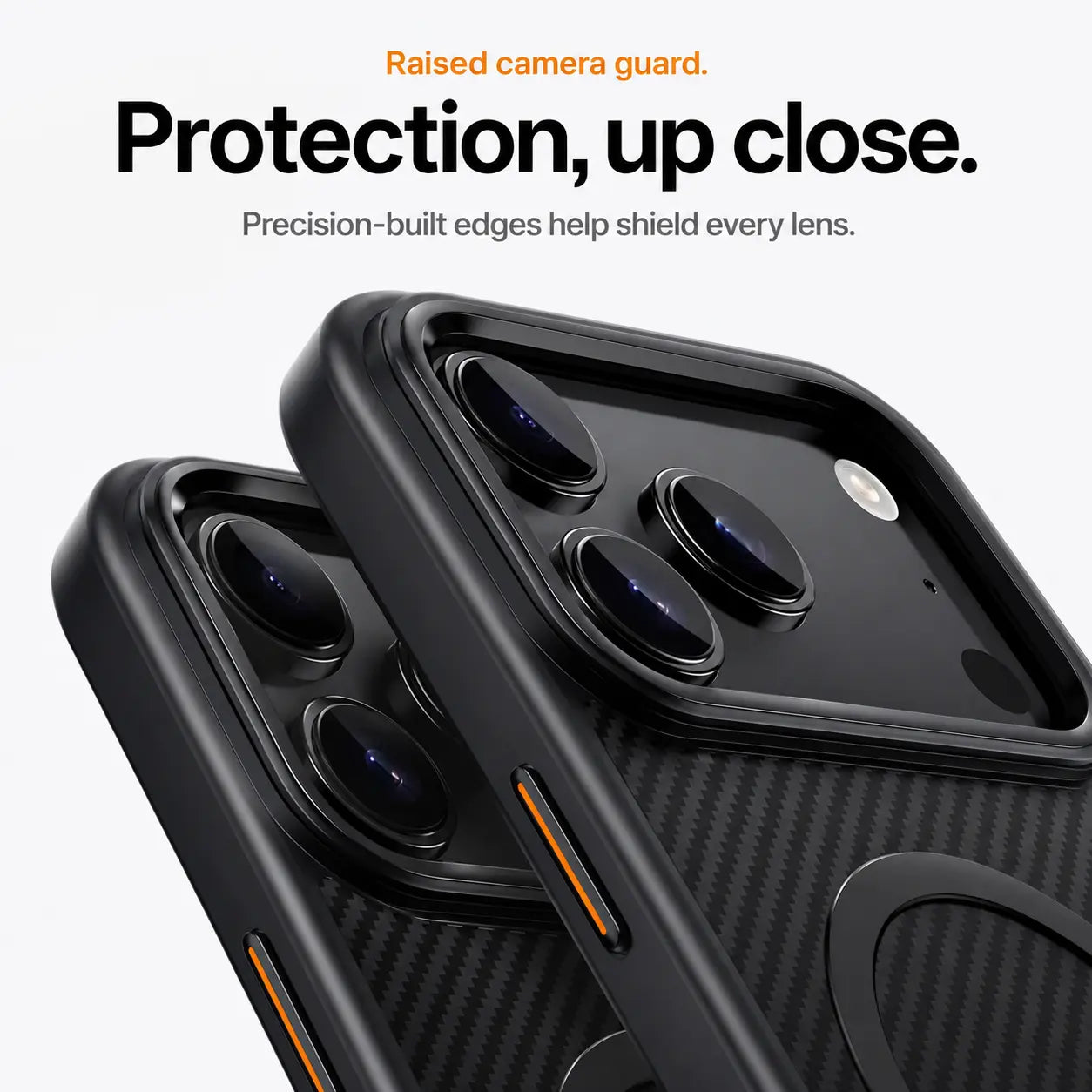
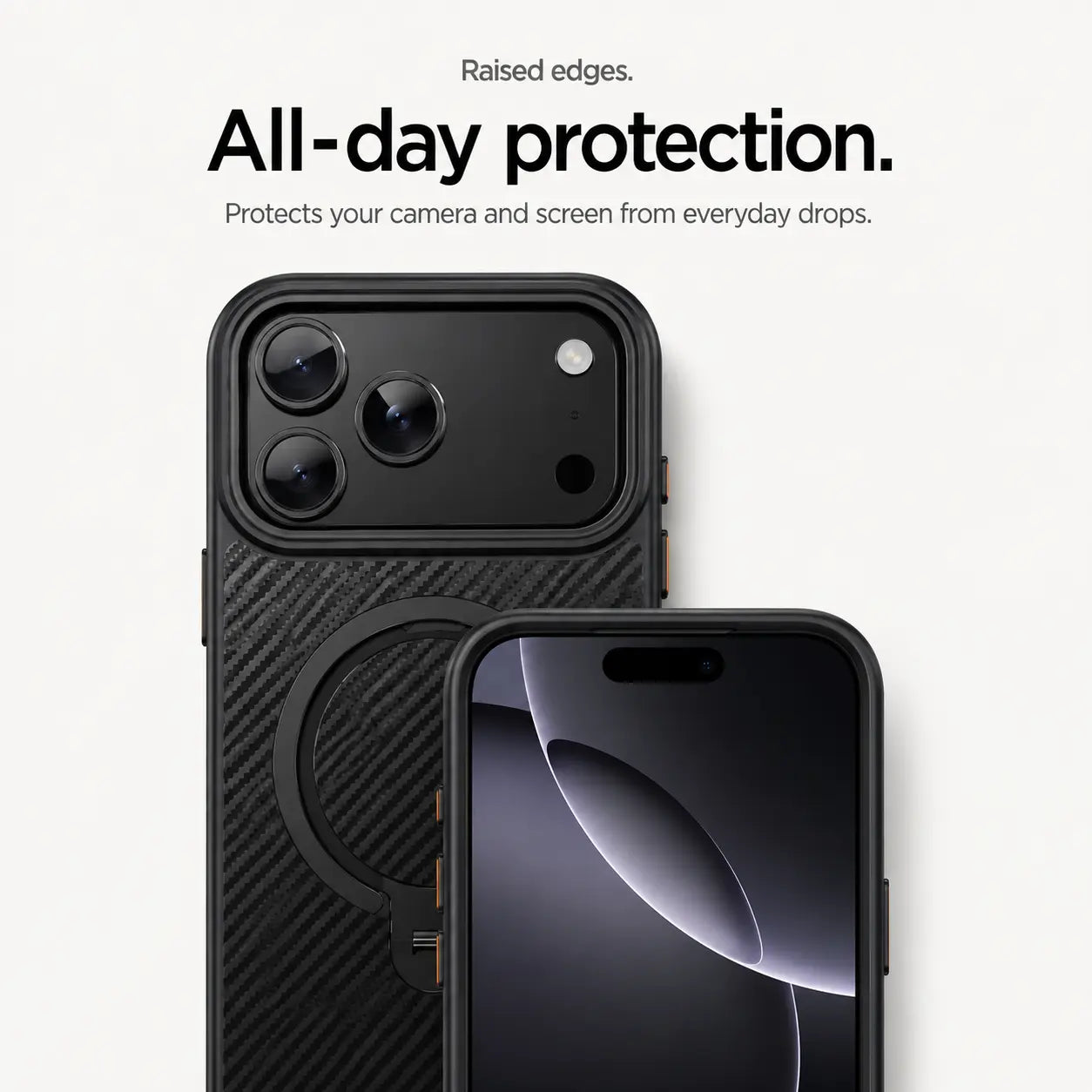
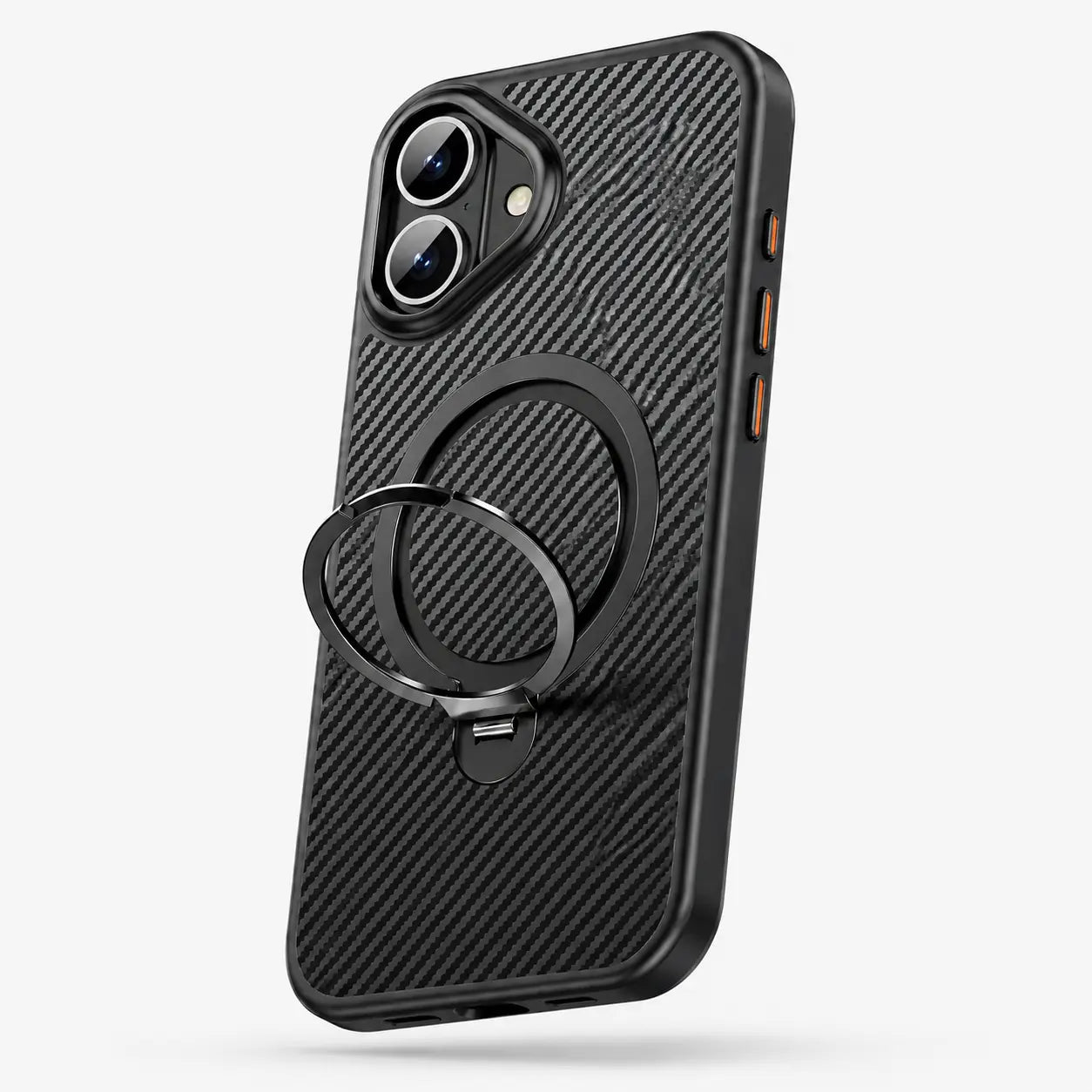

Open the ring to support your phone for hands-free viewing.
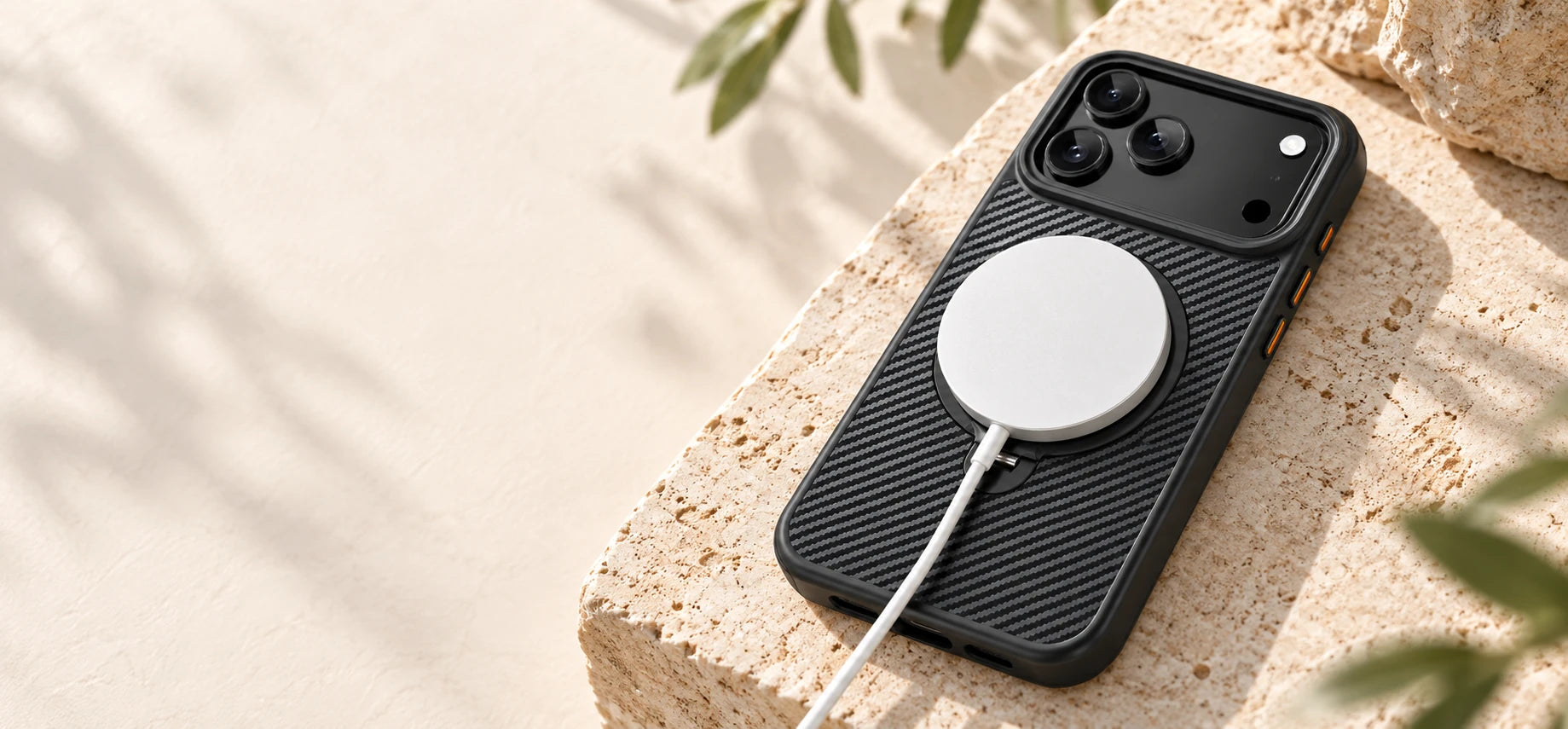
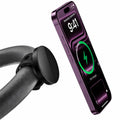
Attach a compatible magnetic charger with the ring folded flat.
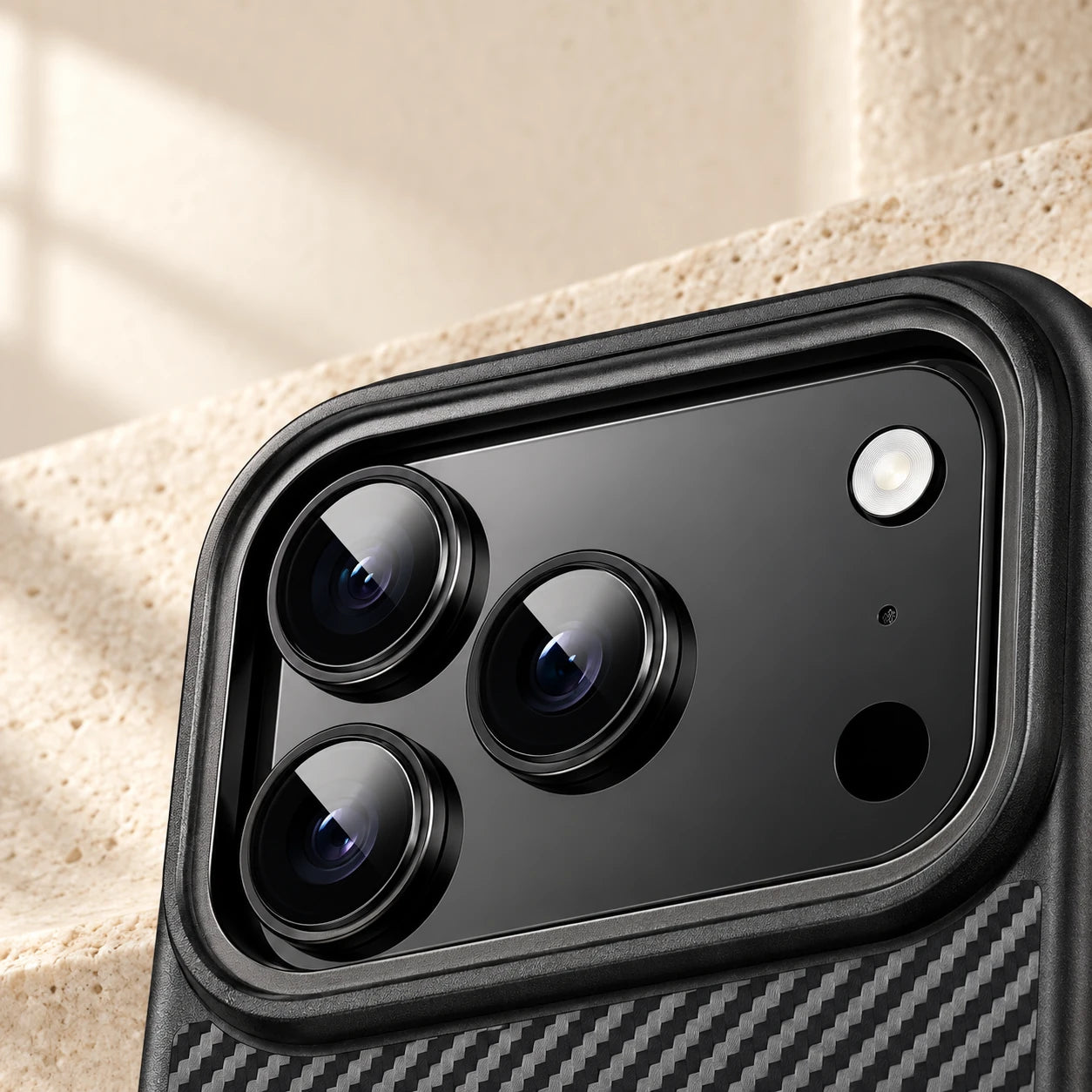
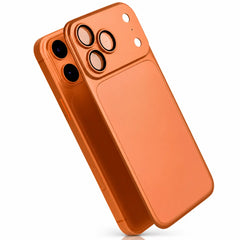
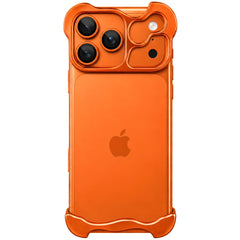
A raised surround helps keep lenses clear of flat surfaces.
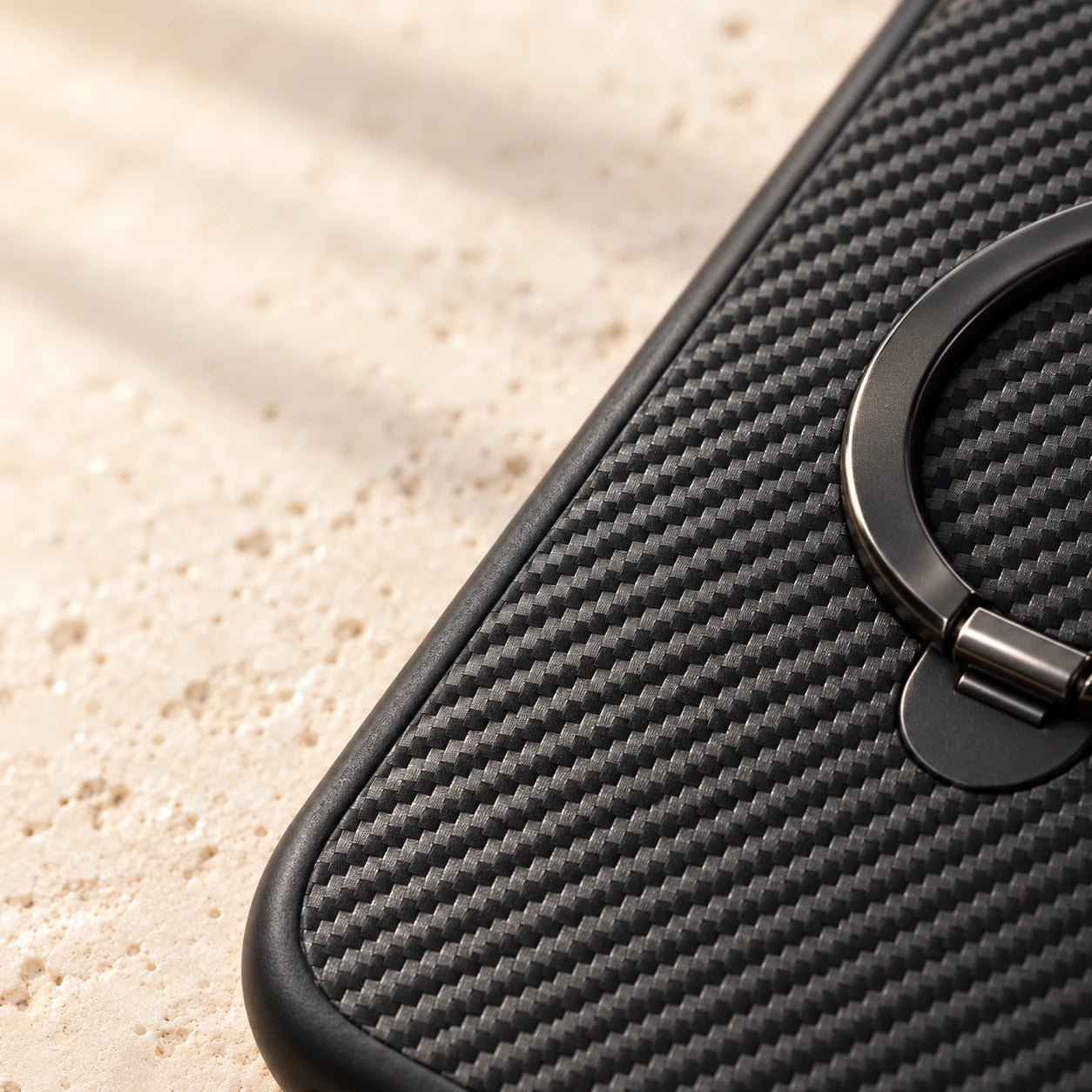
A carbon-pattern finish adds detail to the slim shell.
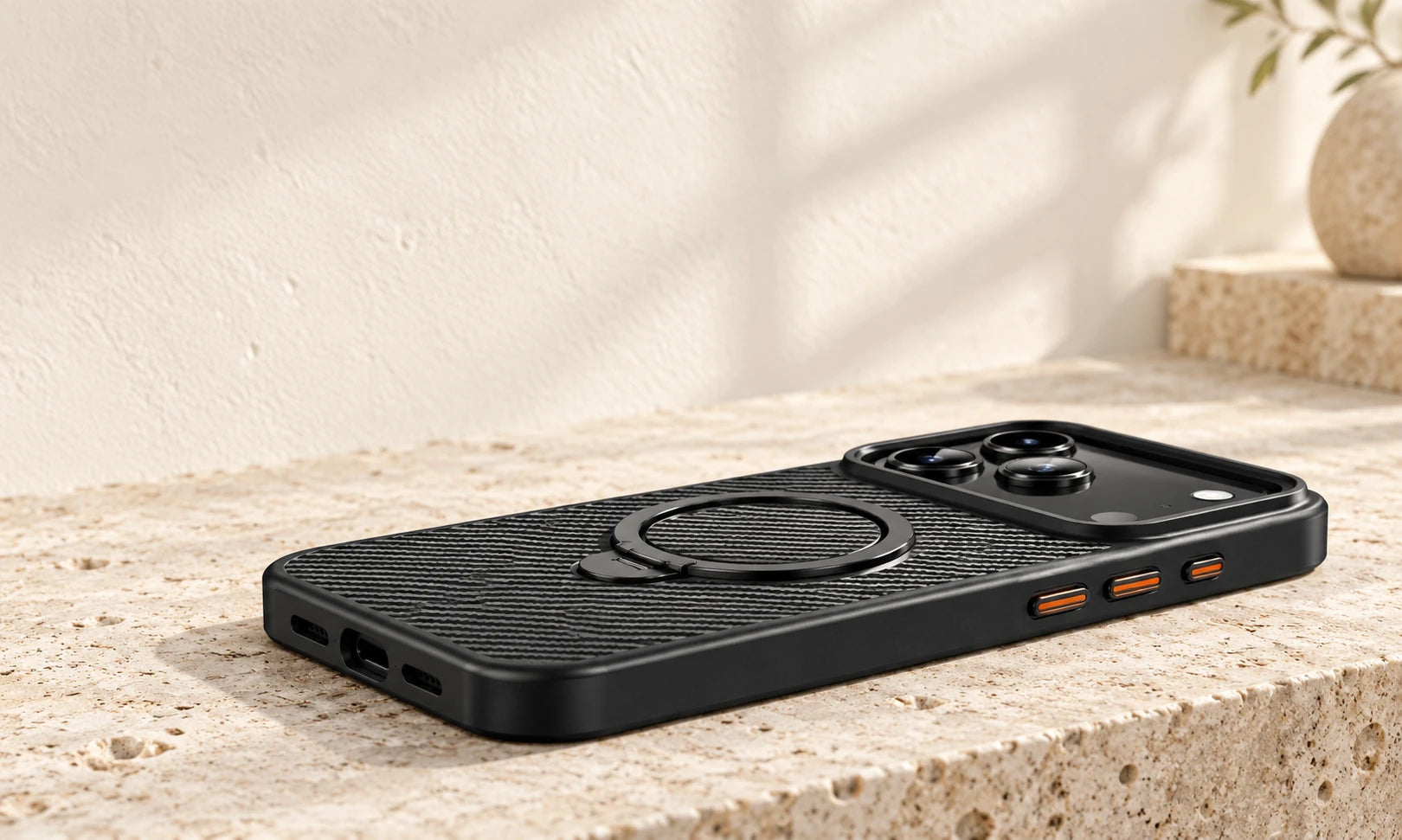
Fitted edges preserve access to buttons and ports.
| MagSafe compatibility | Built-in dual magnetic core |
|---|---|
| Stand | 360° kickstand |
| Protection | Reinforced shock-absorbing corners |
| Protection Design | Raised camera lens guard and screen bezel |
| Materials | PC, metal & carbon fiber texture |
| Thickness | 0.5 mm |
| Weight | Approx. 28 g / 0.99 oz |
Check Settings → General → About. Tap Model Number to see the A-number. Match the exact model before ordering.
No matching option is listed for this product. Check your model before ordering.
Choose your exact model in the device selector before adding to cart.
Match the full phone or tablet model to the version you ordered before fitting the case.
Inspect the included instructions for any clasp, separate frame or fastener. Do not assume every case clips on the same way.
Clean the device and case, then follow the supplied fitting steps. Stop if openings or parts do not line up.
Check the buttons, camera clearance and ports. Test charging separately with the accessories you normally use.
Use the instructions supplied with your product for its exact assembly and controls.
Yes. The built-in magnetic core provides strong, secure alignment with MagSafe chargers, wallets and accessories.
Yes. Reinforced corners and shock-absorbing construction help protect your iPhone from everyday drops and impacts.
Yes. The integrated 360° stand rotates freely for portrait and landscape viewing.
No. At just 0.5 mm thin and approximately 28 g, it keeps the phone slim and comfortable to carry.
Yes. Raised edges around the camera help keep the lenses away from surfaces and reduce the risk of scratches and impact.
On your iPhone, open Settings → General → About. Match the Model Name to the selector above. If you need the A-number, tap Model Number, then look it up under Compatibility before choosing your exact model.
Overall rating: 4.9 / 5 from 10 reviews.

I really like how lightweight the case is the only thing is. I’ve just had a screen protector put on my camera and it doesn’t leave much room between the the screen of my iPhone 16 pro and the edges. It’s almost level. I would’ve liked the case to be a little bit deeper on the edges to protect my . so that if I drop the phone which is highly likely cause I’ve got multiple sclerosis and I often get what you call. Myclonic jerks which caused me to either drop the phone or throw the phone.
At first I got the wrong case it was for a 17 plus and it fit the phone but was not quite right so I reached out to the company and they were absolutely fantastic to work with and got me the correct case in a good amount of time and I just got the correct case and it fits amazing and I love it
As advertised. Thin and lightweight, but sturdy. Love the stand on the back, very functional!
Very thin case, feels very comfortable with no slippery feeling.
Great phone case.
Great case
Very quick exchange and love the unit.
Nice look!
Na
Very nice high quality product at an affordable price. Buying a second