

















Product Help
Power Adapter & Cable Help
Your charger can only perform as well as the power source and cable connected to it. The correct connector alone does not guarantee enough power.
On this page
Check the product page first
- Look for the required input wattage and charging protocol.
- Check whether the power adapter is included.
- Use the supplied cable when one is included, unless the product page states otherwise.
Using an adapter you already own
Check the small output text on the adapter. A higher-rated compatible USB-C PD adapter can normally supply only the power your charger requests; an underpowered adapter can reduce speed or prevent multi-device chargers from working correctly.
USB-C cables
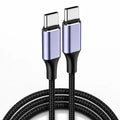
Not all USB-C cables support the same power levels. Damaged, very long or low-specification cables can limit charging. For high-power products, use a cable rated for the required wattage.
Multi-device charging
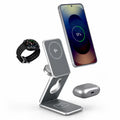
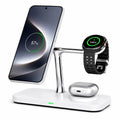
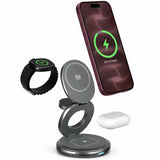
A 3-in-1 or multi-port charger may need more input power than a single-device charger because the available power is shared across connected devices.
Travel adapters
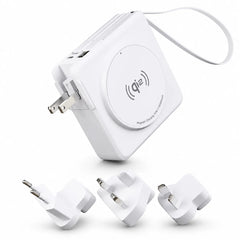
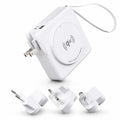
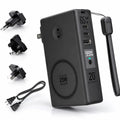
A travel plug adapter changes the plug shape; it does not necessarily convert voltage or increase wattage. Check the charger and adapter ratings before use.