


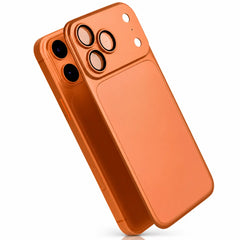
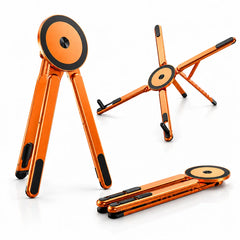


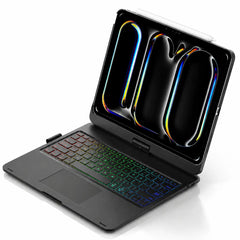
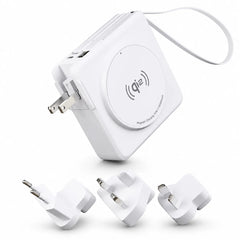


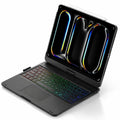
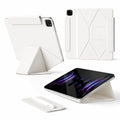

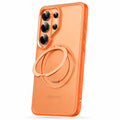
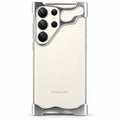


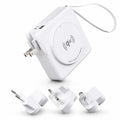
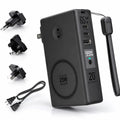

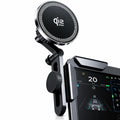




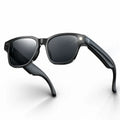

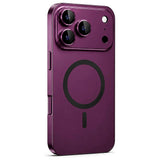

Start with your iPhone.
View allChoose once to see matching cases and colors.
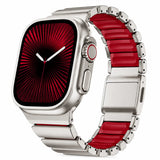
Next, your Apple Watch.
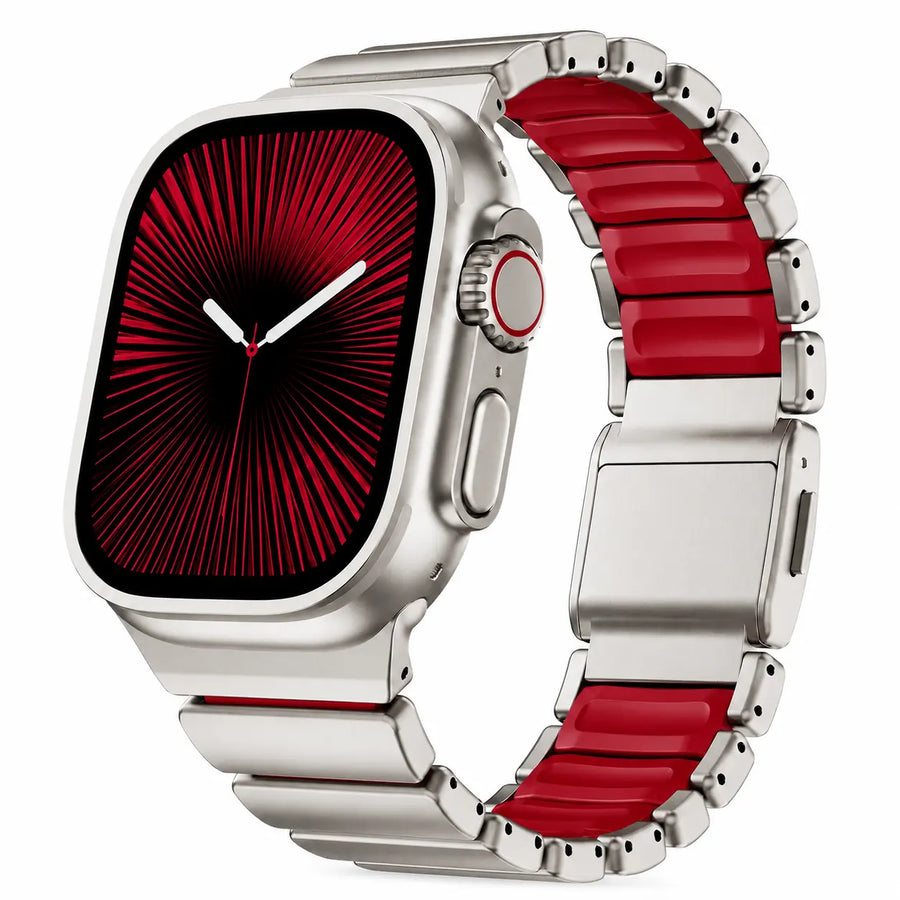
View all colorsMatch the case size on the back of your Watch, then choose your finish. Check the wrist-size range for a comfortable fit.
Watch sizeMatch your case size
Your finishFind your everyday look
Match both your Watch series and case size. Check the size on the back of your Watch before ordering.
12 colors & finishes
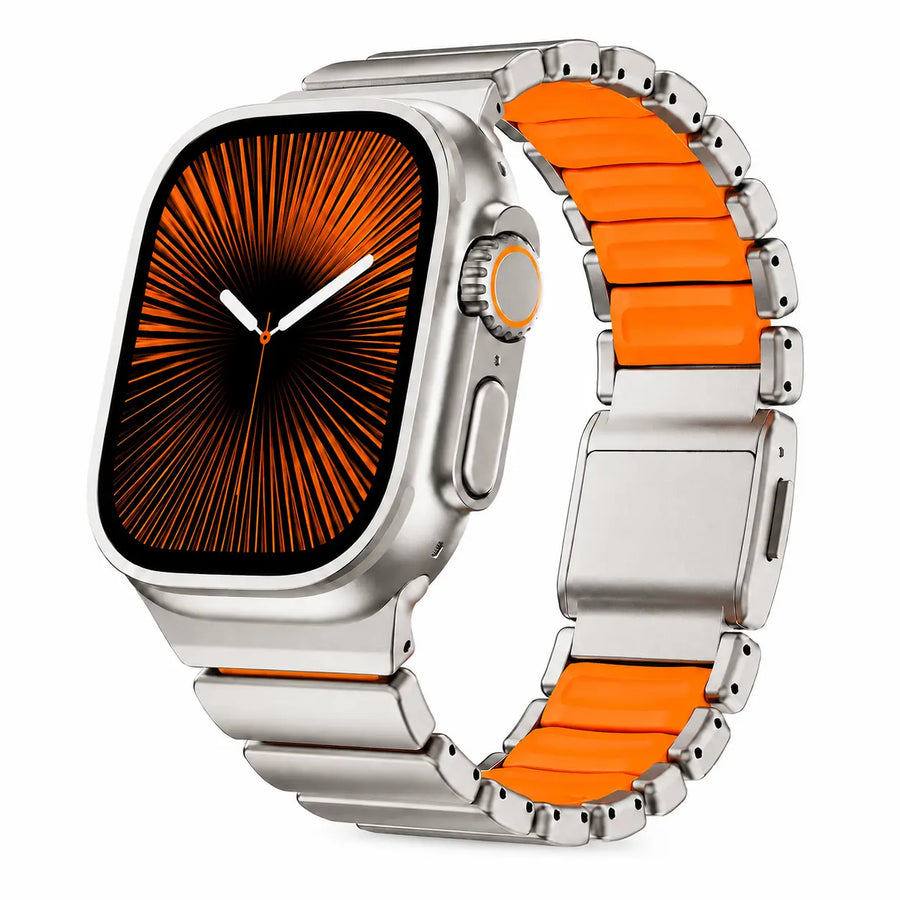
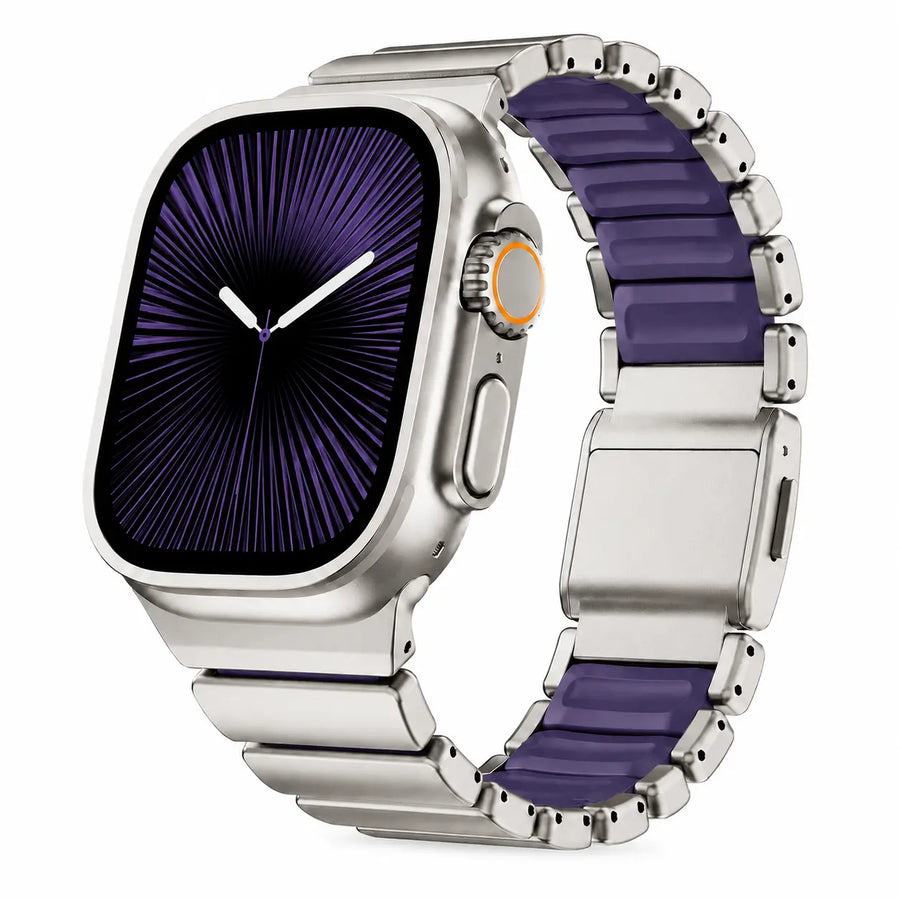
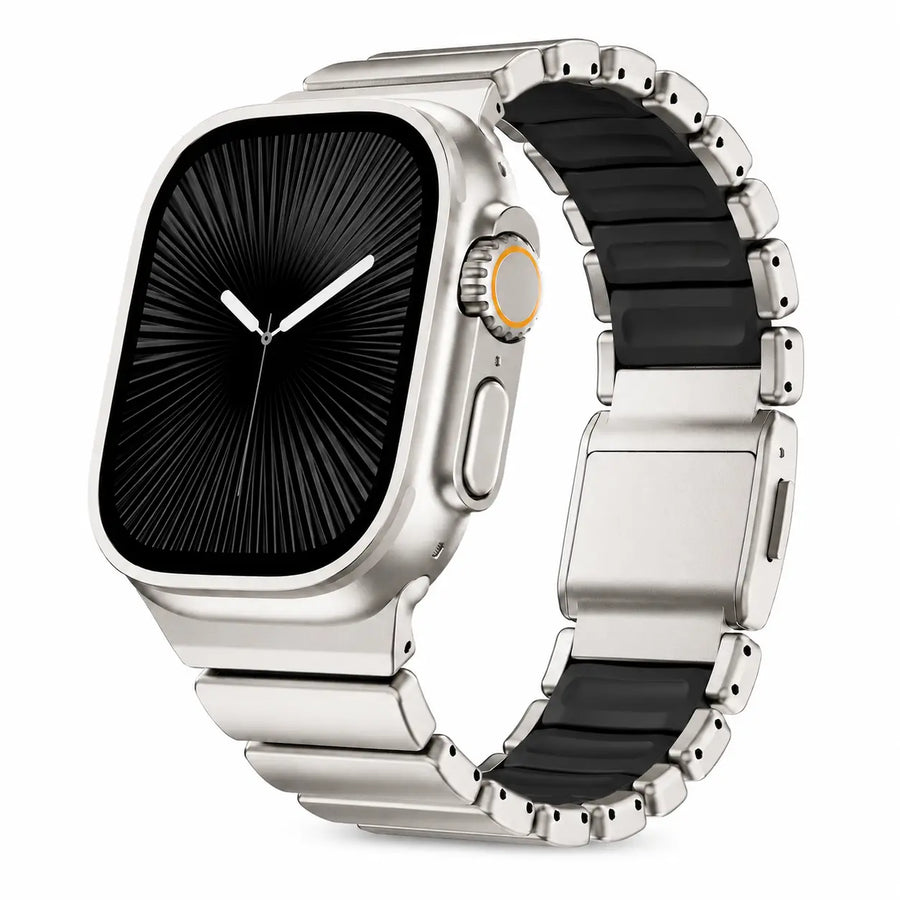
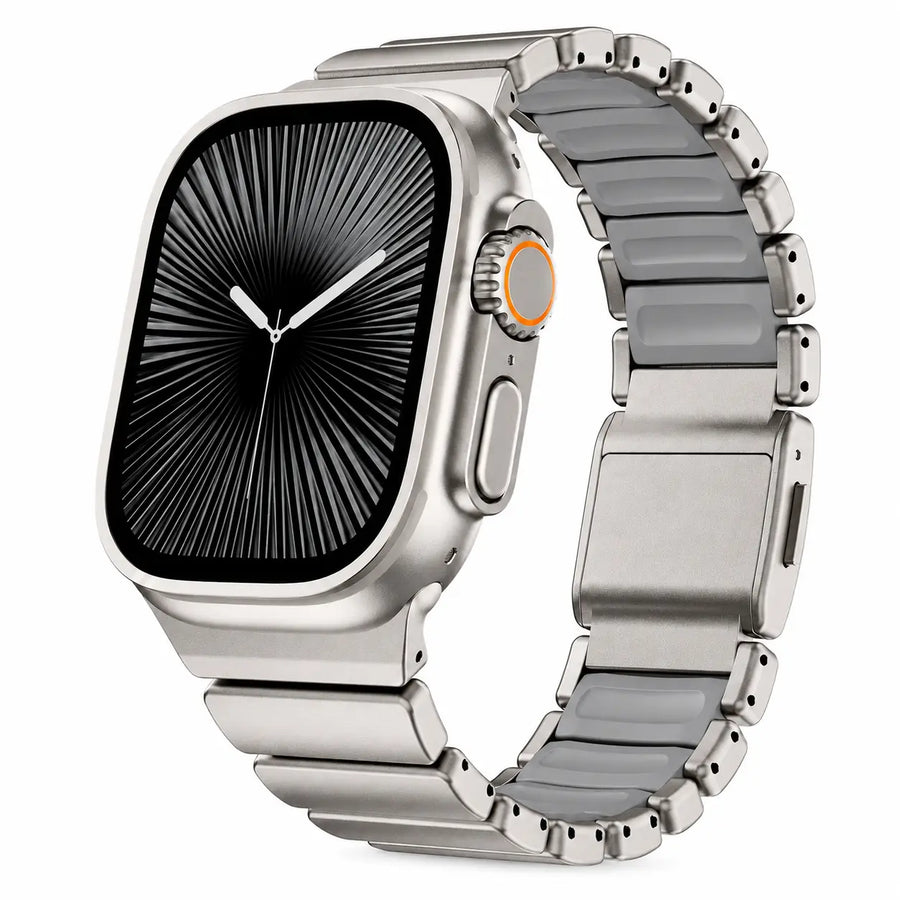
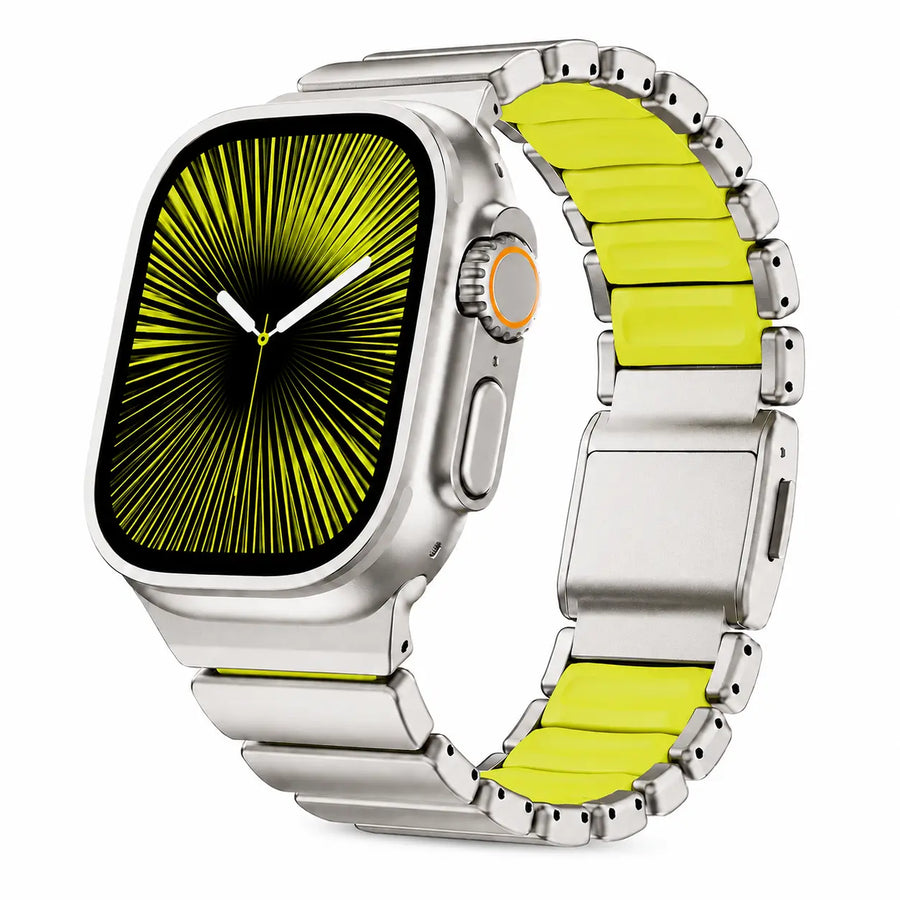
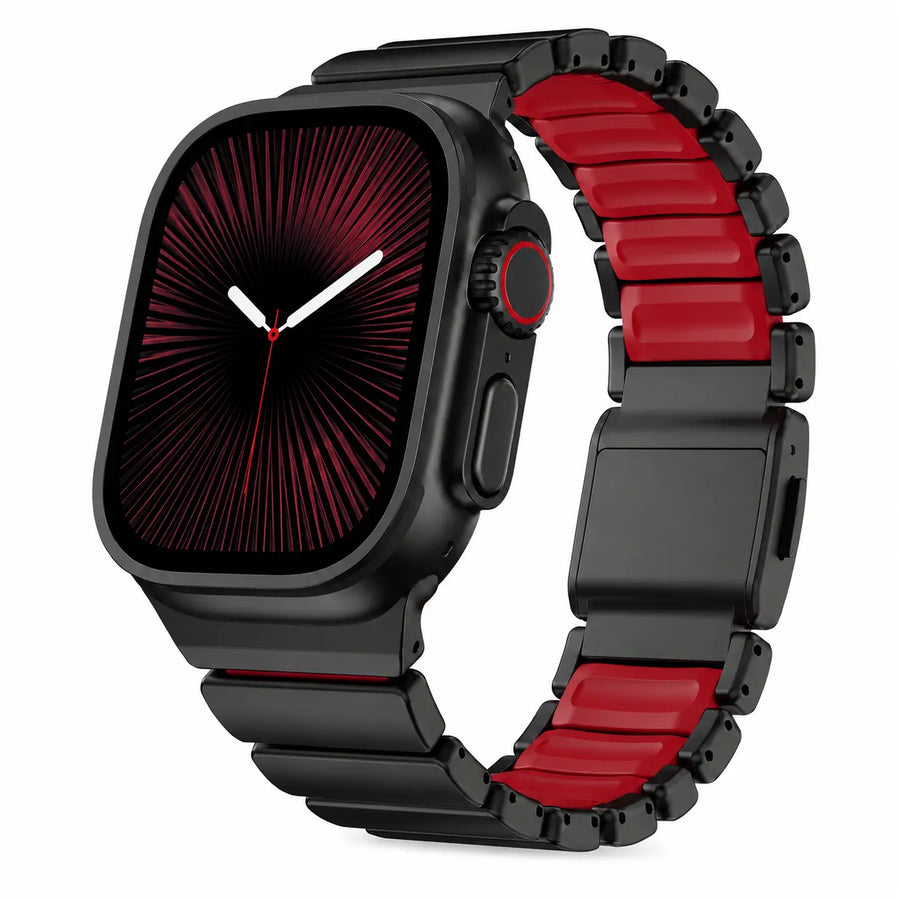
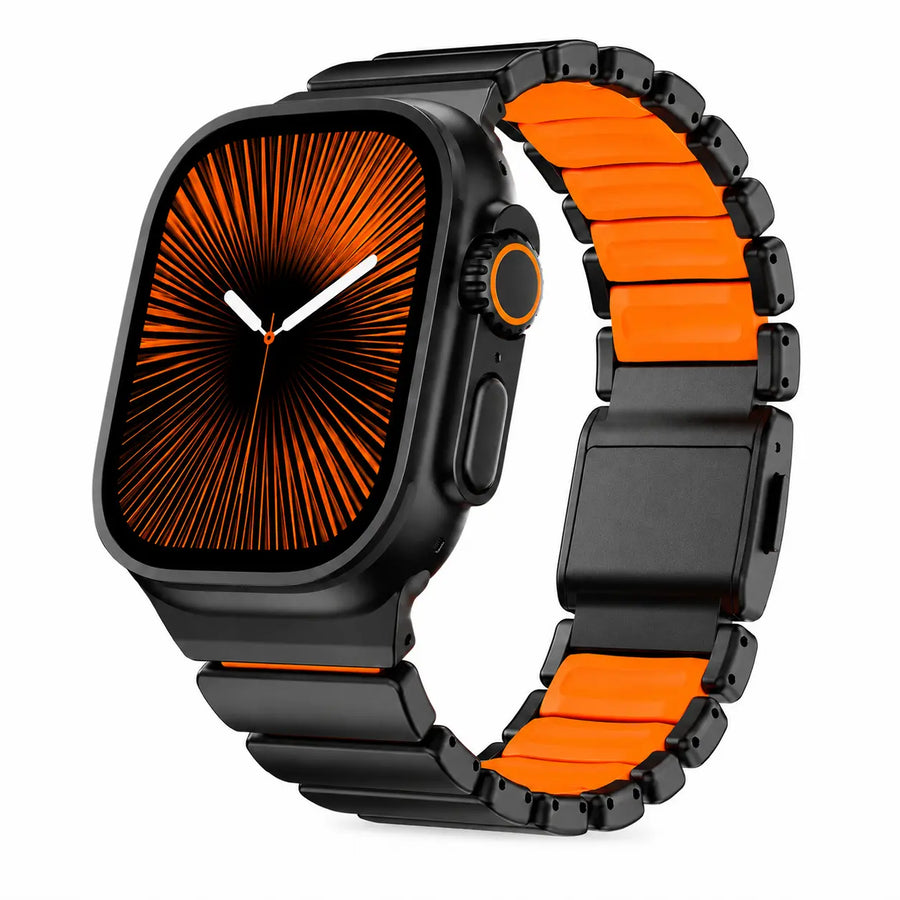
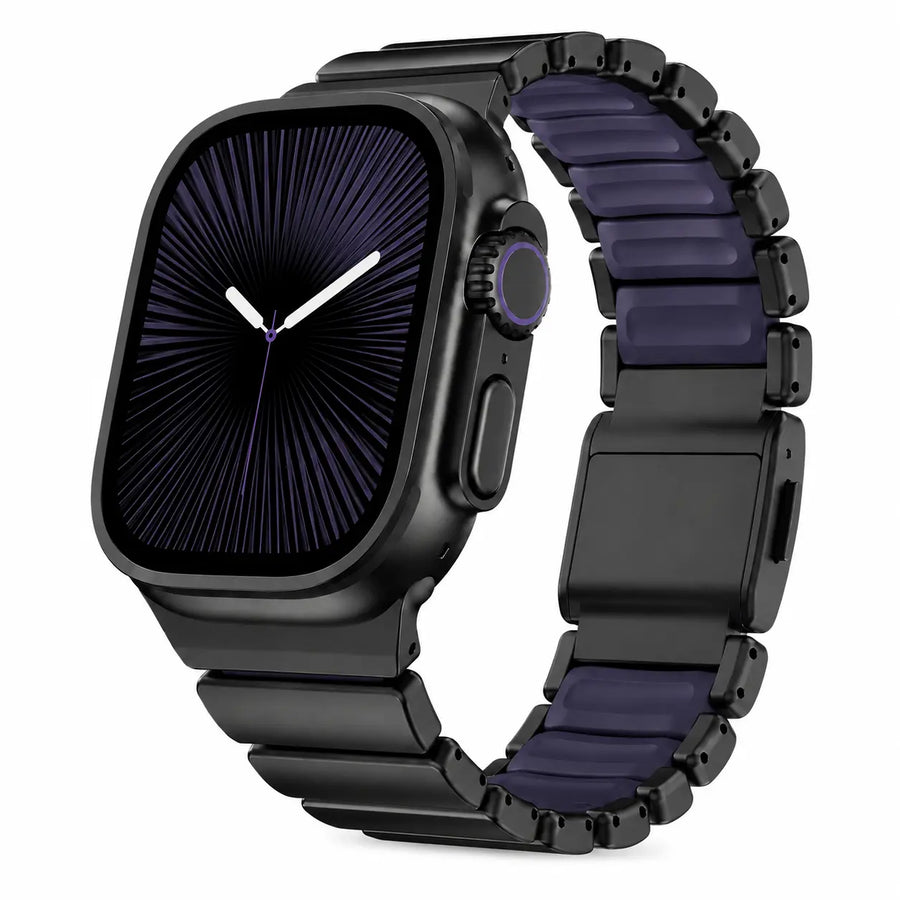
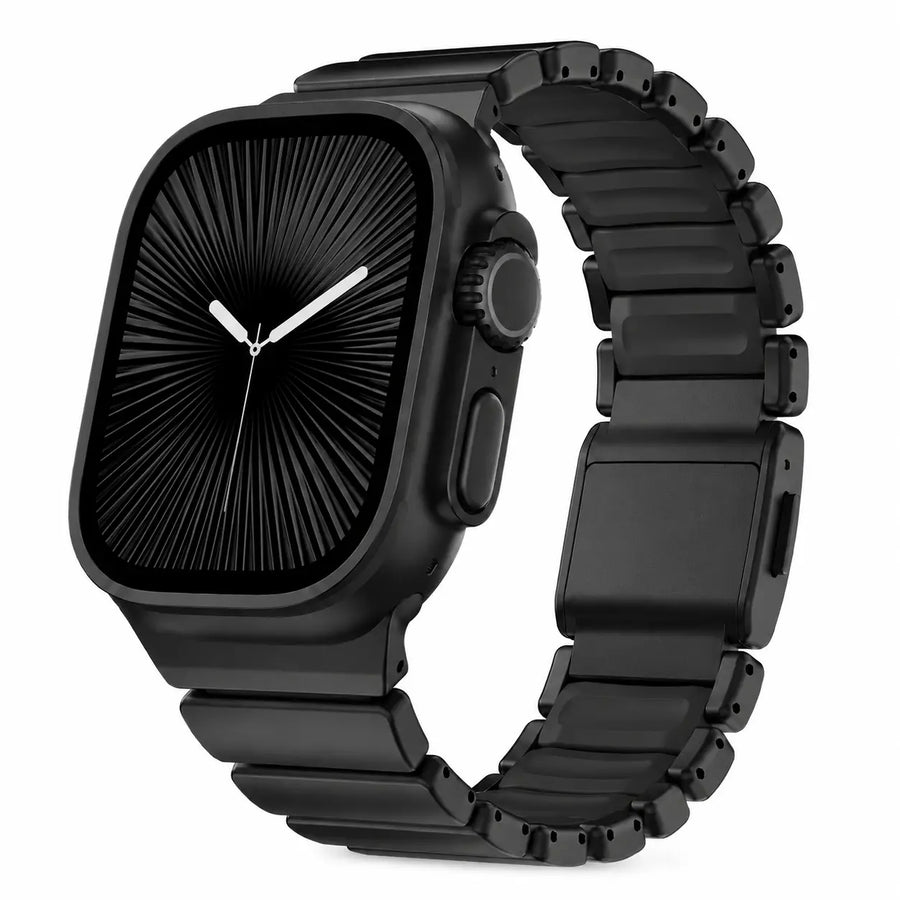
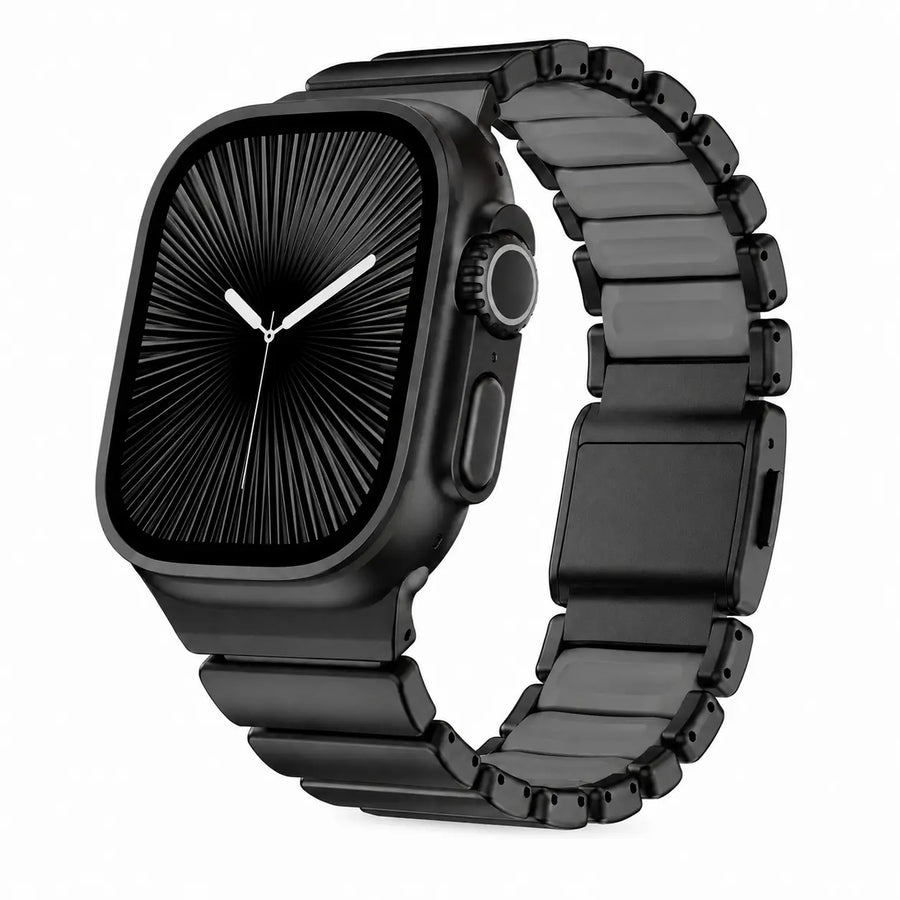
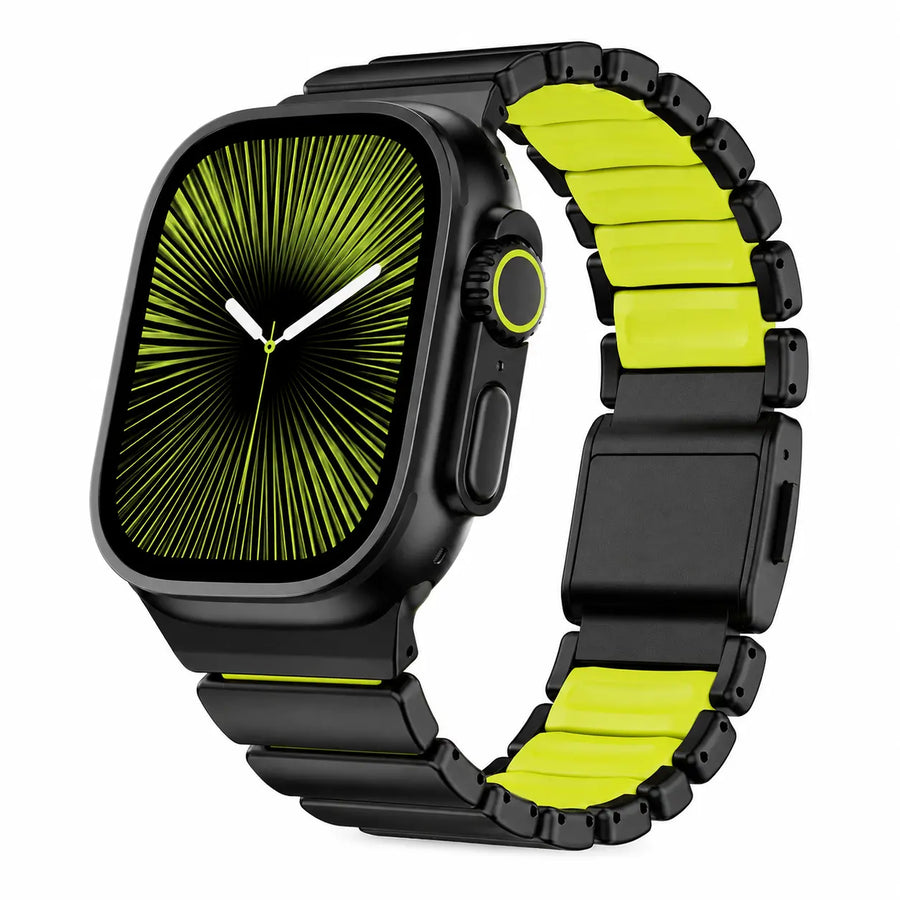
12 colors & finishes
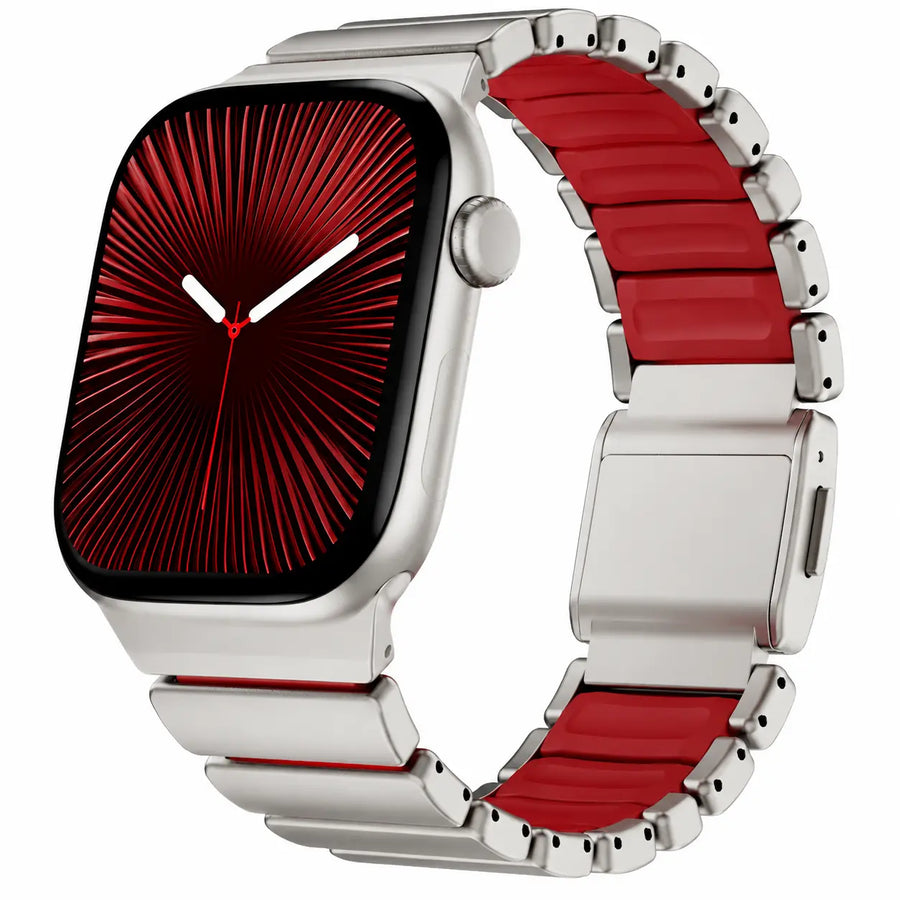
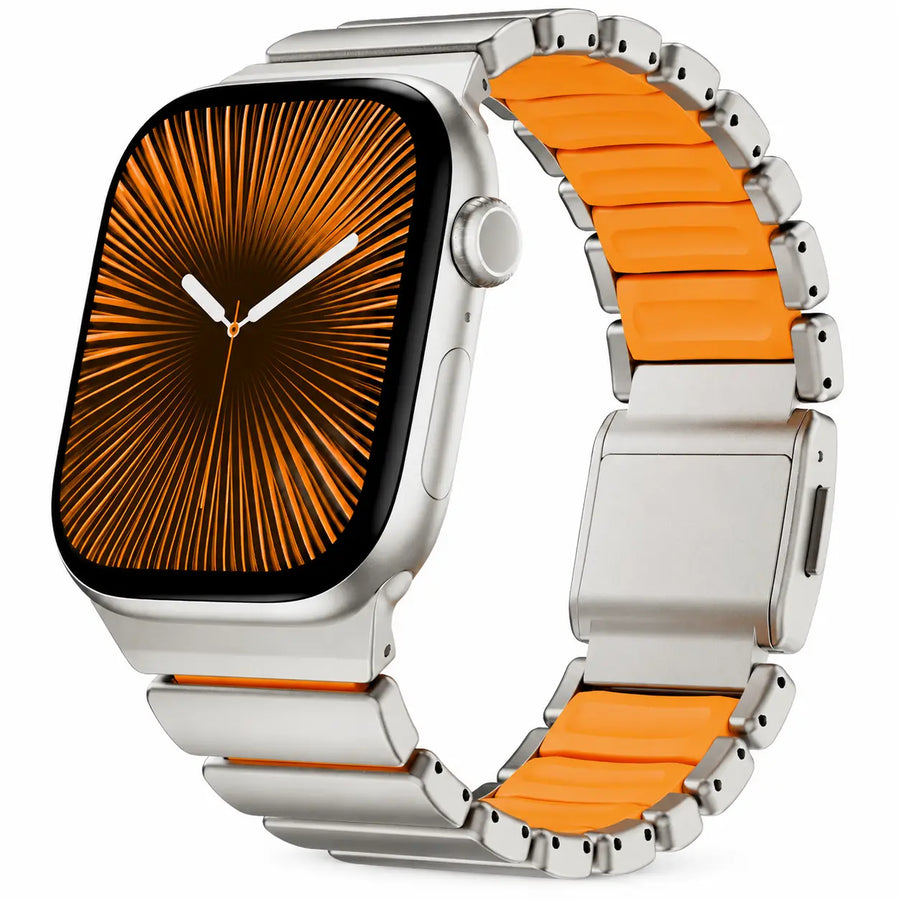
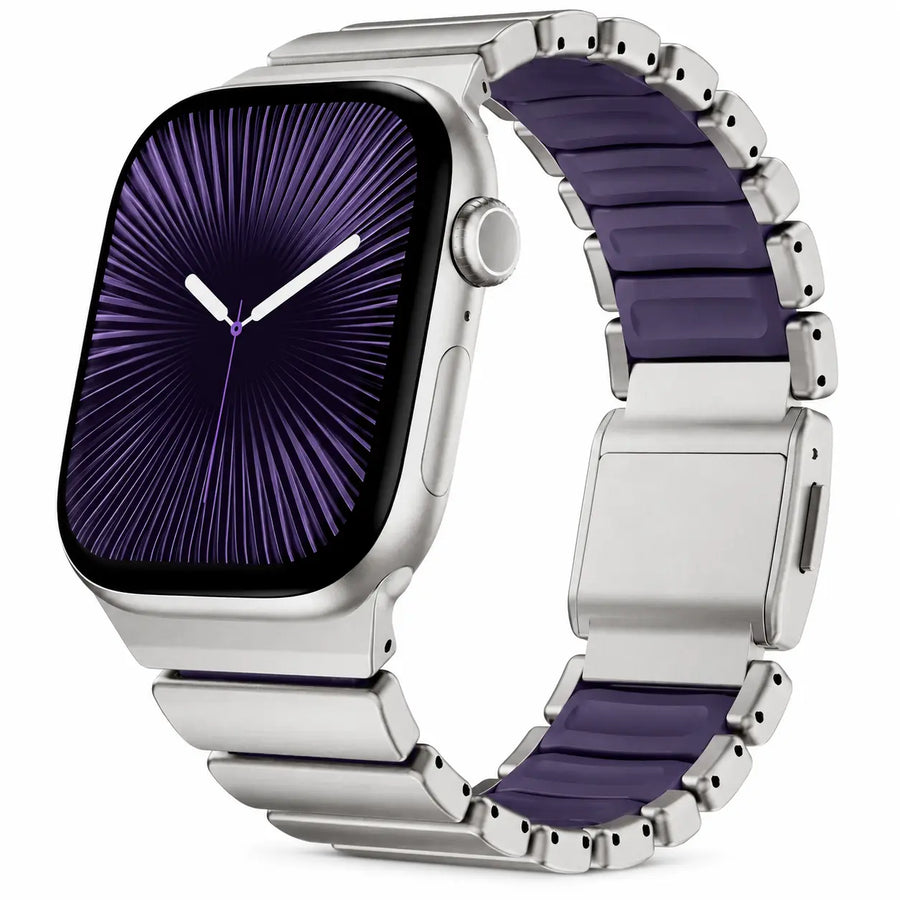
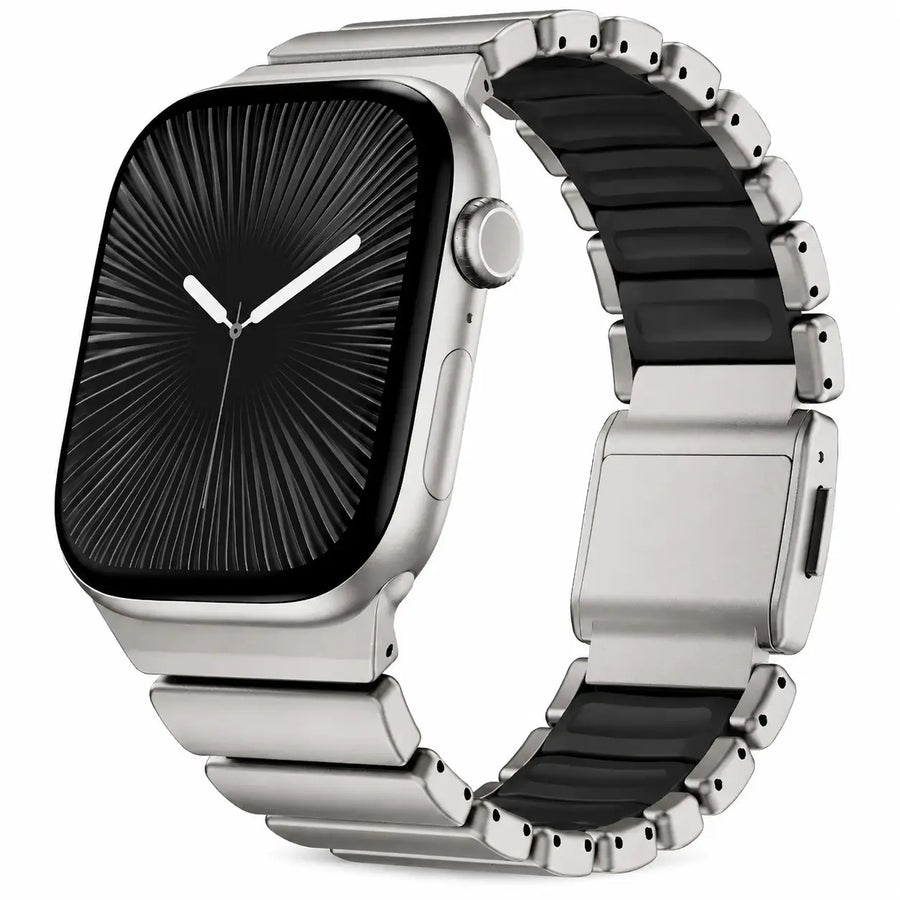
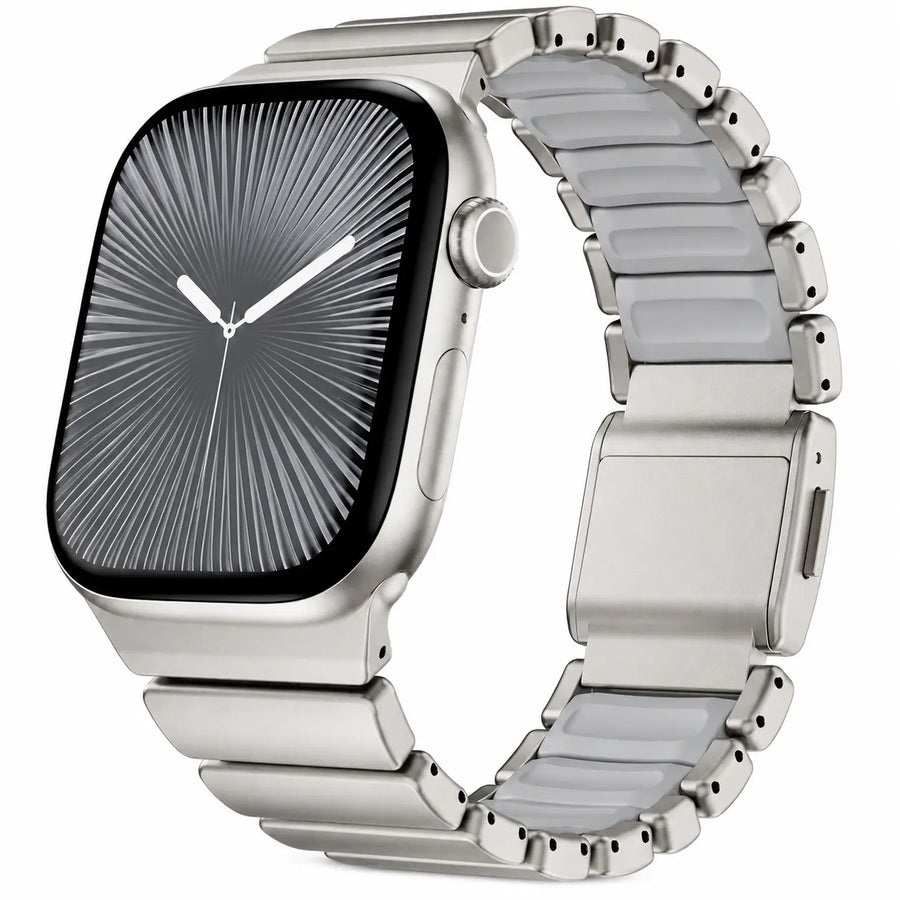
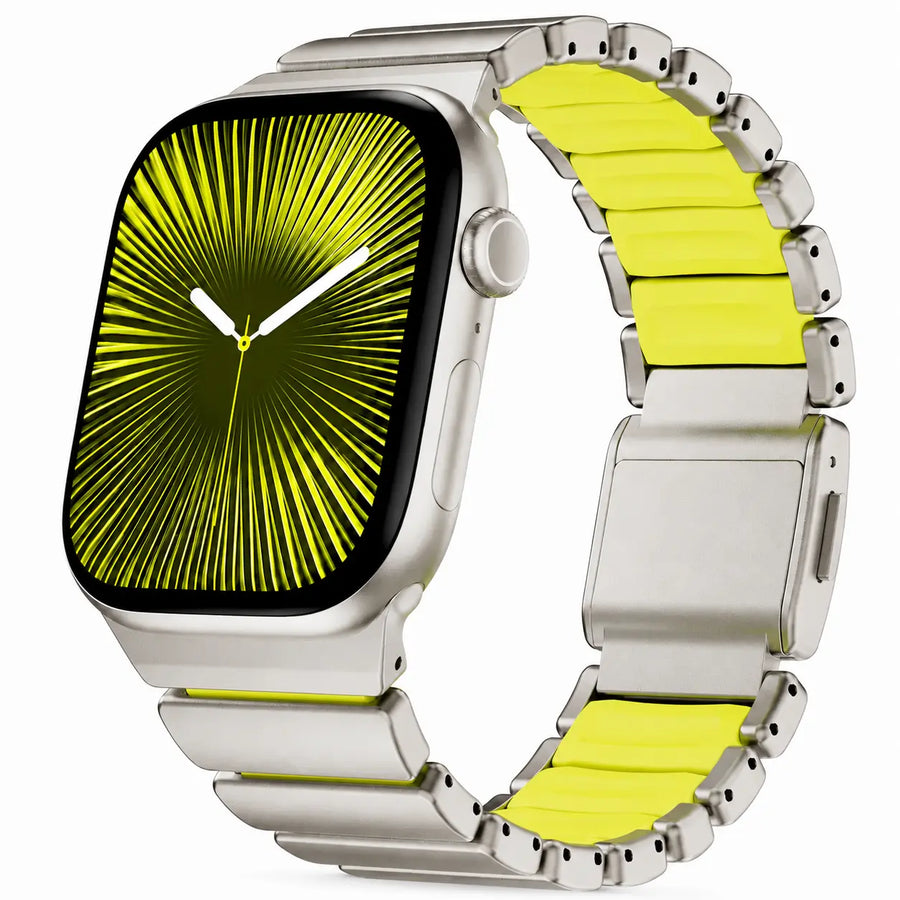
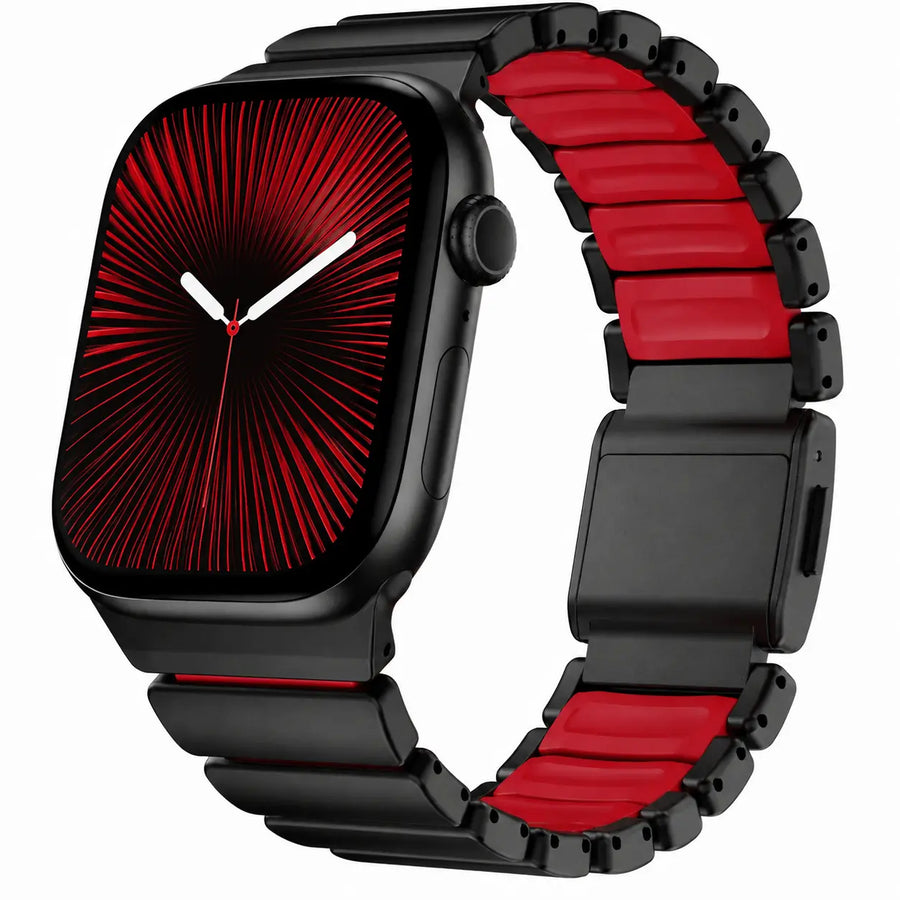
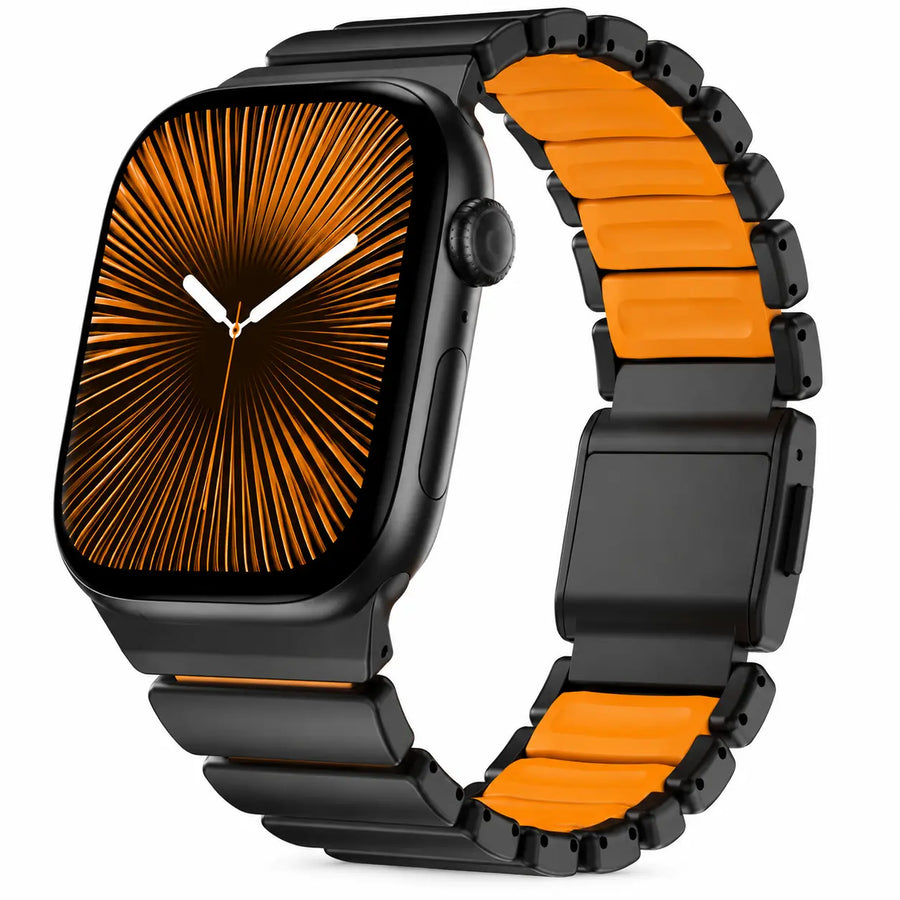
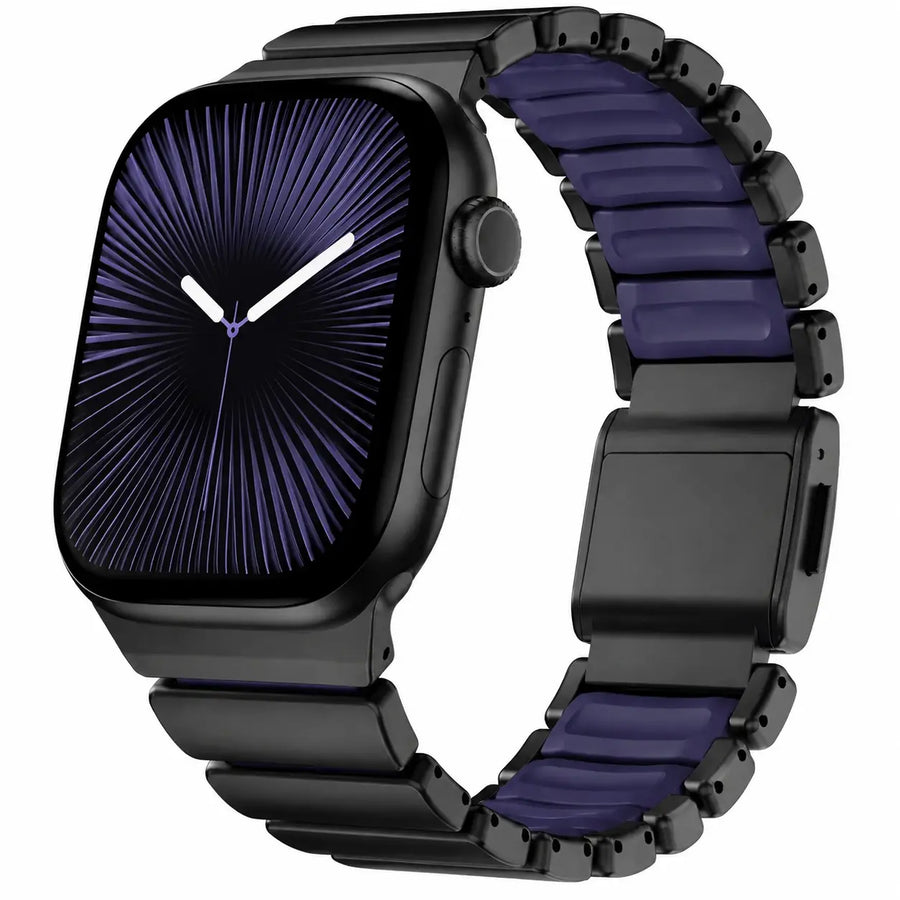
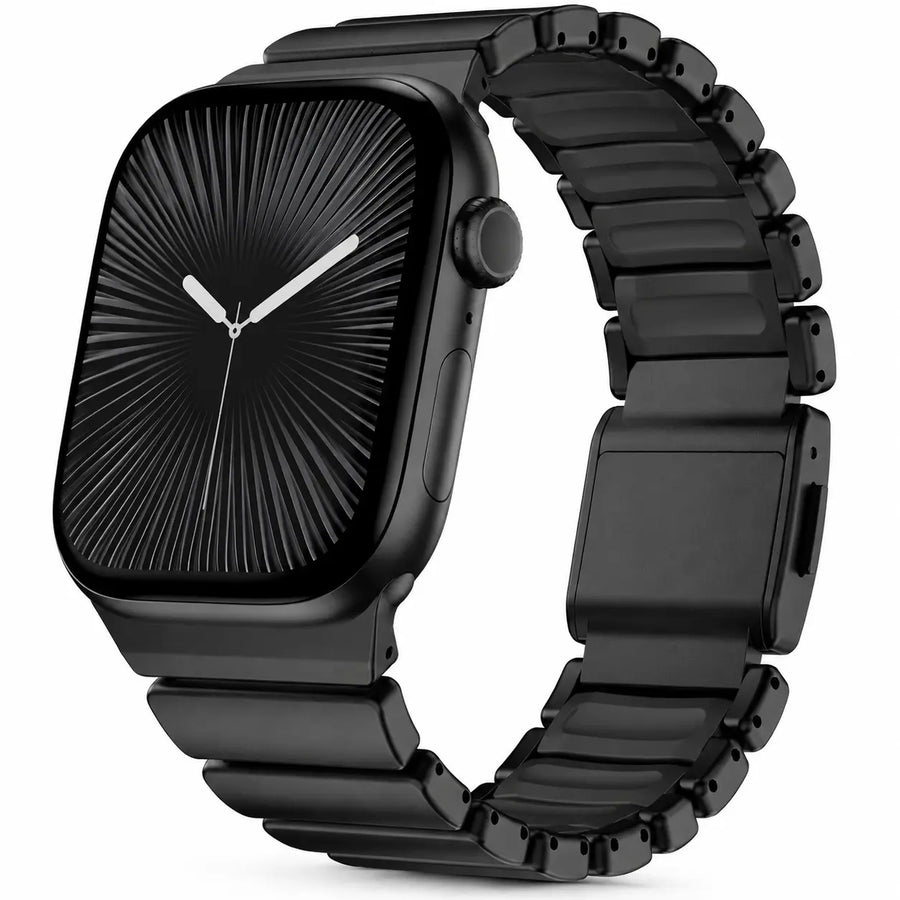
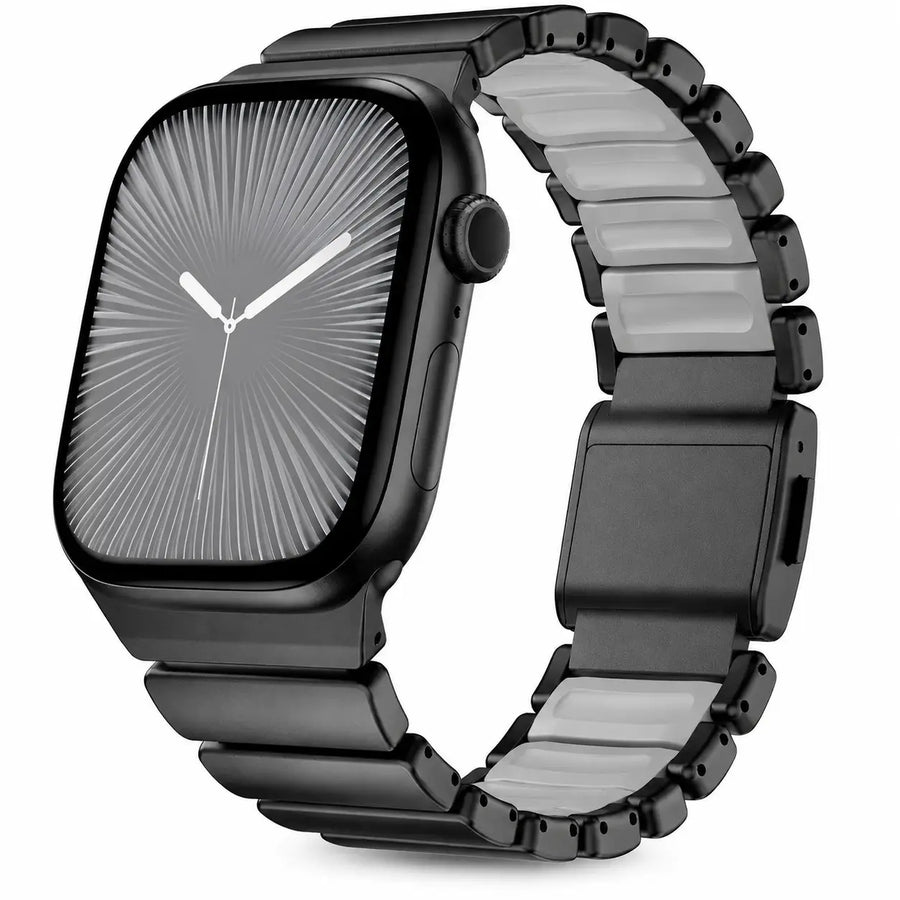
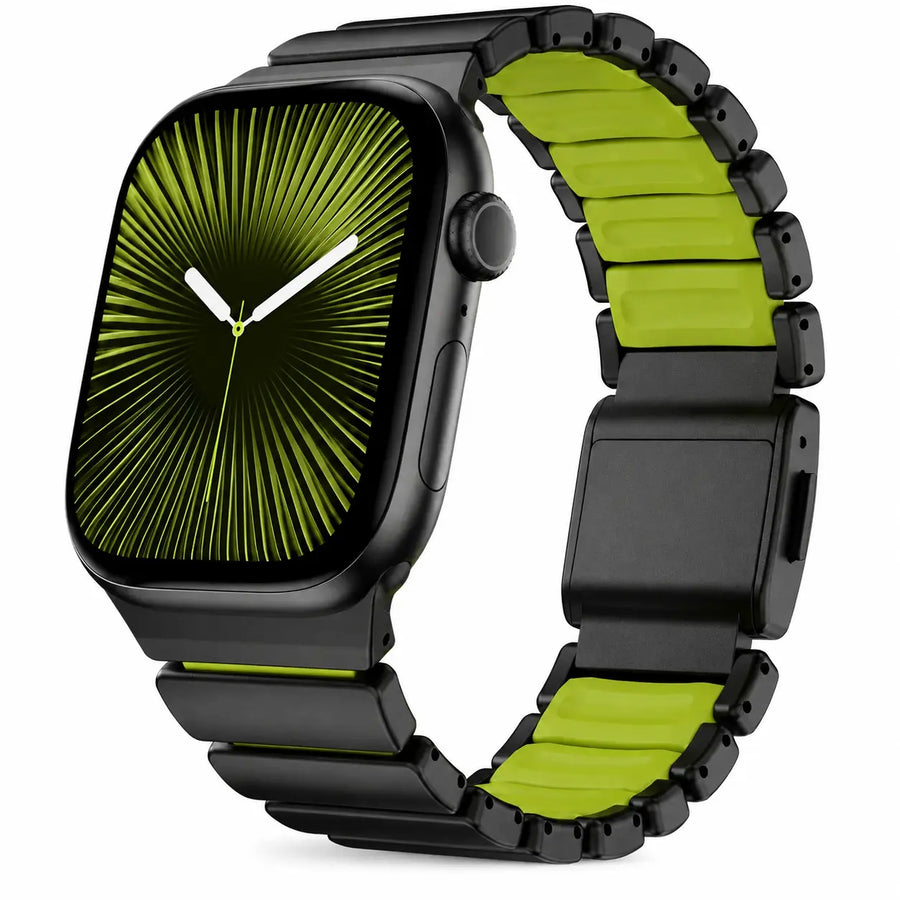
12 colors & finishes
12 colors & finishes
12 colors & finishes
The band size is preselected on each link. Product images illustrate the band finish; the Watch shown may differ from your model.
For travel. Pack one charger.
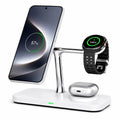
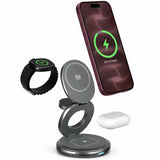
View allCharge your iPhone, Apple Watch and AirPods together. Choose a fold-flat design for lighter packing and a tidy hotel setup.
Pack lightA folding travel design
Charge togetheriPhone, Watch & AirPods
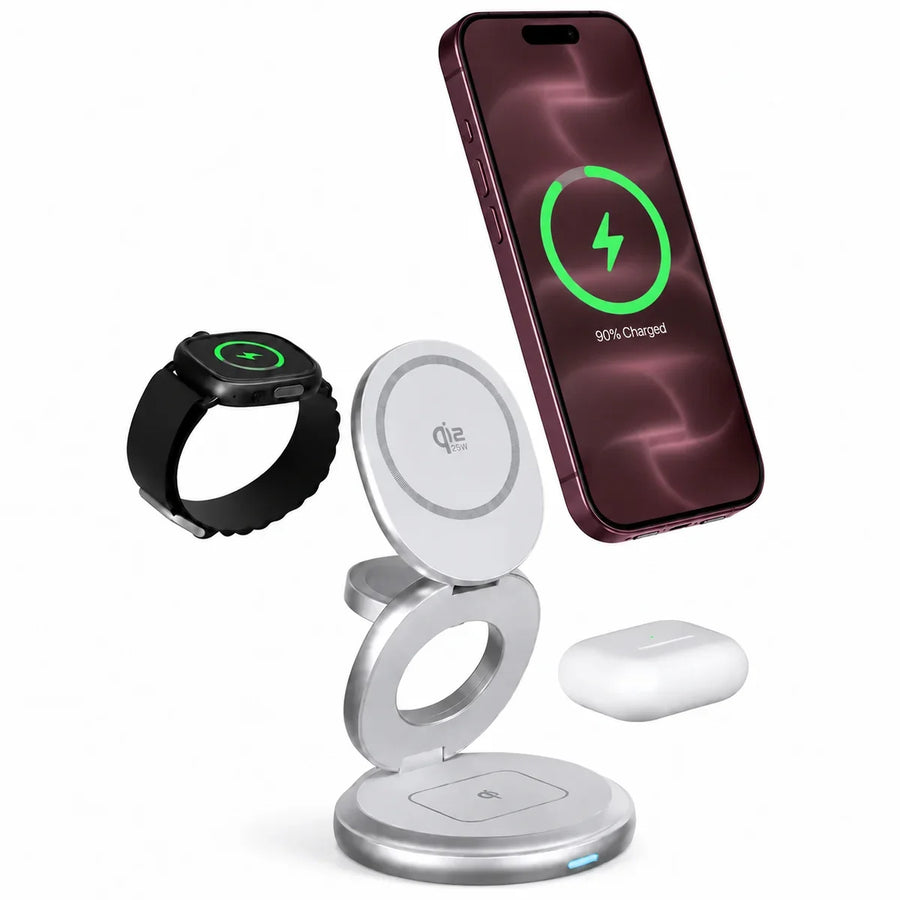

Check the included power adapter and your devices before choosing. AirPods require a wireless charging case; charging speeds vary by device.
At home. Everything in its place.
View allChoose a 3-in-1 for your phone, Watch and earbuds, or a multi-port hub for laptops and USB devices. Compare the ports you need.
By your bedA 3-in-1 charging station
At your deskMore USB-C ports

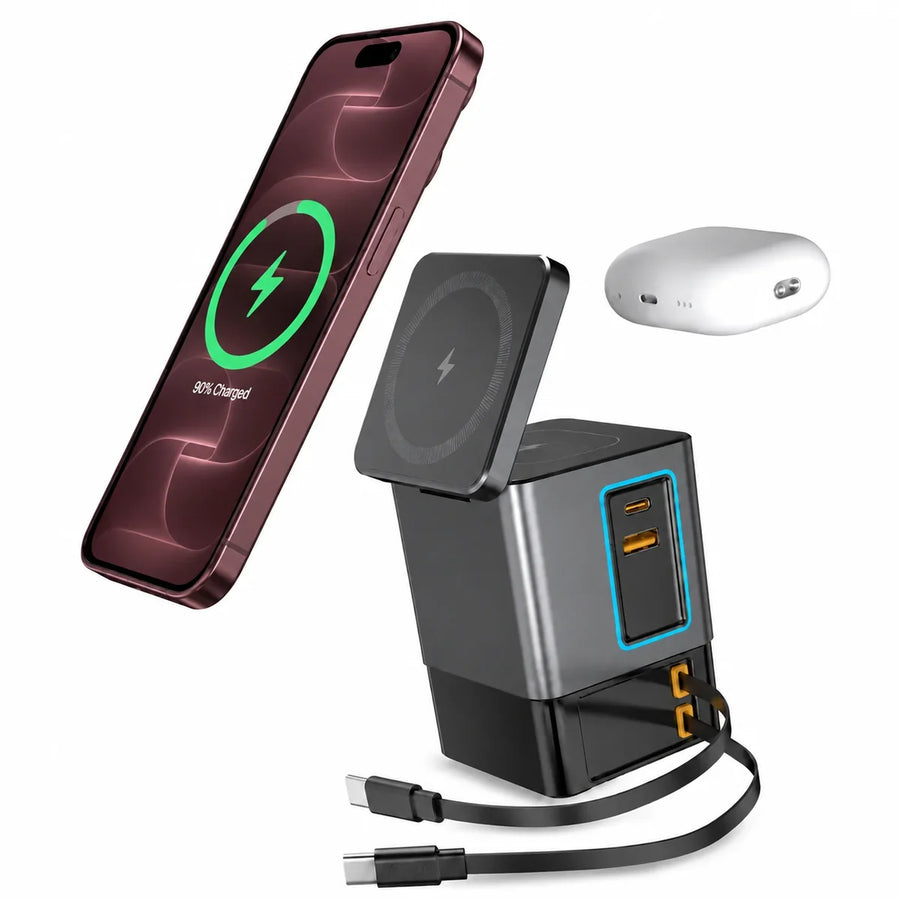
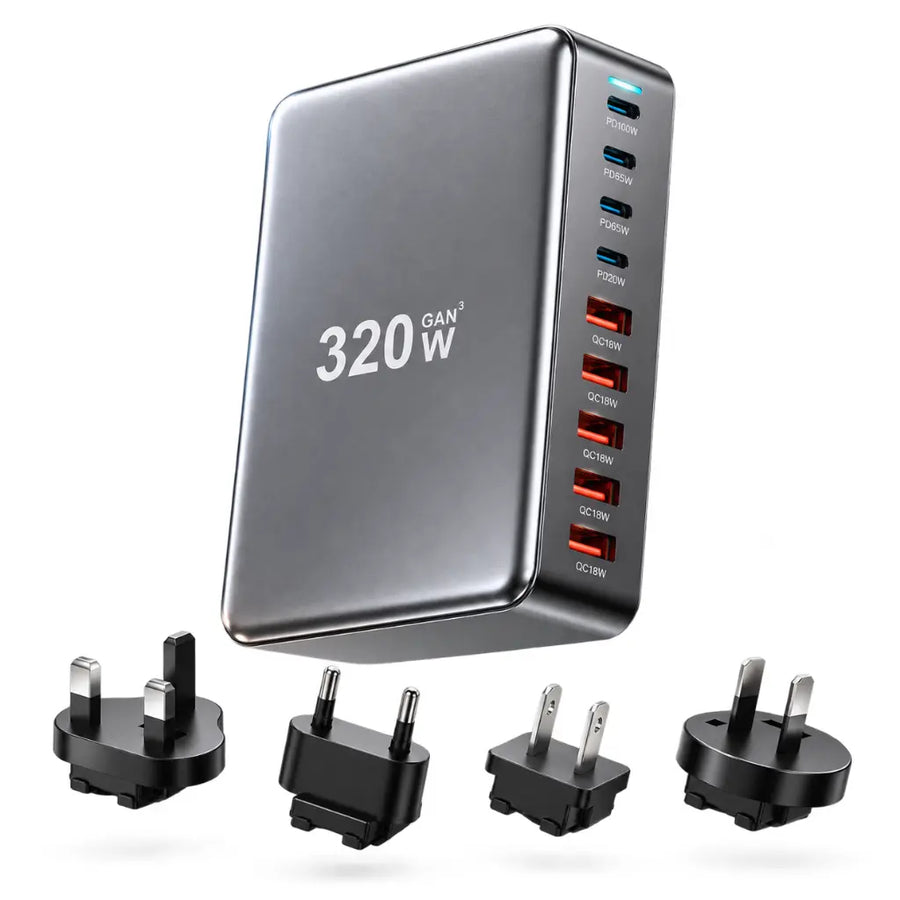
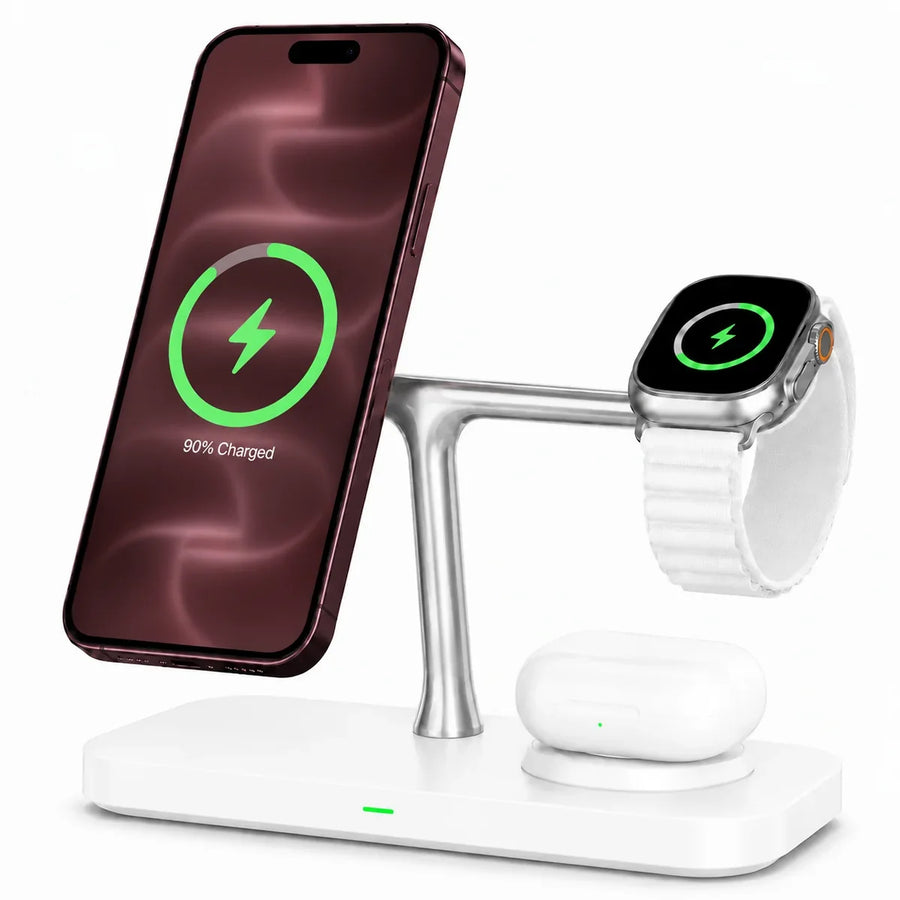
AirPods need a wireless charging case. PowerTower and PowerHub do not include a dedicated Apple Watch charging pad.
On the go. Power in your pocket.
View allPick slim magnetic power for daily carry or higher capacity for longer days. For tablets and laptops, compare USB-C output.
Travel lightSlim magnetic power
Stay out longerHigher battery capacity
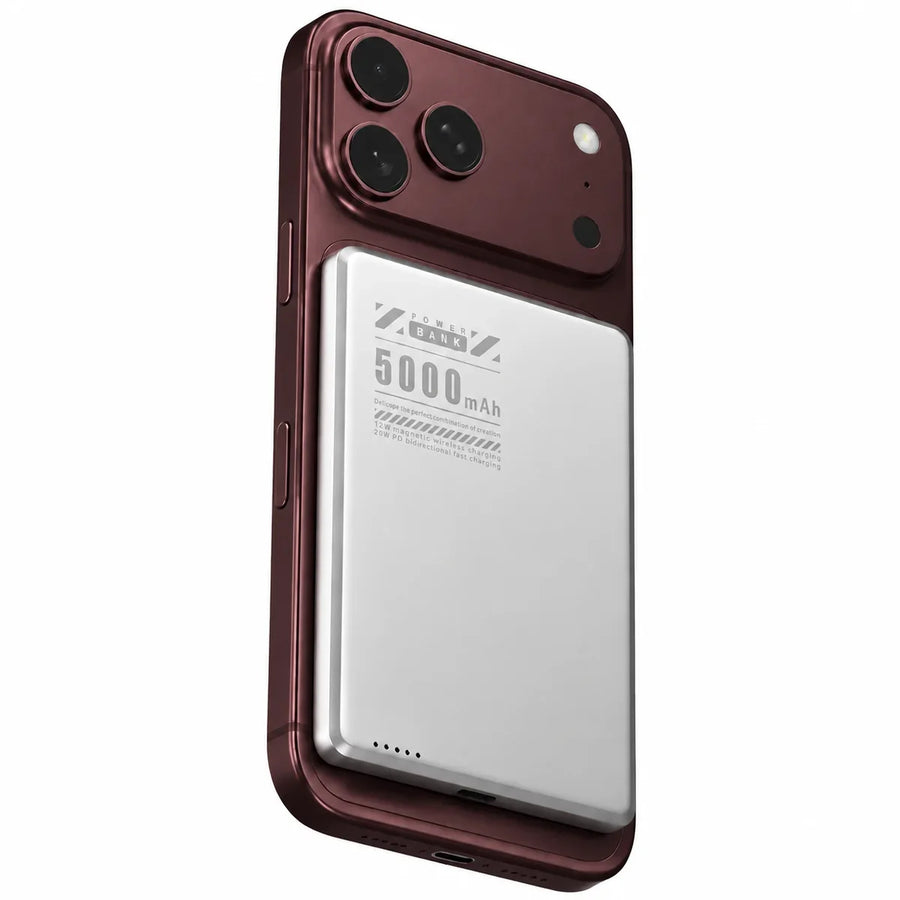
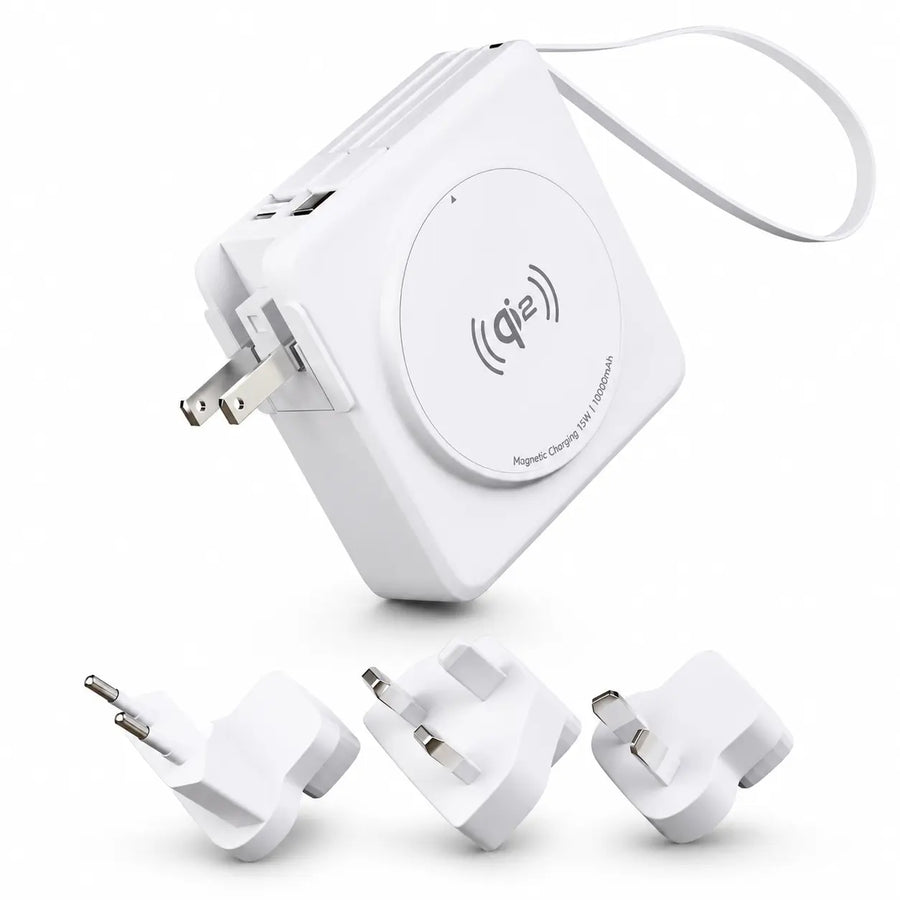
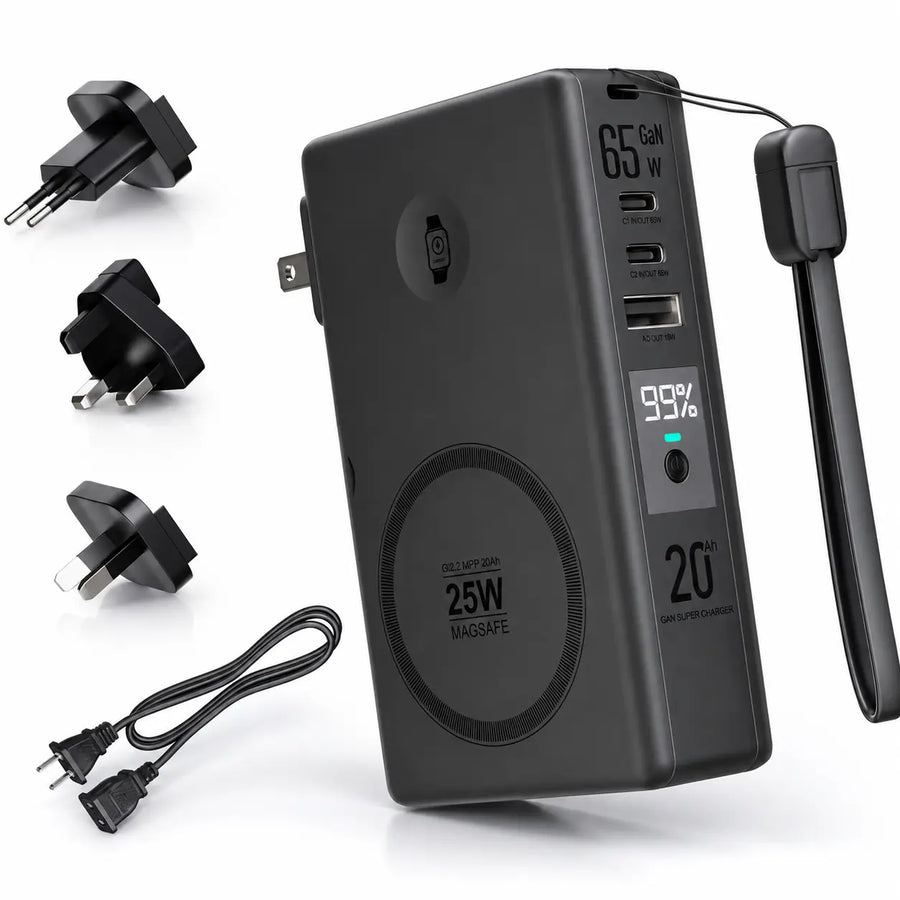
For magnetic attachment, choose a compatible magnetic case. Check port outputs if you plan to charge a laptop or another device.
In the car. Mount it. Charge it.
View allStart with where your phone will sit. Match the mount to your car, then check the phone and power-adapter requirements.
Mounting positionVent or smooth surface
Charging powerCheck your USB-C adapter
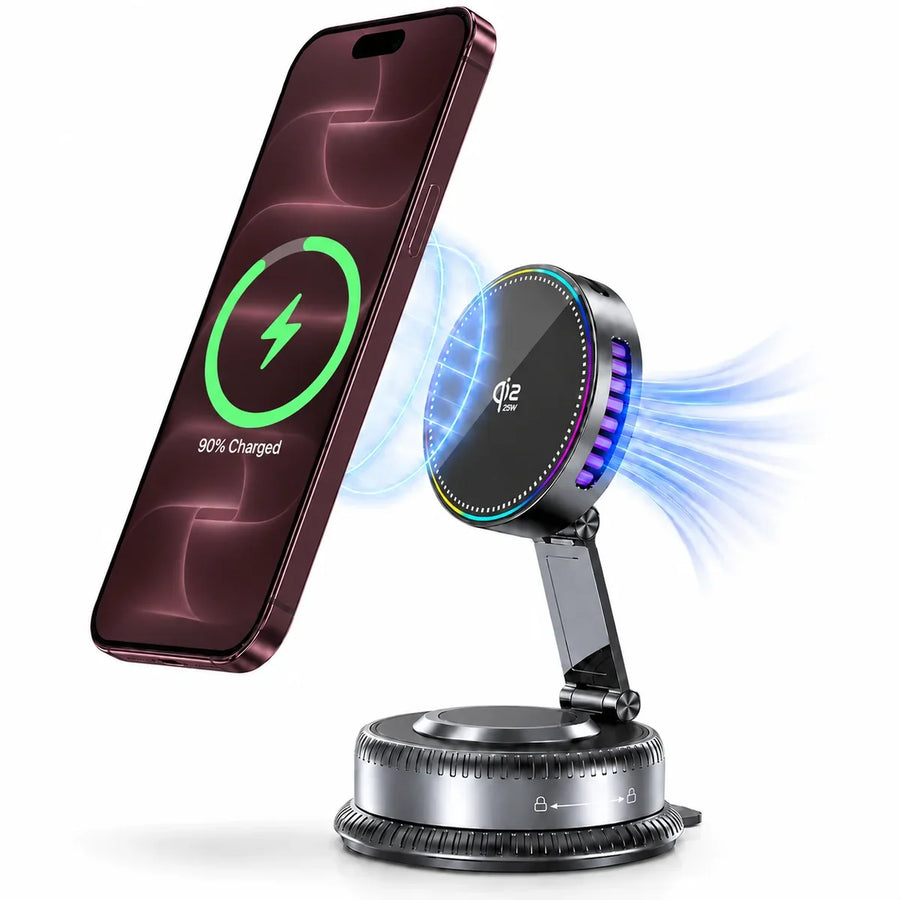
Magnetic car charging, flexible positioning.
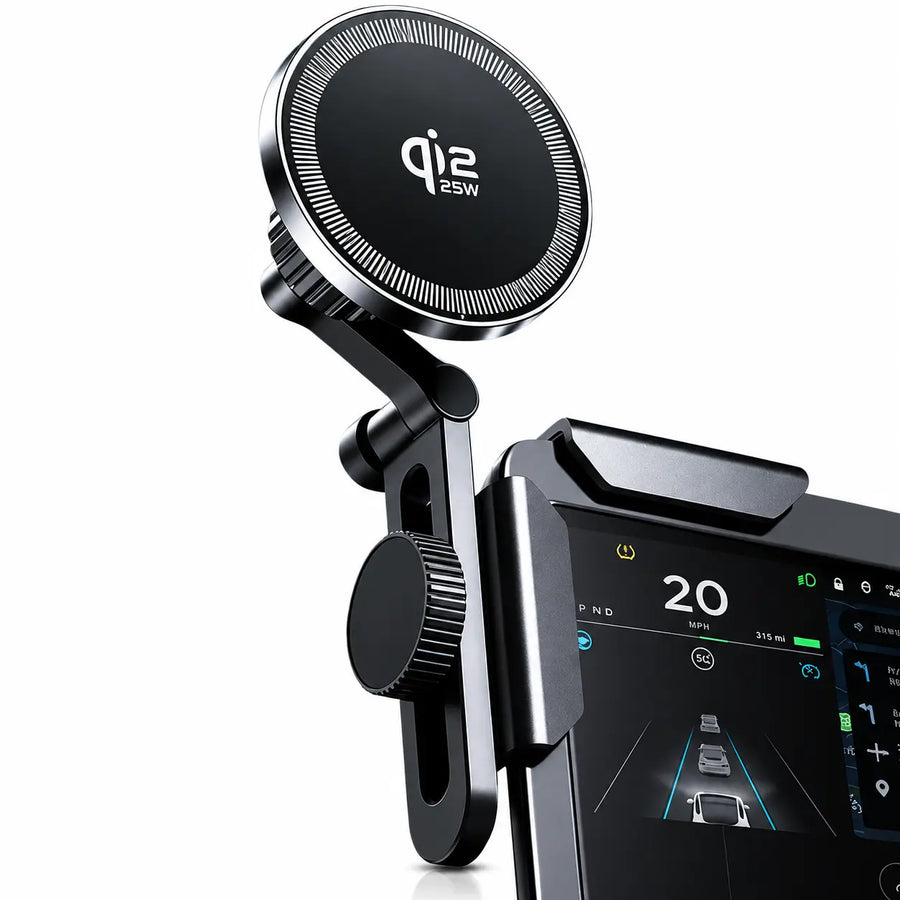
Magnetic charging for Tesla interiors.
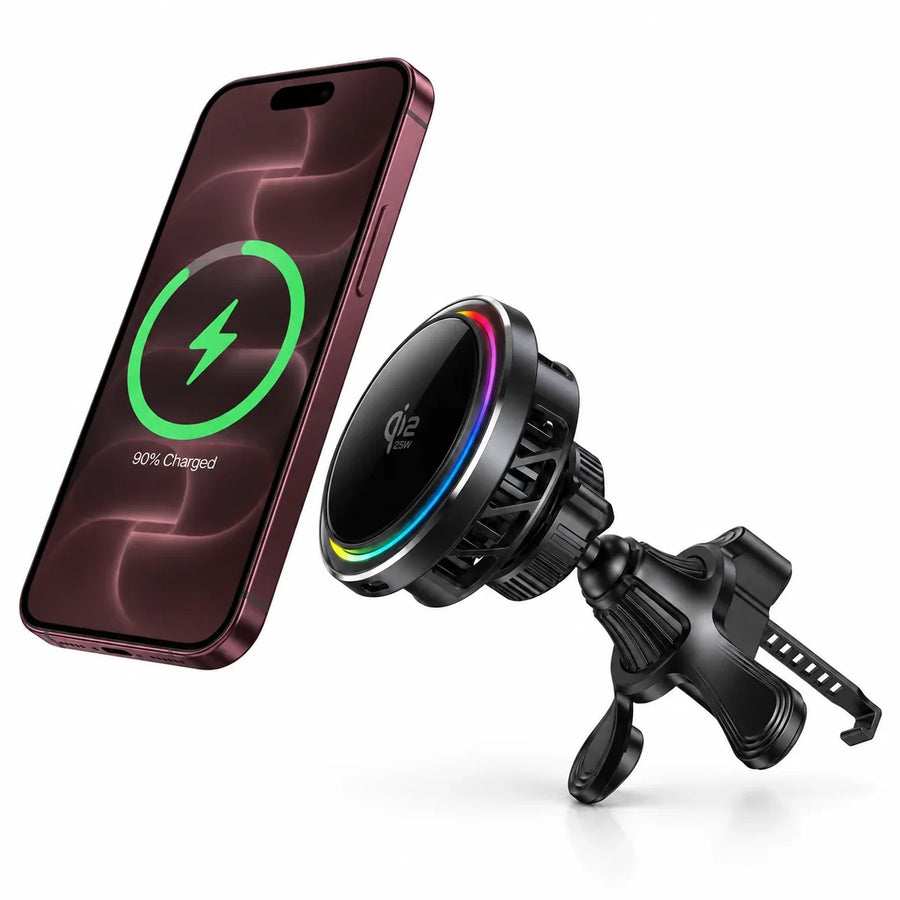
Magnetic charging with active cooling.
Check your vent or mounting surface and power adapter. For MagDrive Edge, check your Tesla model and mounting position. MagDrive Pro supports up to 25W with a compatible phone and a USB-C PD adapter supplying 15V/3A. Charging speed varies by device.
Just need a better place for your phone?
View allChoose a holder for your desk, a smooth surface or on the move. Check the mounting method and whether the product also charges your phone.
At your deskKeep your phone in view
On the moveMatch the mount to its use
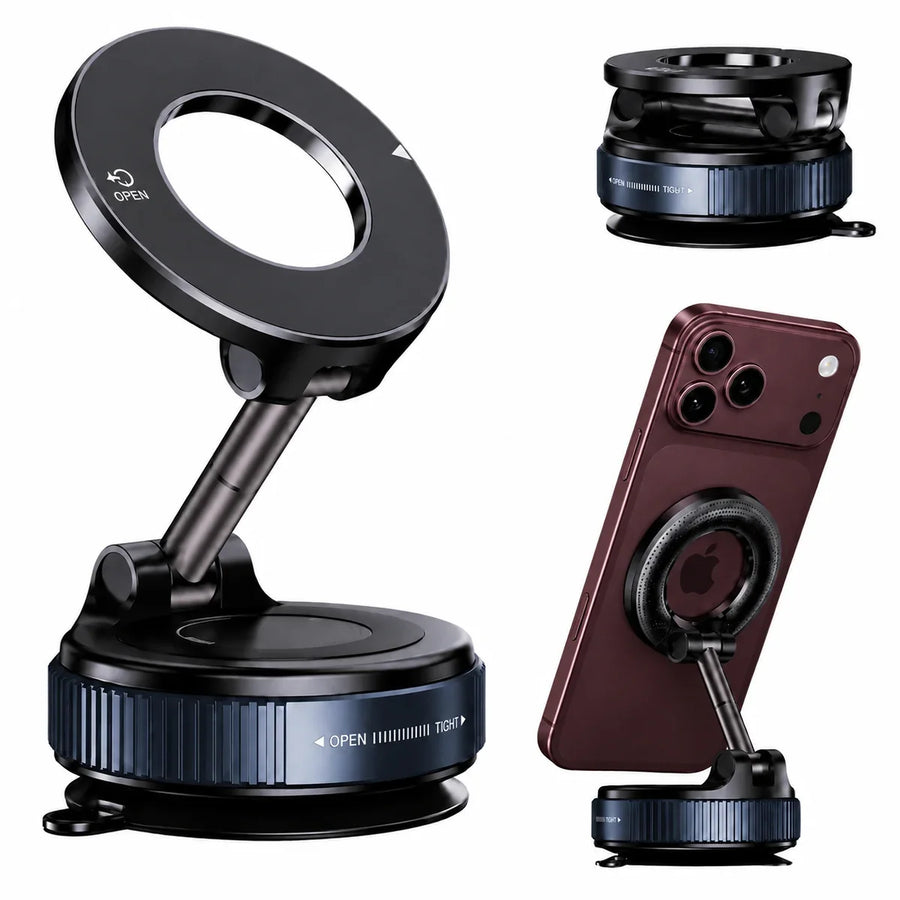

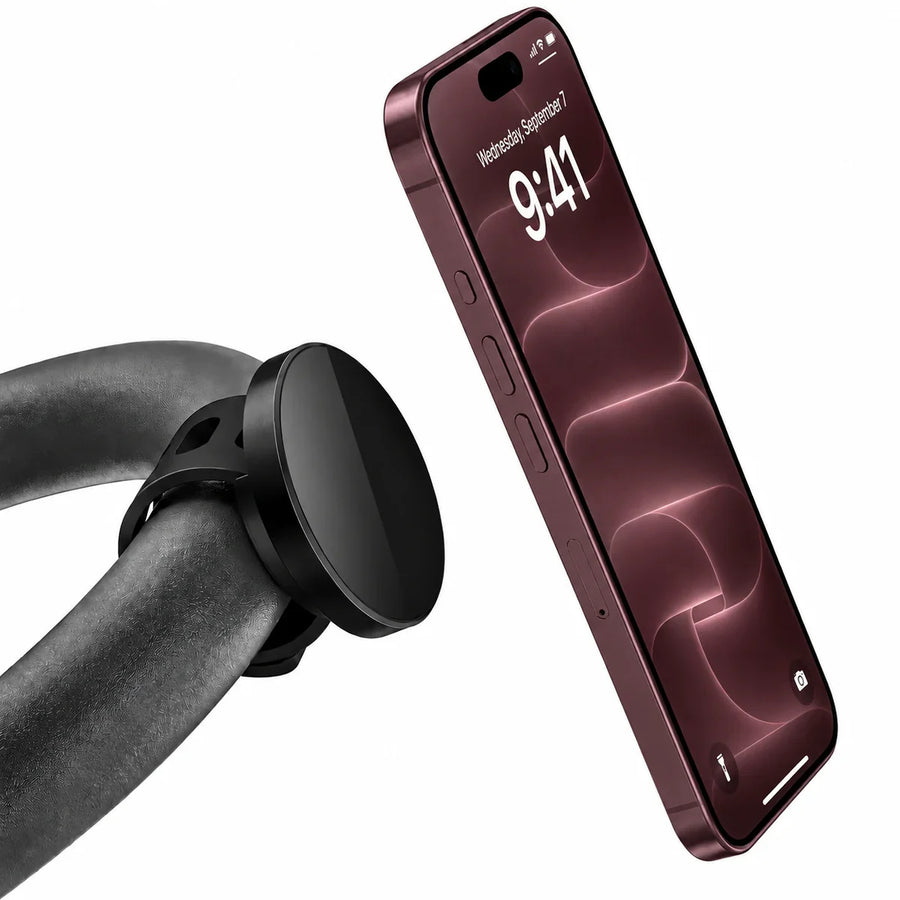
Choose a mount for the surface and activity you plan to use. Confirm magnetic case compatibility on the product page.
Everyday carry.
View allKeep cards with your phone using a magnetic wallet, add a tracker to a wallet you own, or choose an organizer to keep keys together. Check which options include Find My tracking.
Carry lessCards with your phone
Find it fasterWallet and key tracking
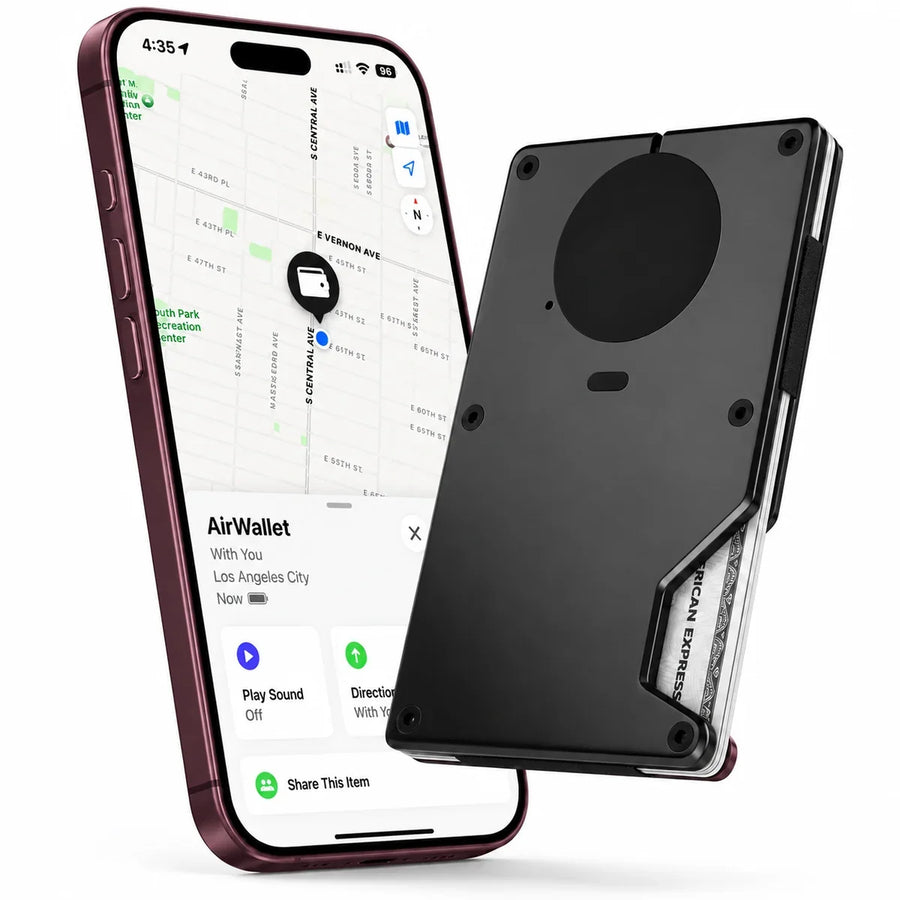
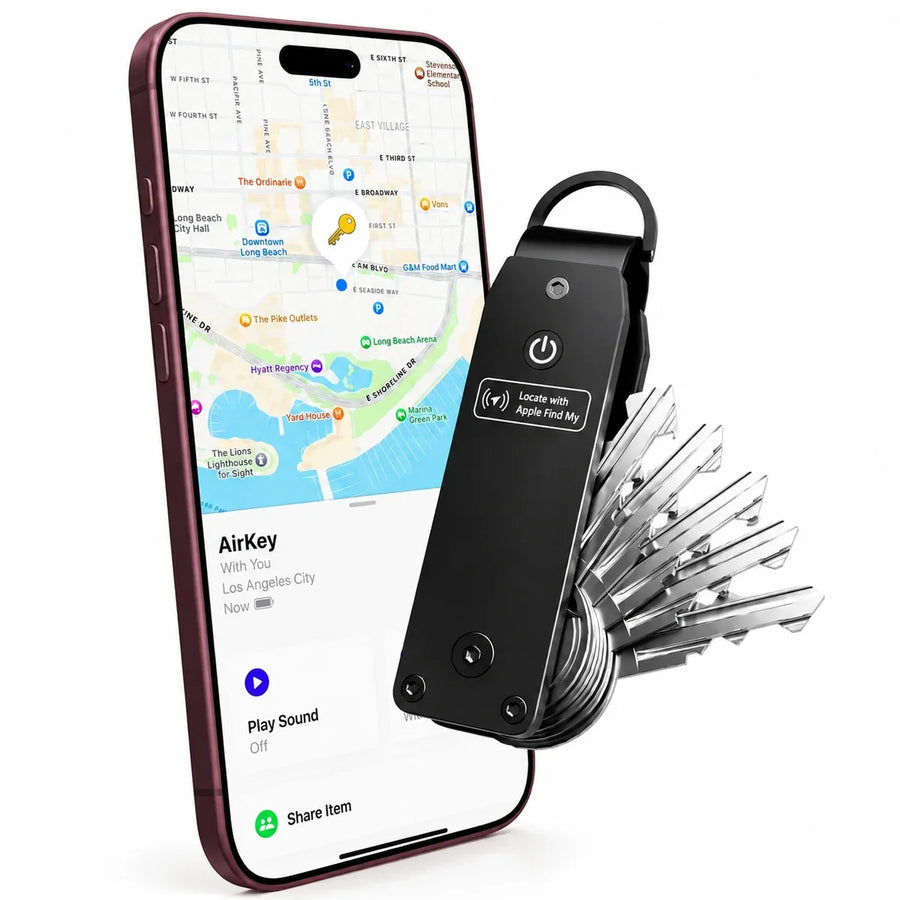

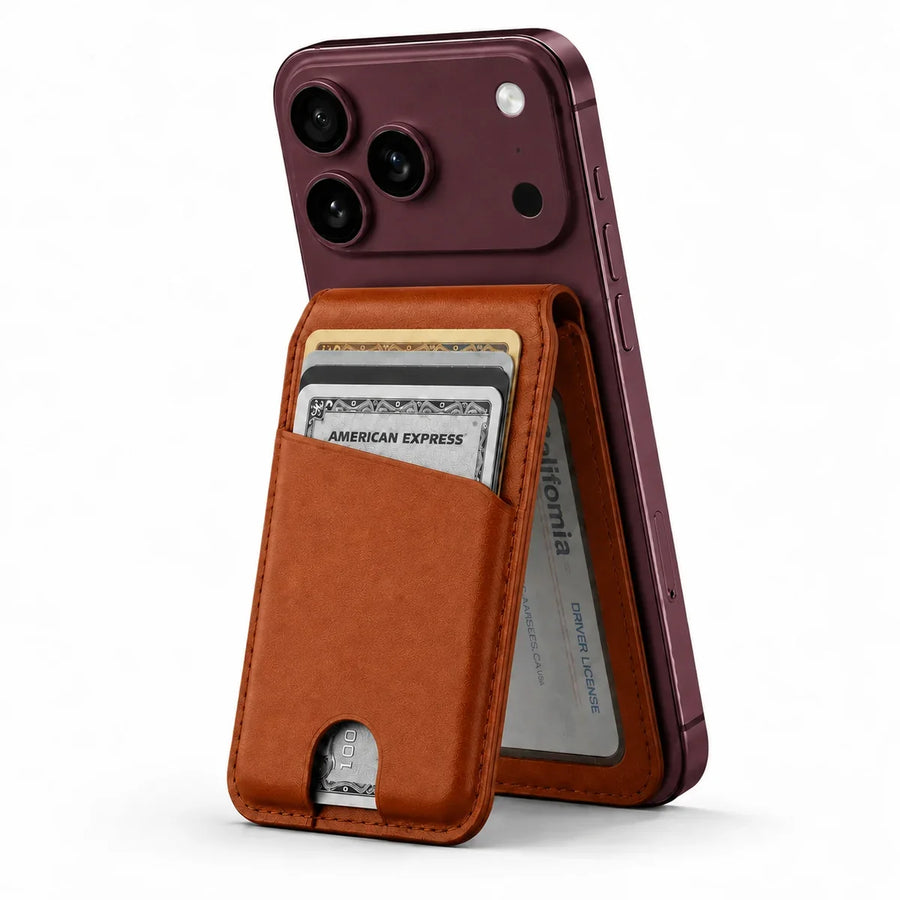
Choose a tracker for your wallet or keys, or a magnetic wallet for your phone.
A little help choosing.
How do I choose the right case?
Check Settings → General → About → Model Name on your iPhone, then select that exact model above. Pro, Pro Max and Duo cases have different shapes and are not interchangeable.
Which Duo case should I choose?
Choose Clear to show your phone finish. Choose Stand for hinge protection, a front screen protector and a ring stand. Choose Stand Aura for a colorful rear shell and rotating ring stand; it does not include a front protector or hinge cover.
Which charger fits my setup?
For iPhone, Apple Watch and AirPods together, start with a 3-in-1 charger. Choose MagStation for a fixed spot or MagFold for travel. For a laptop and other wired devices, compare the USB ports and outputs on a desktop charger.
Will it charge my AirPods or attach to my case?
AirPods must have a wireless charging case to use an earbud charging pad. Magnetic accessories need a compatible magnetic phone or case. Check the exact model, fit and charging requirements on the product page.
How do I choose accessories for my case?
Start with your exact phone model, then compare compatible chargers, power banks and mounts. Check the case and accessory requirements on each product page before adding them to your bag.
Guides & Advice
Choose with confidence
Helpful comparisons and practical advice for finding the right setup.
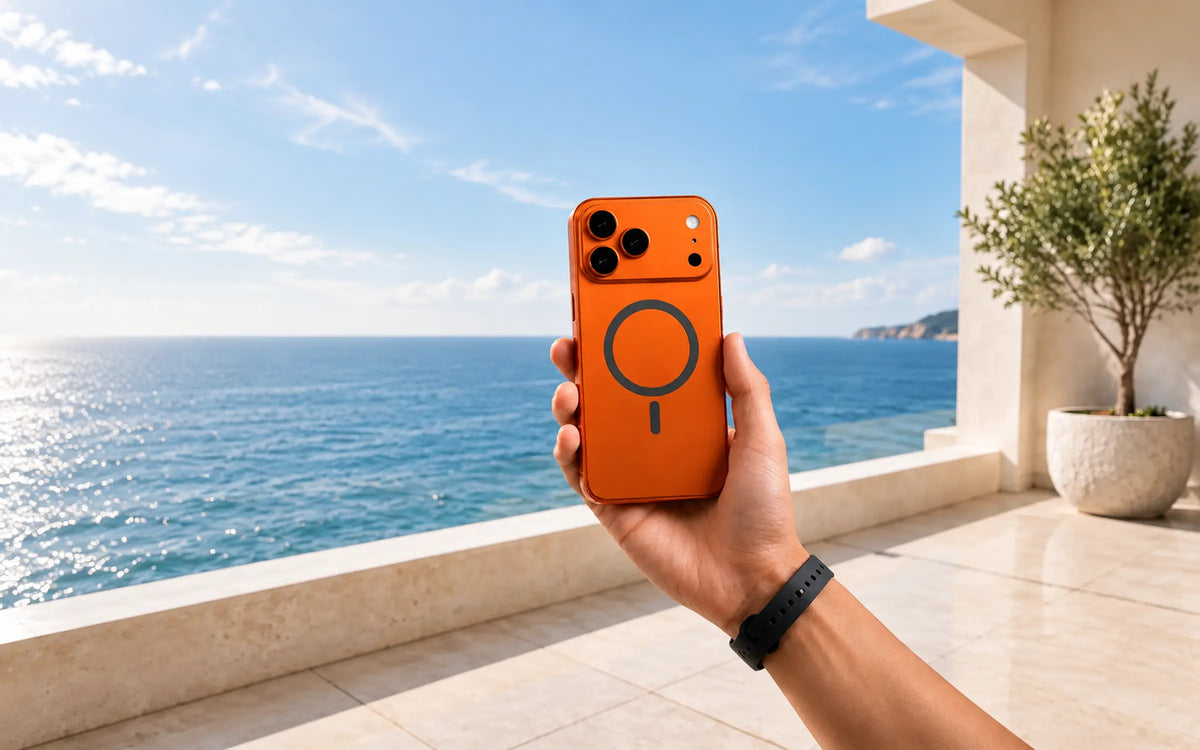
Buying guide
How to choose an iPhone 18 case
The right iPhone 18 case should match your exact phone model, protect the areas you actually expose, and keep magnetic charging dependable without making...
Read guide
Buying guide
Compare iPhone 18 Pro and Pro Max cases
“Best” depends on how you carry and use your phone. Compare Evolved case styles by grip, coverage, hands-free use, visibility and everyday bulk.
Read guide