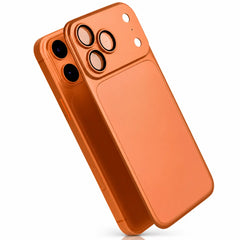






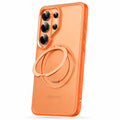
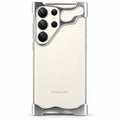








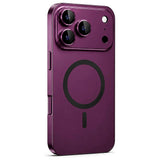

Thin back protection
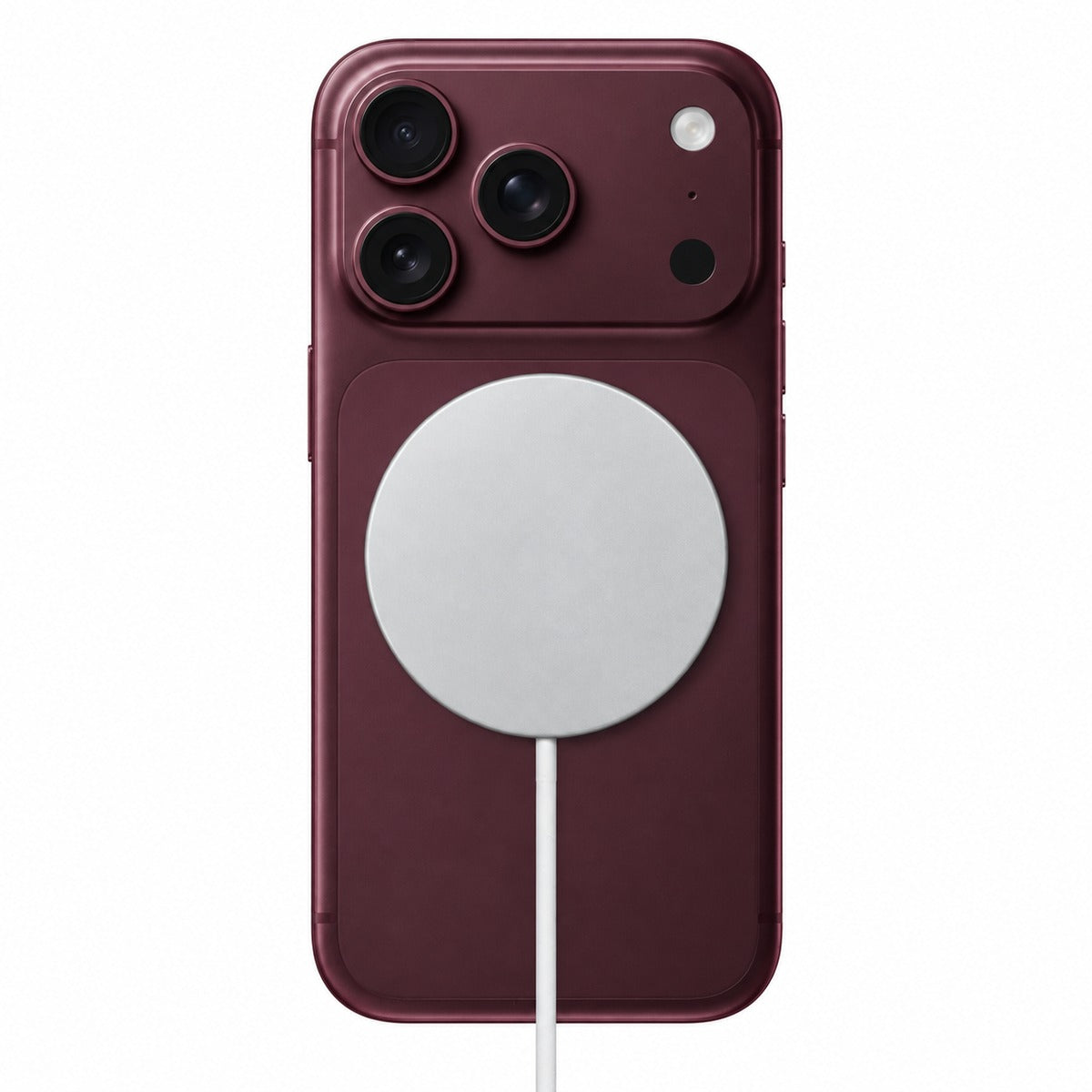
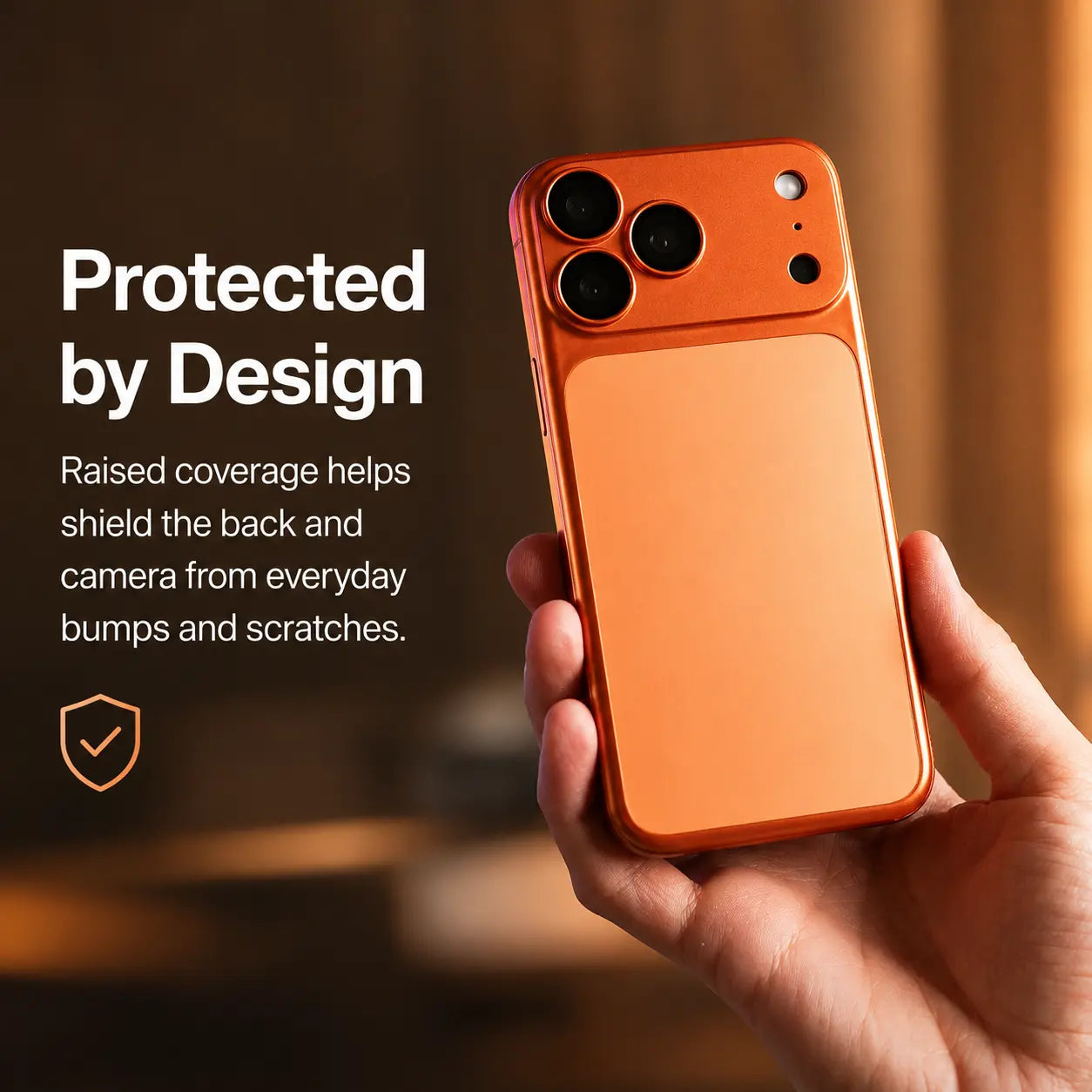
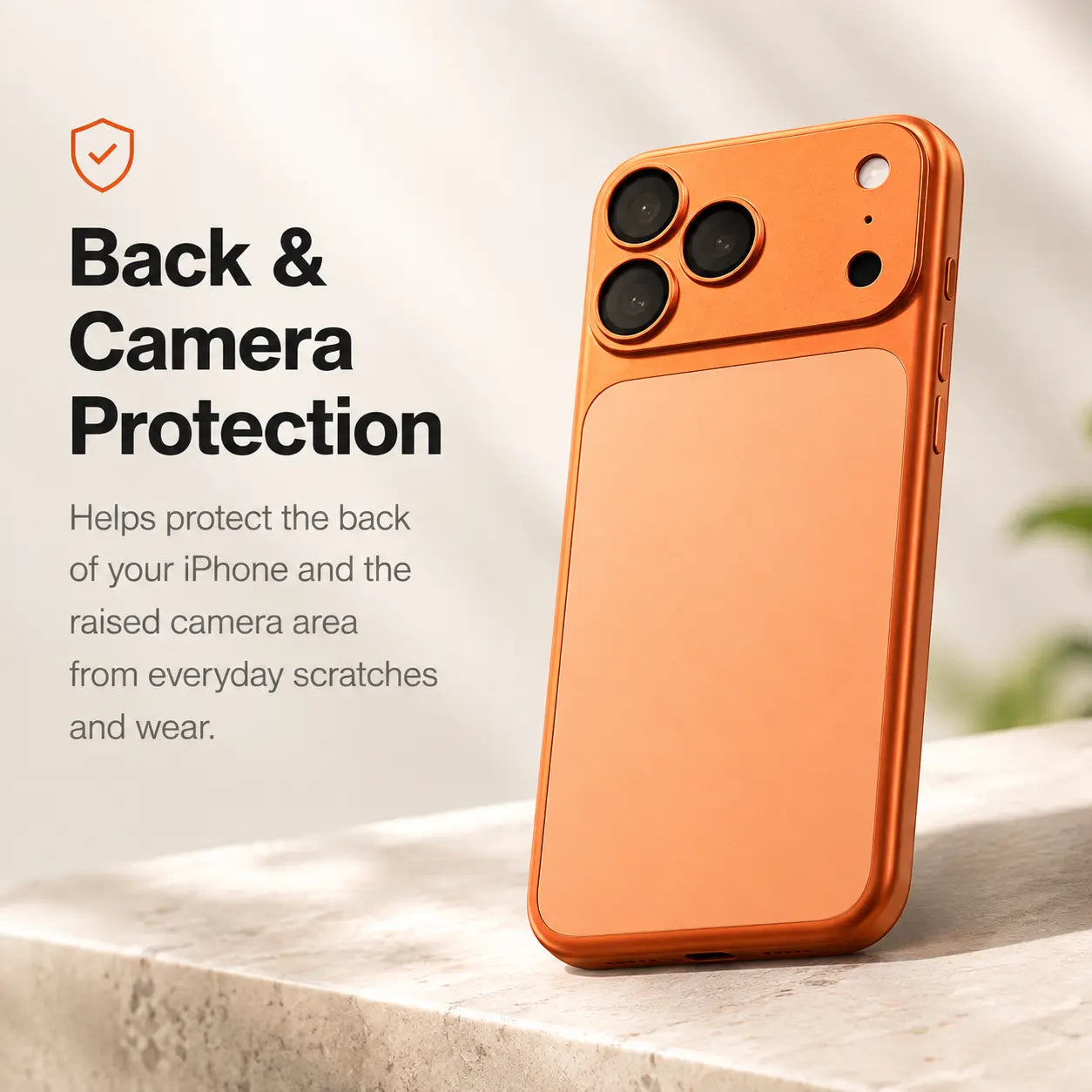
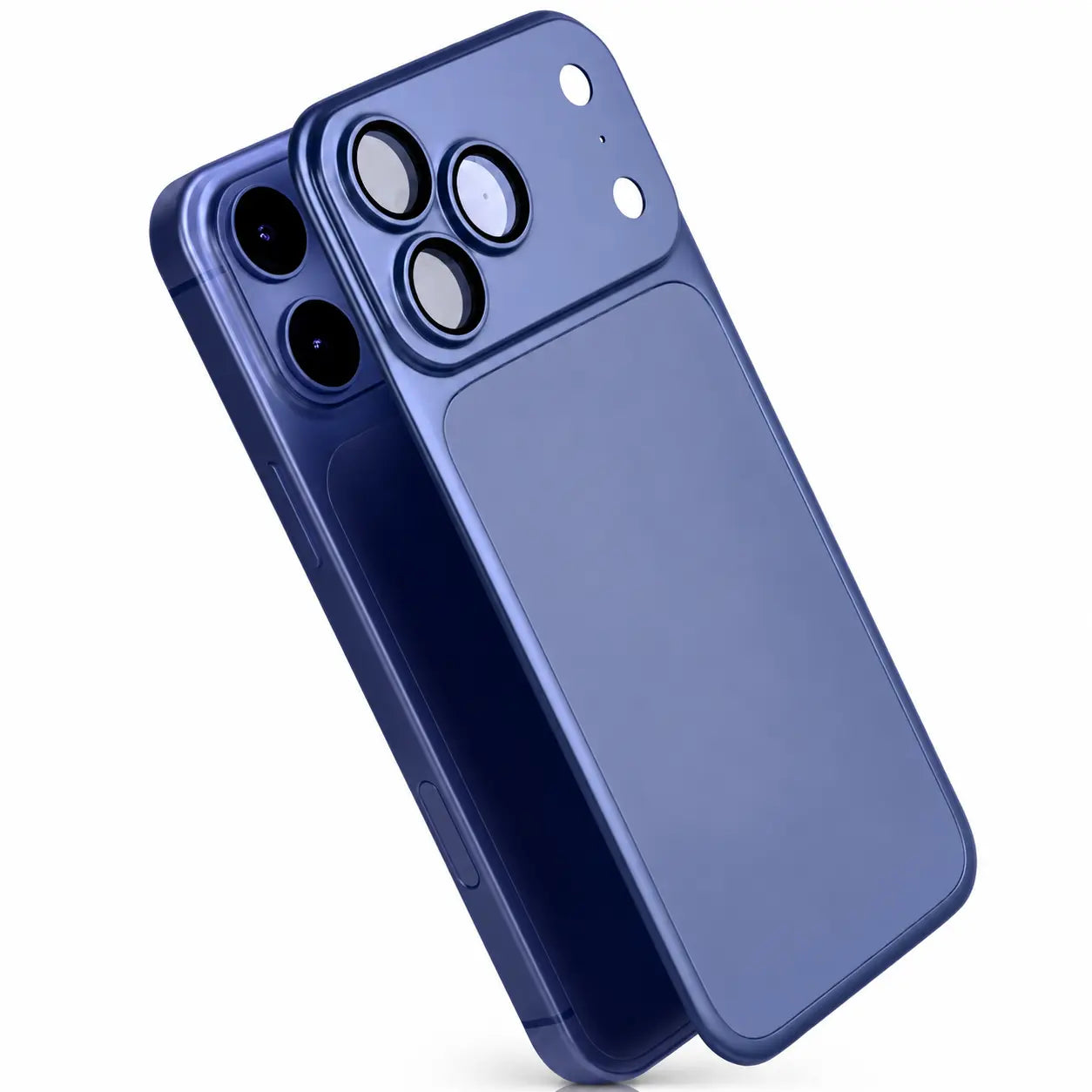
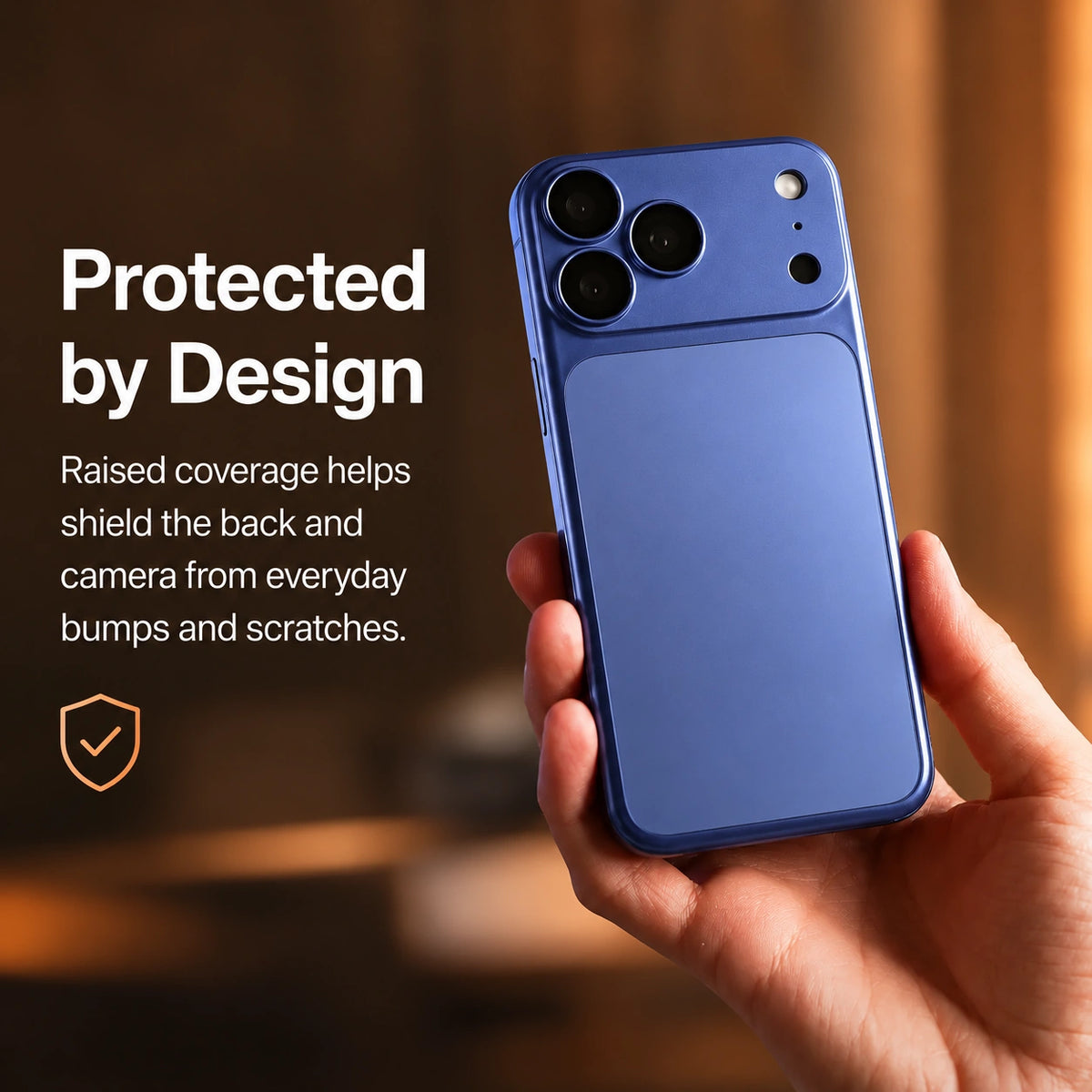
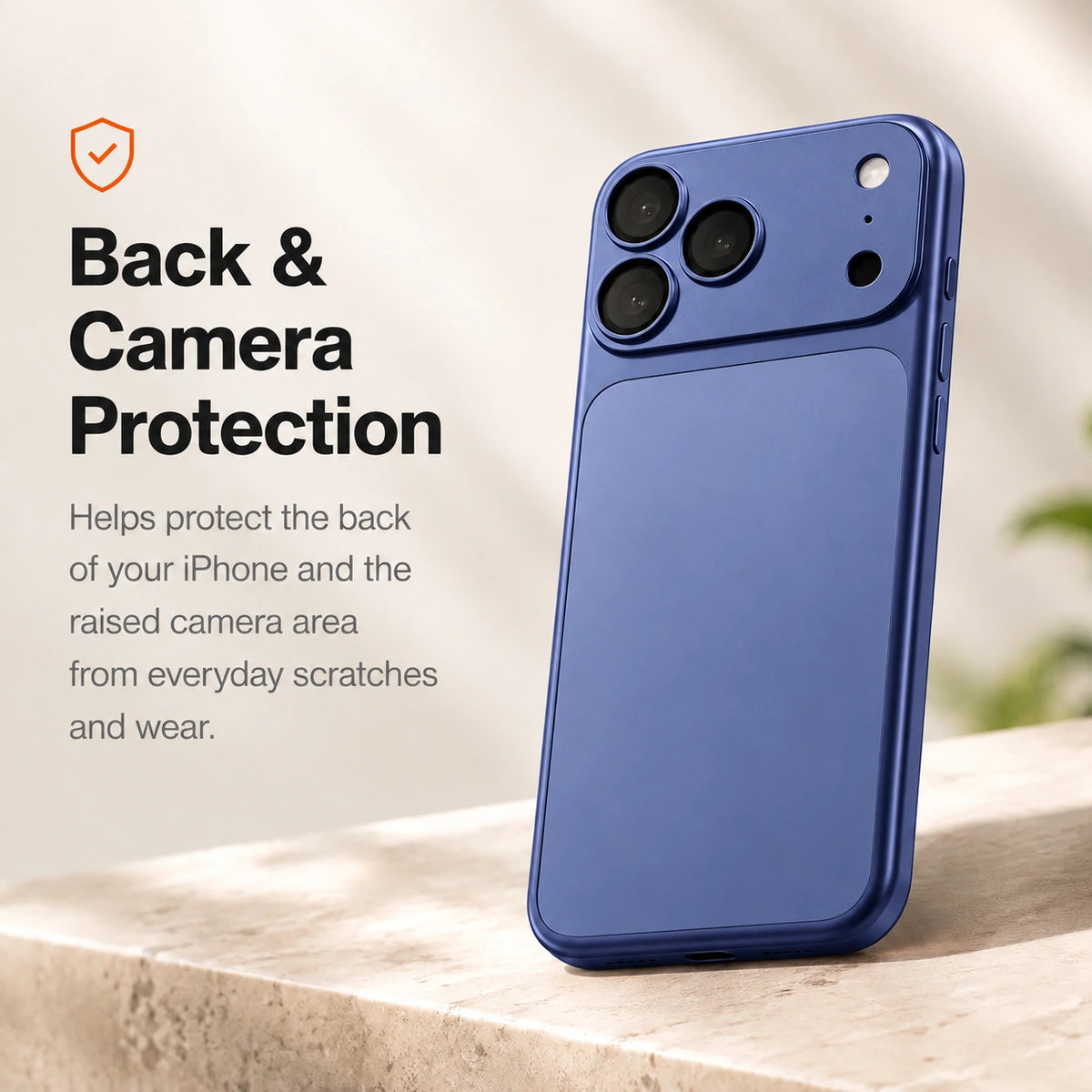
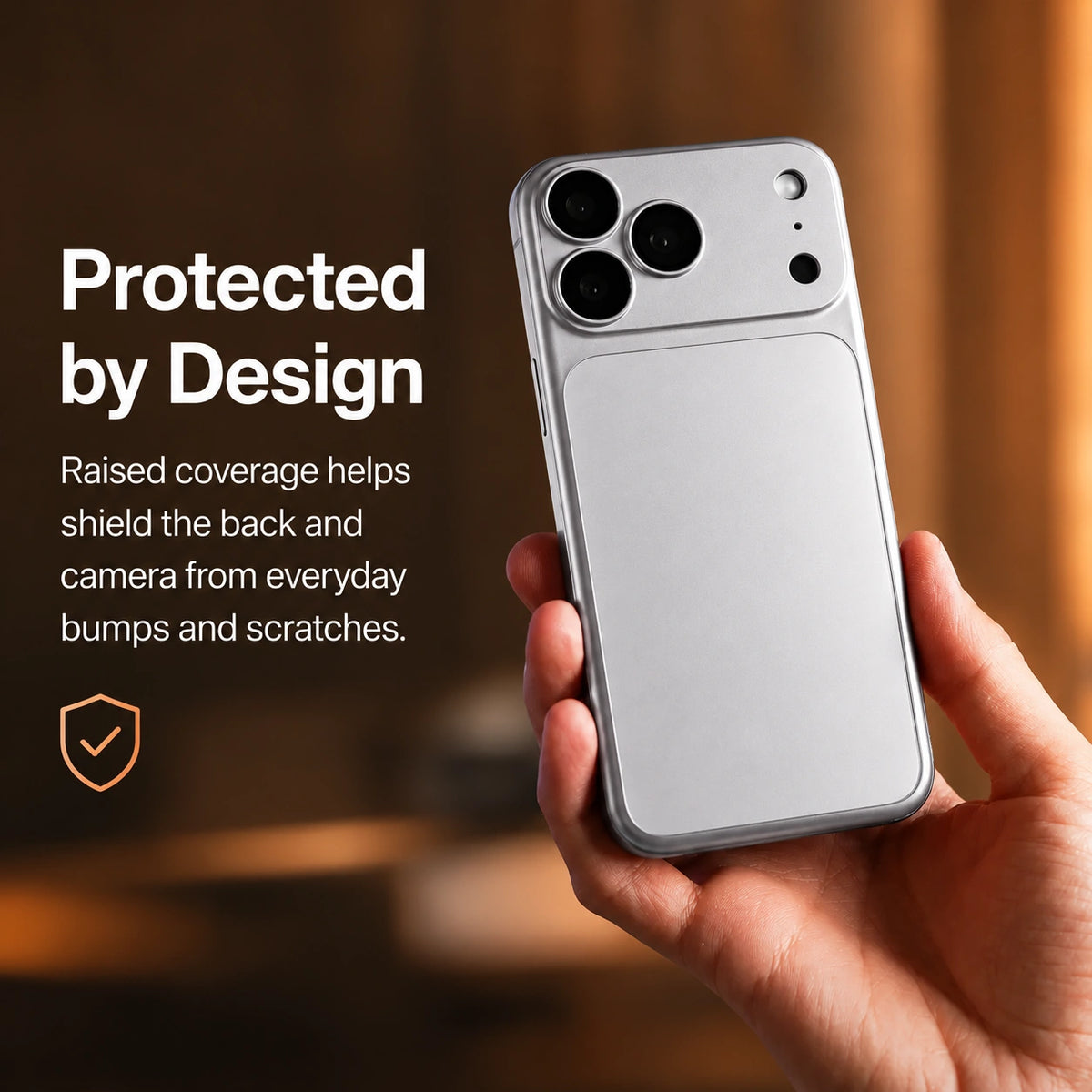
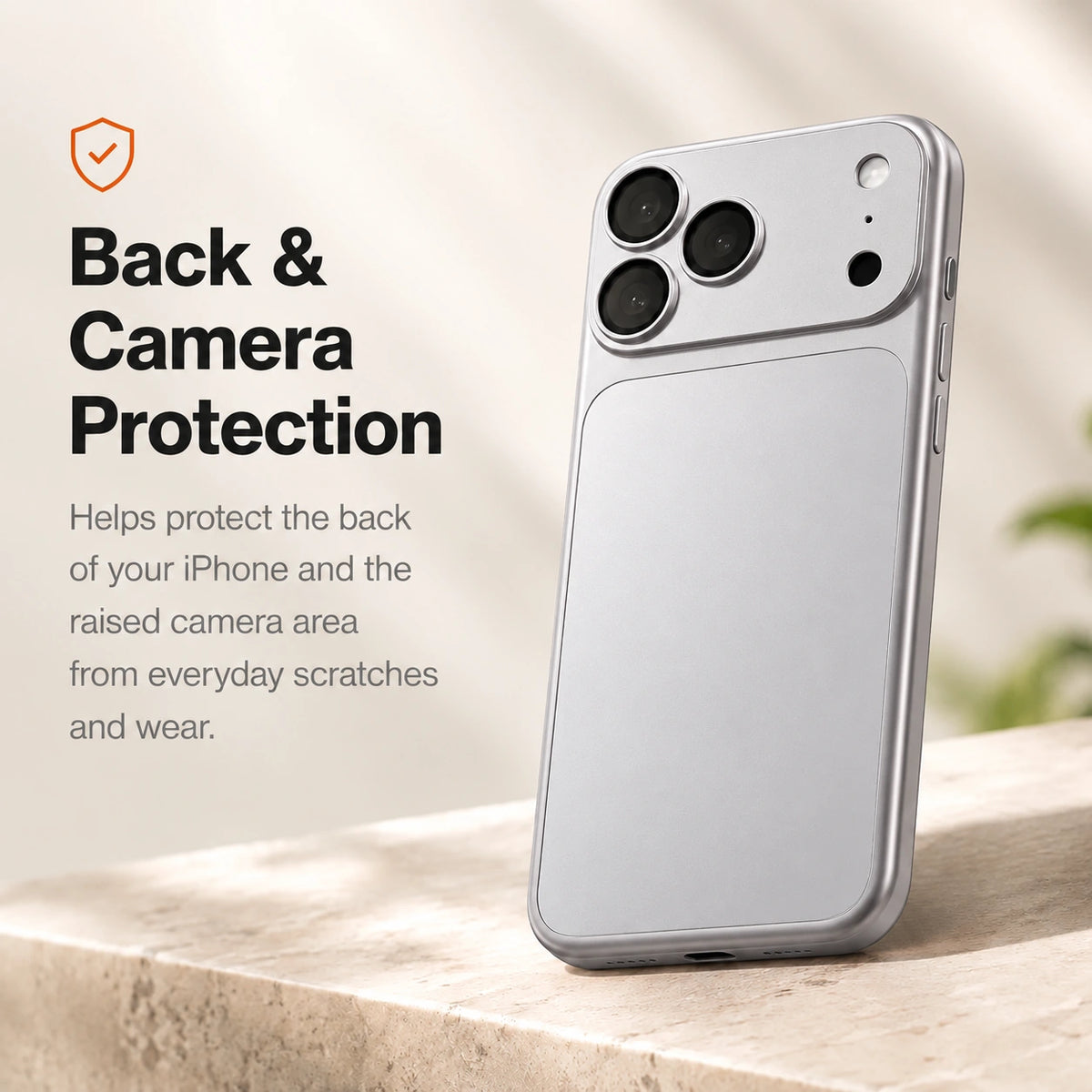
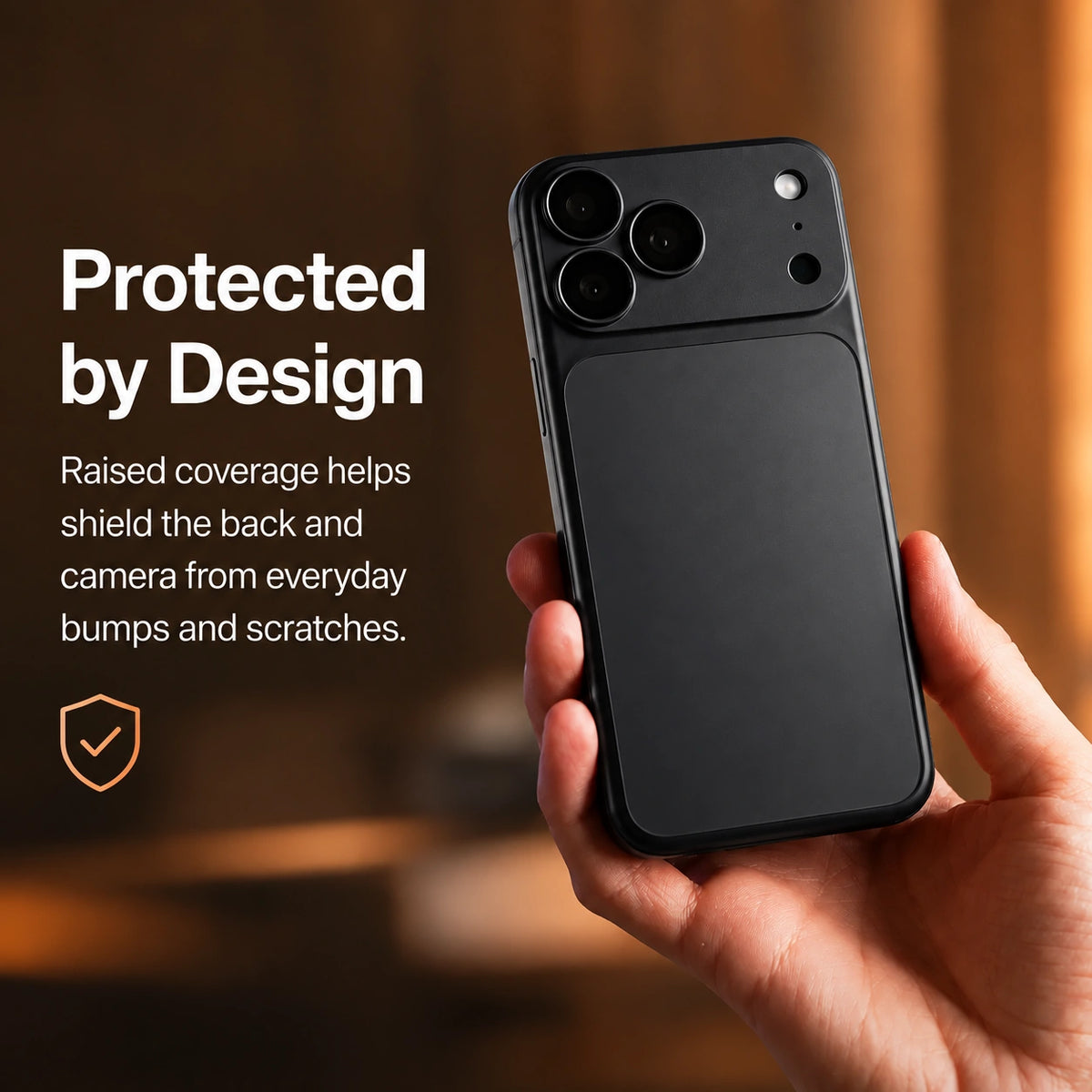
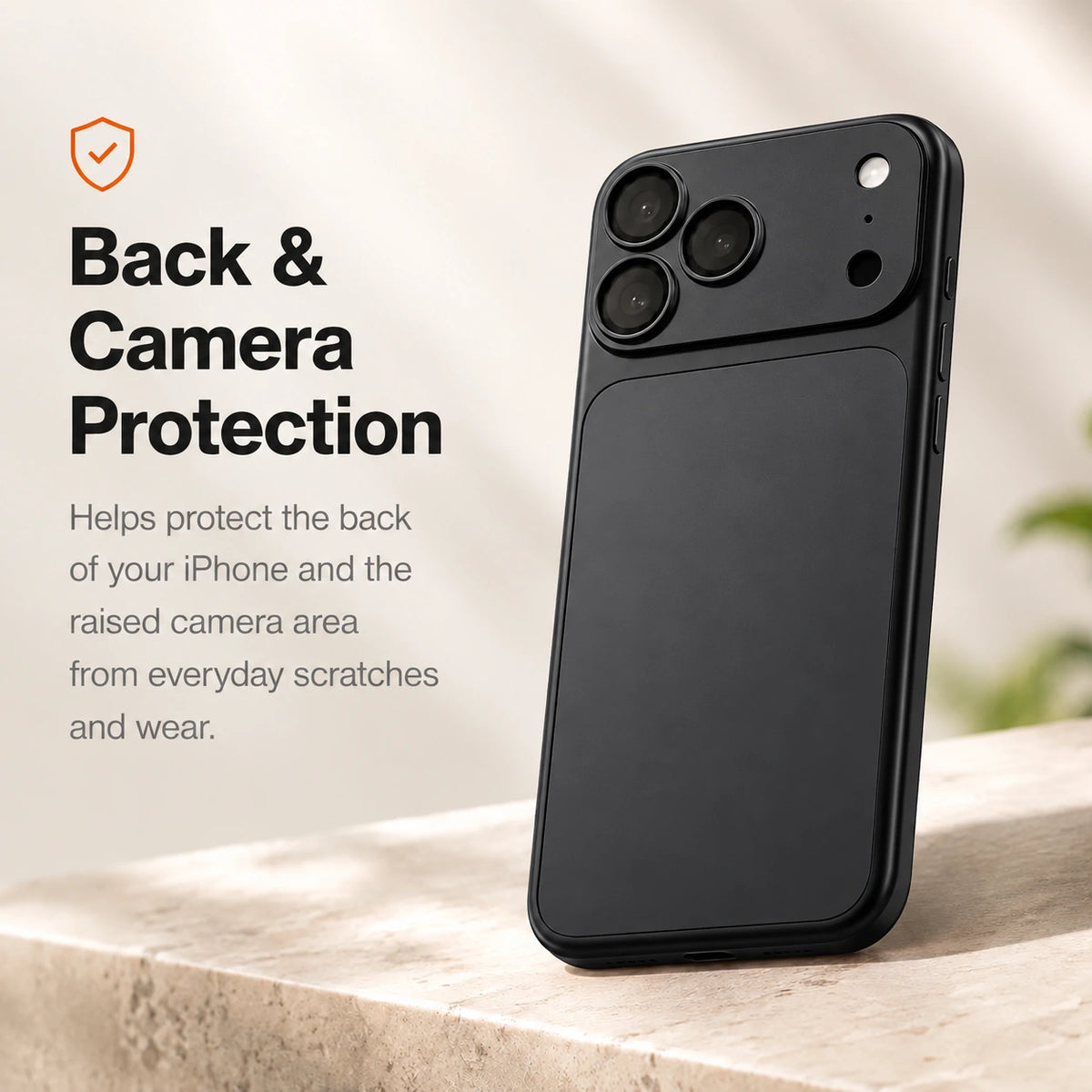
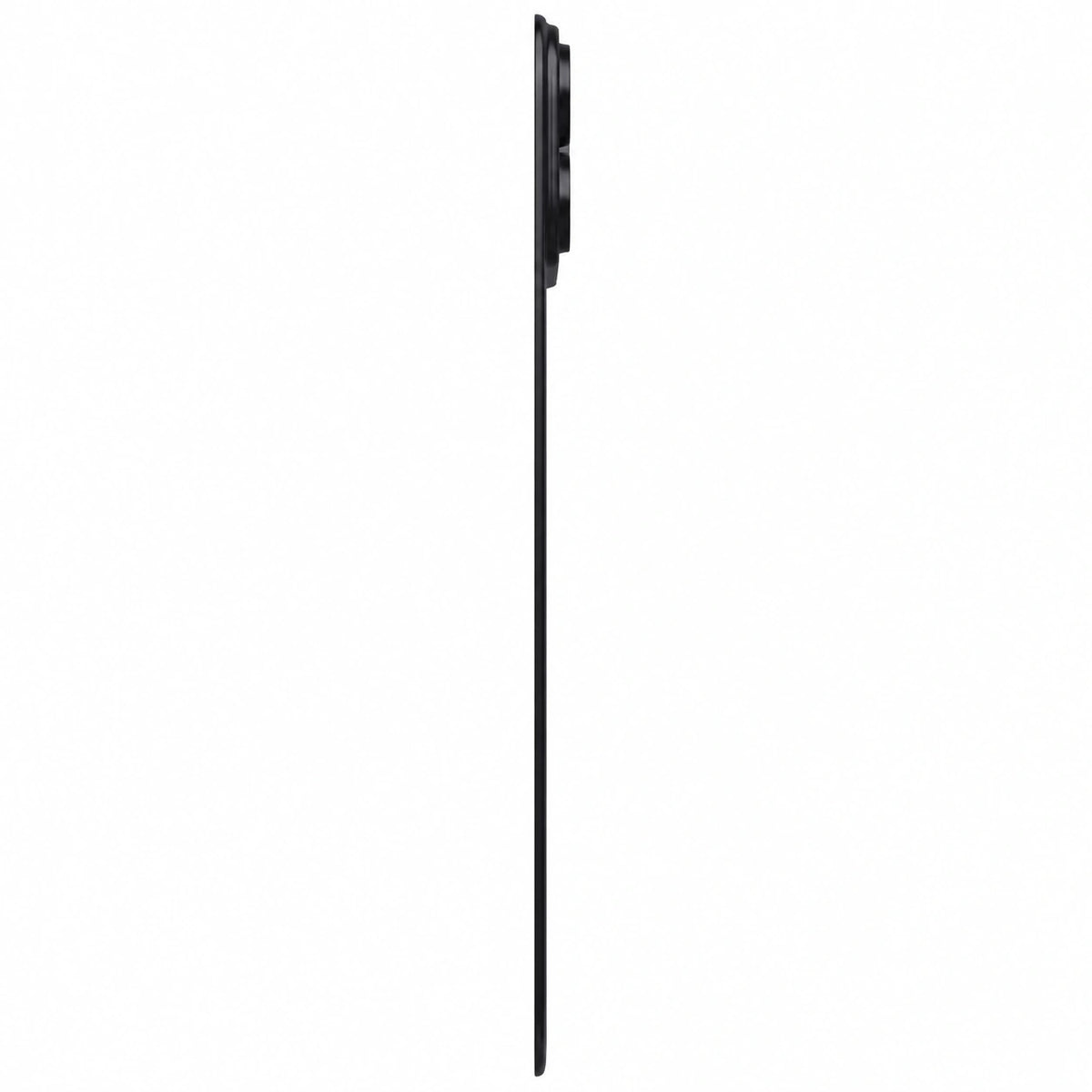
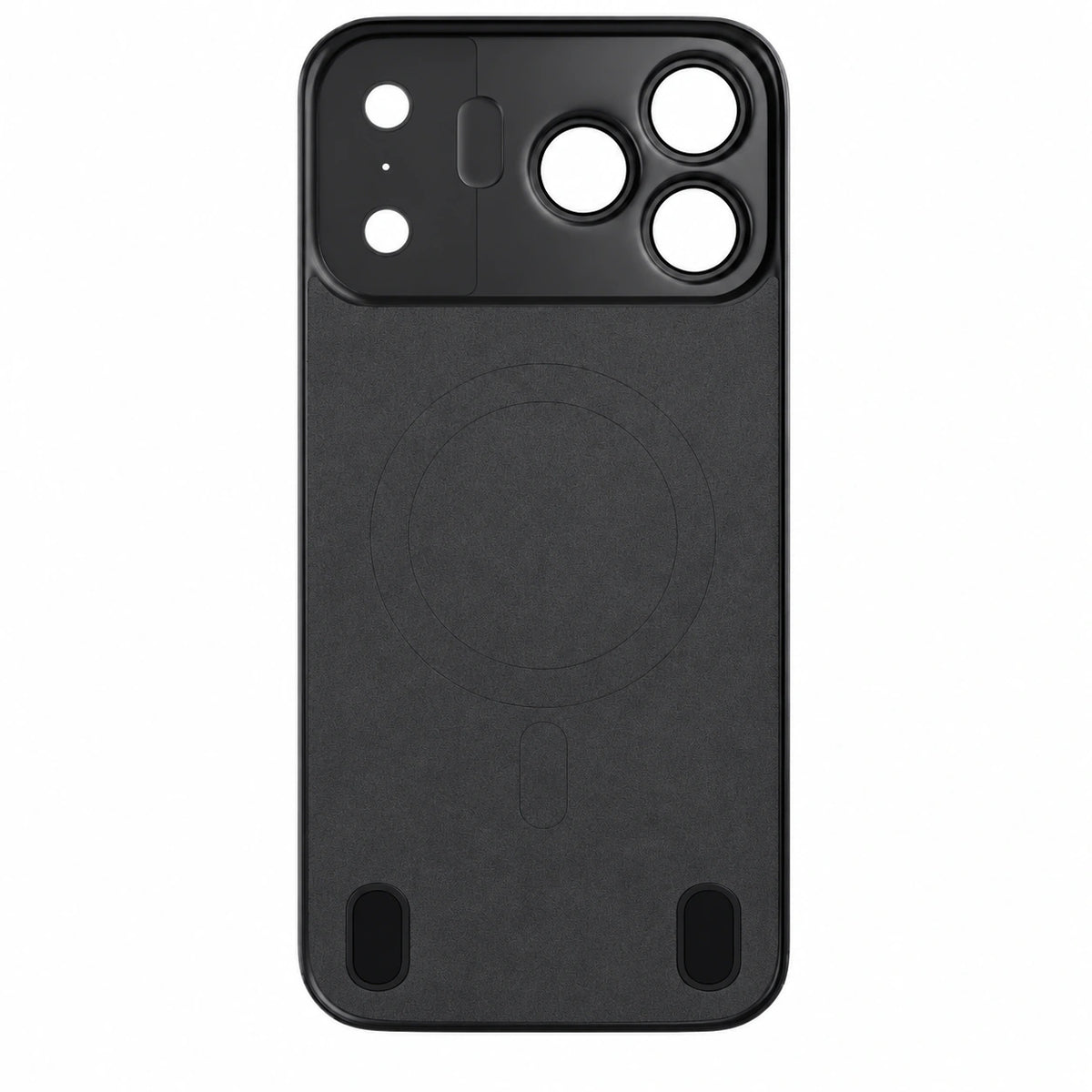
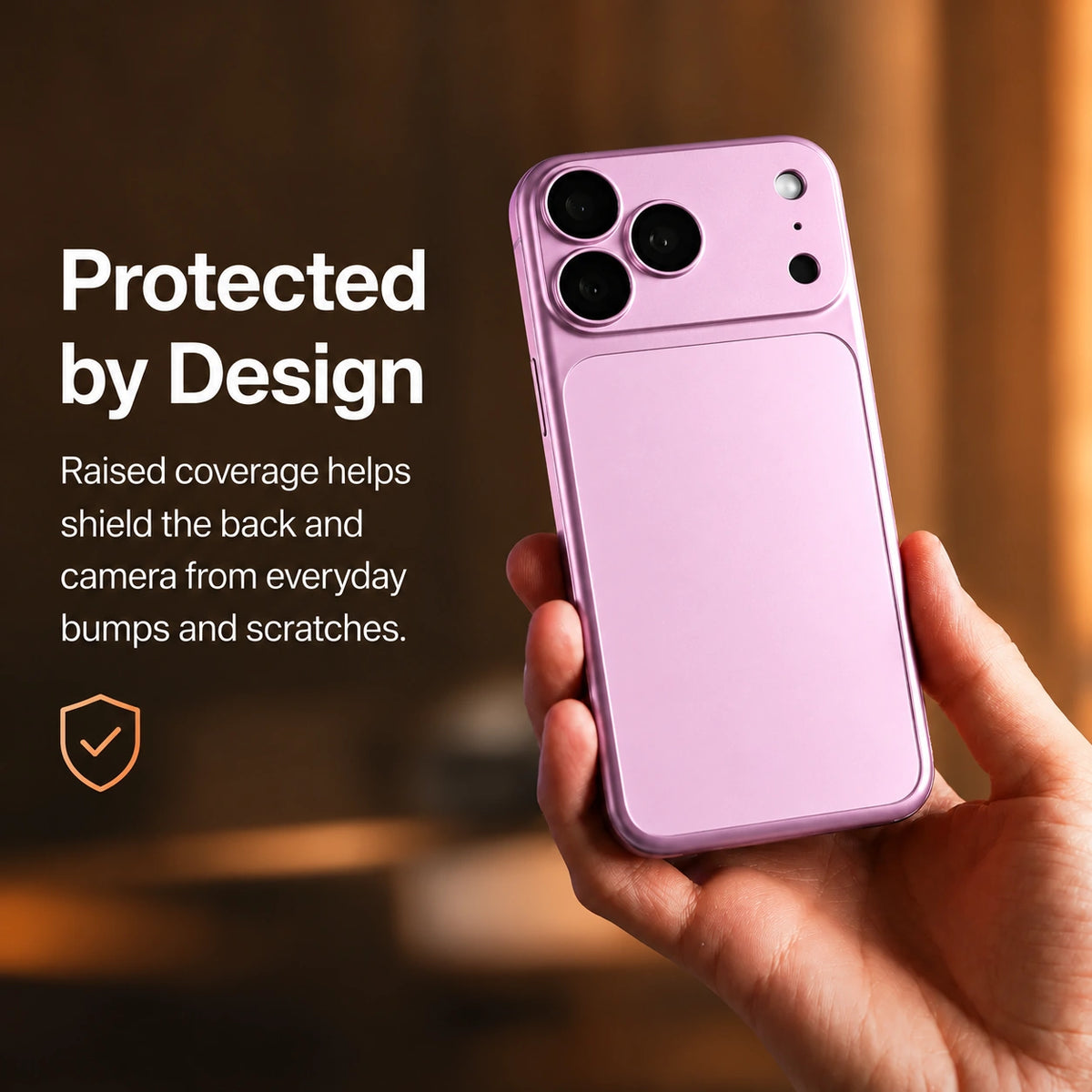
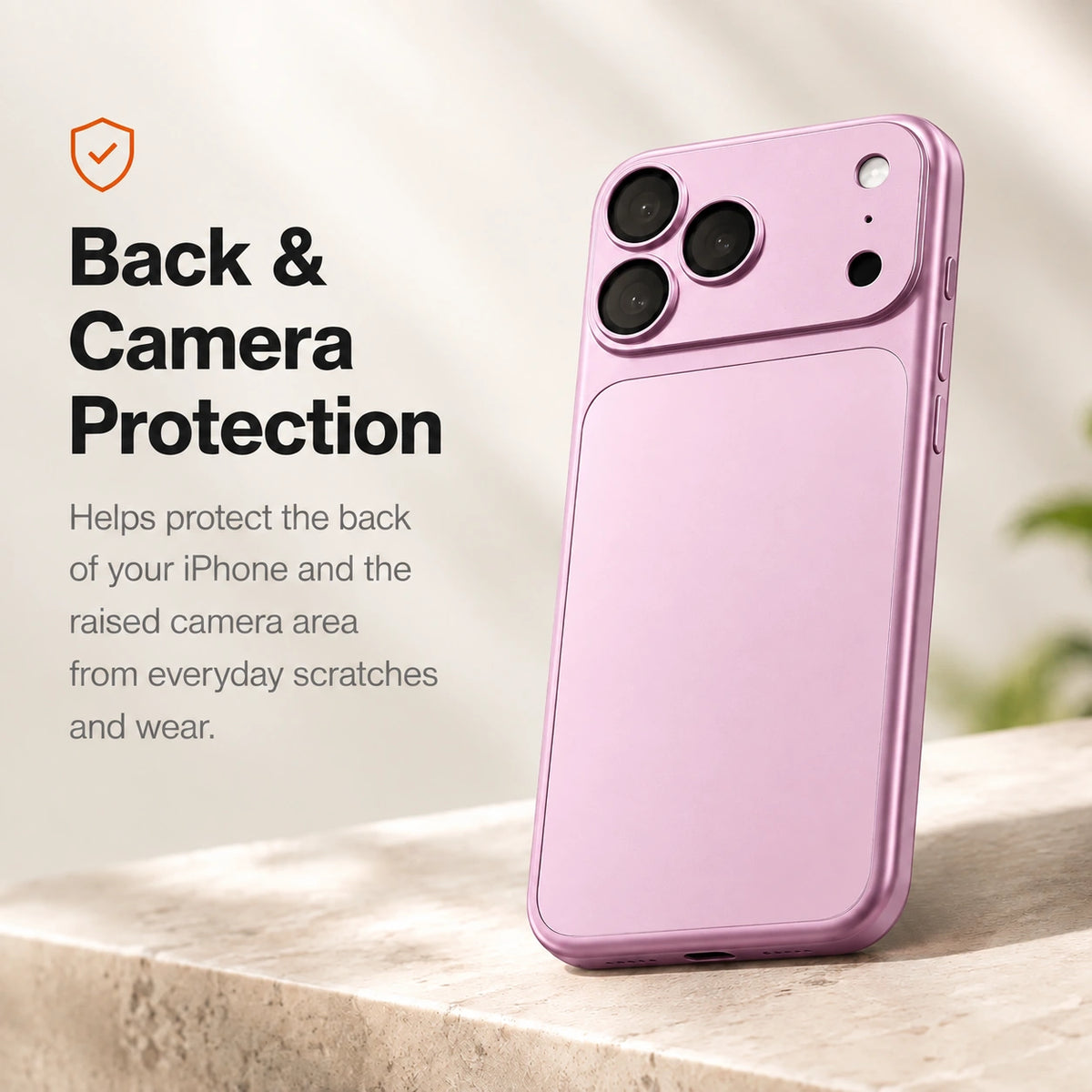
A slim backplate helps guard the rear surface from everyday scratches.
 Cases & Bands
Your cart is empty
Less clutter. More freedom. Start with the essentials for your devices.
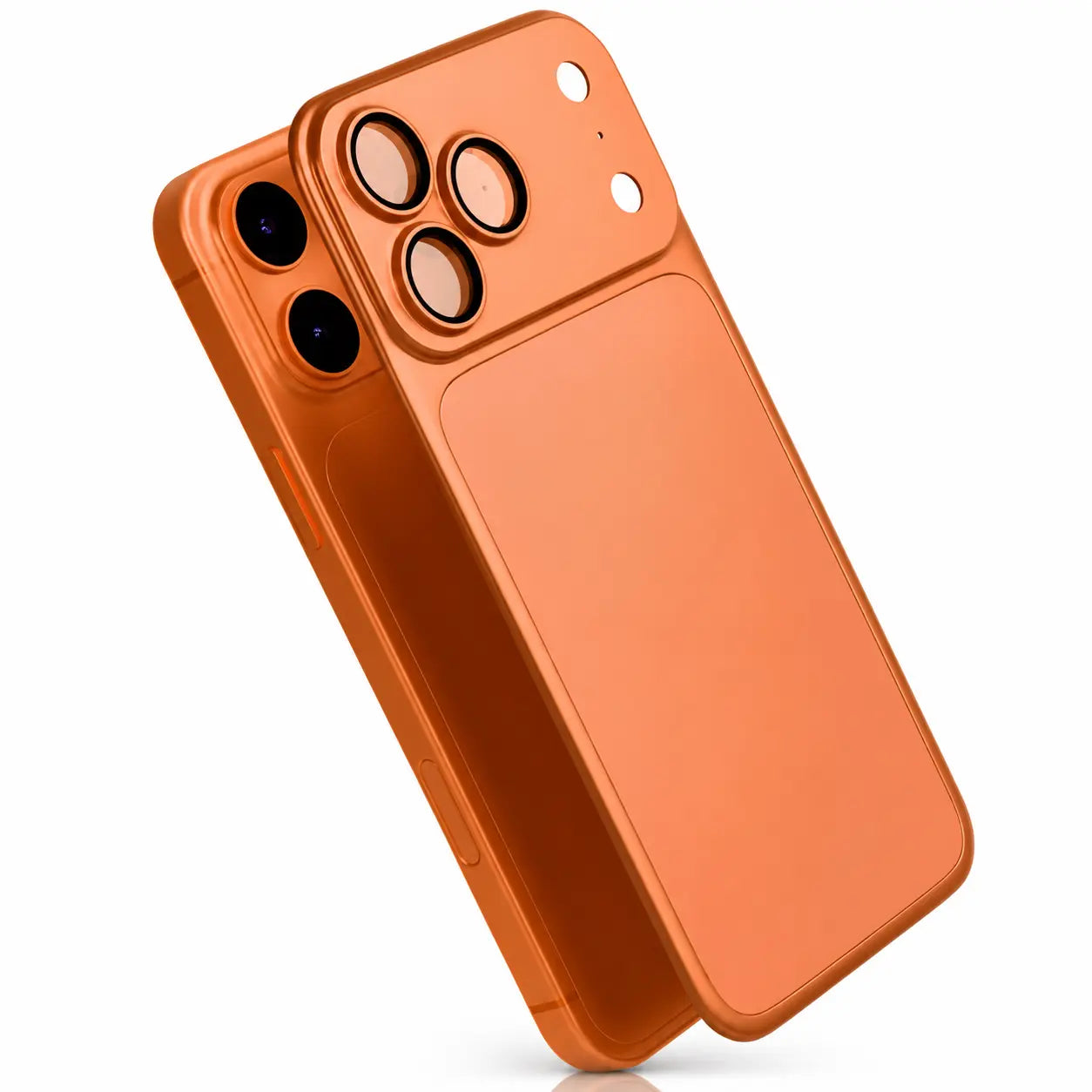
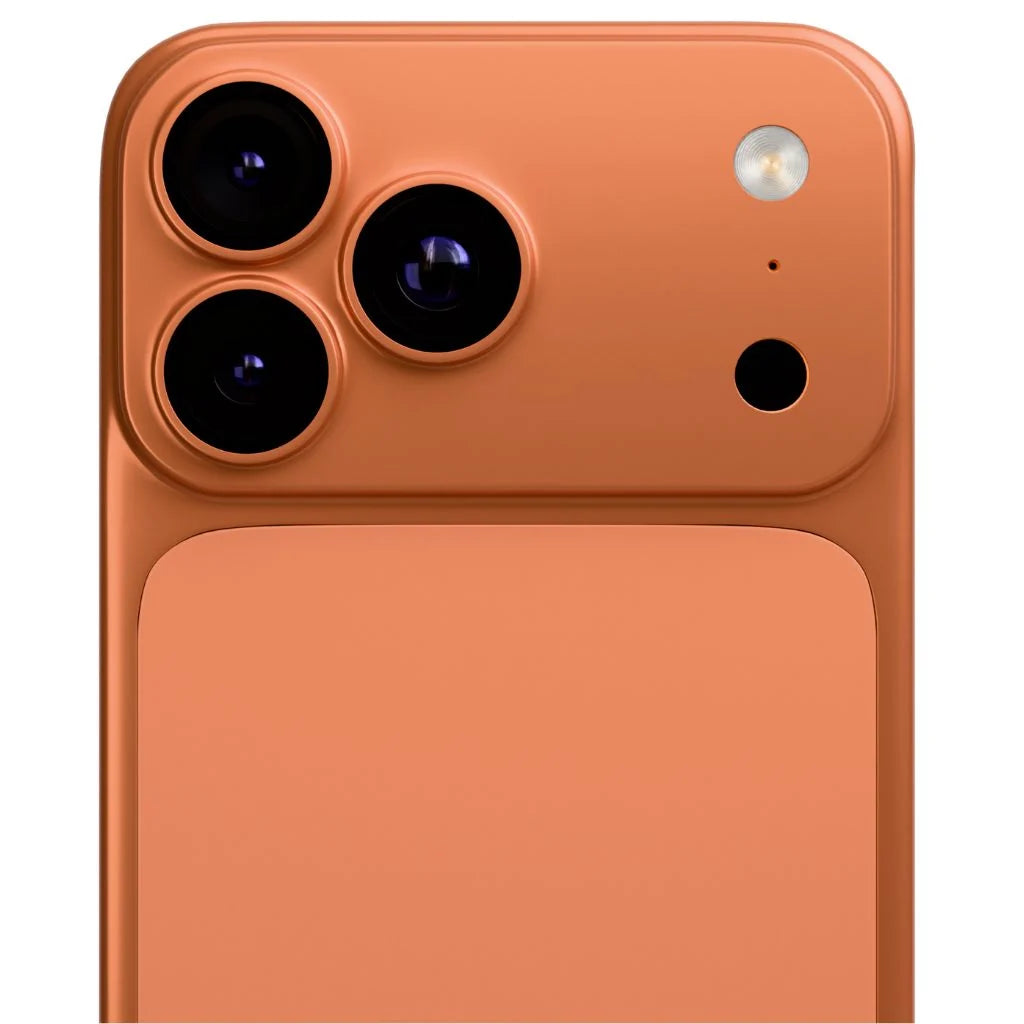
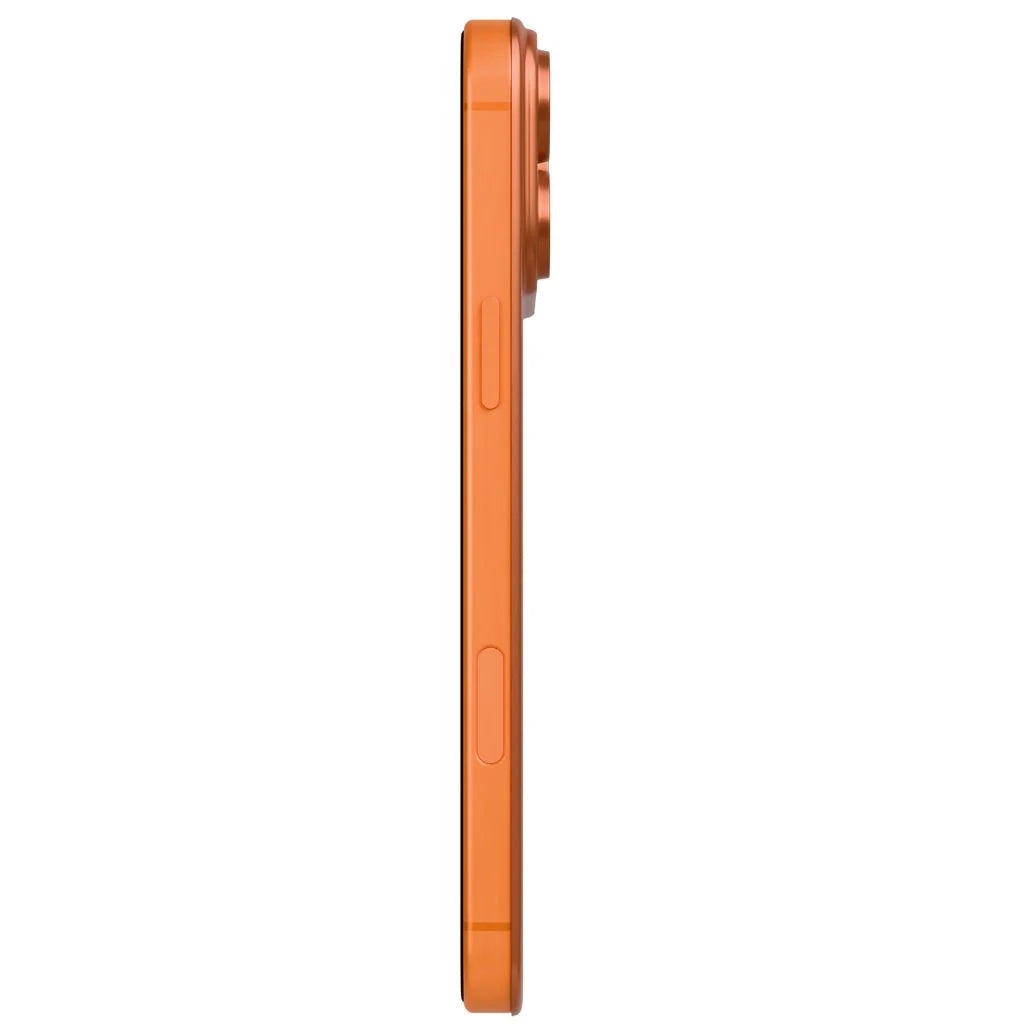
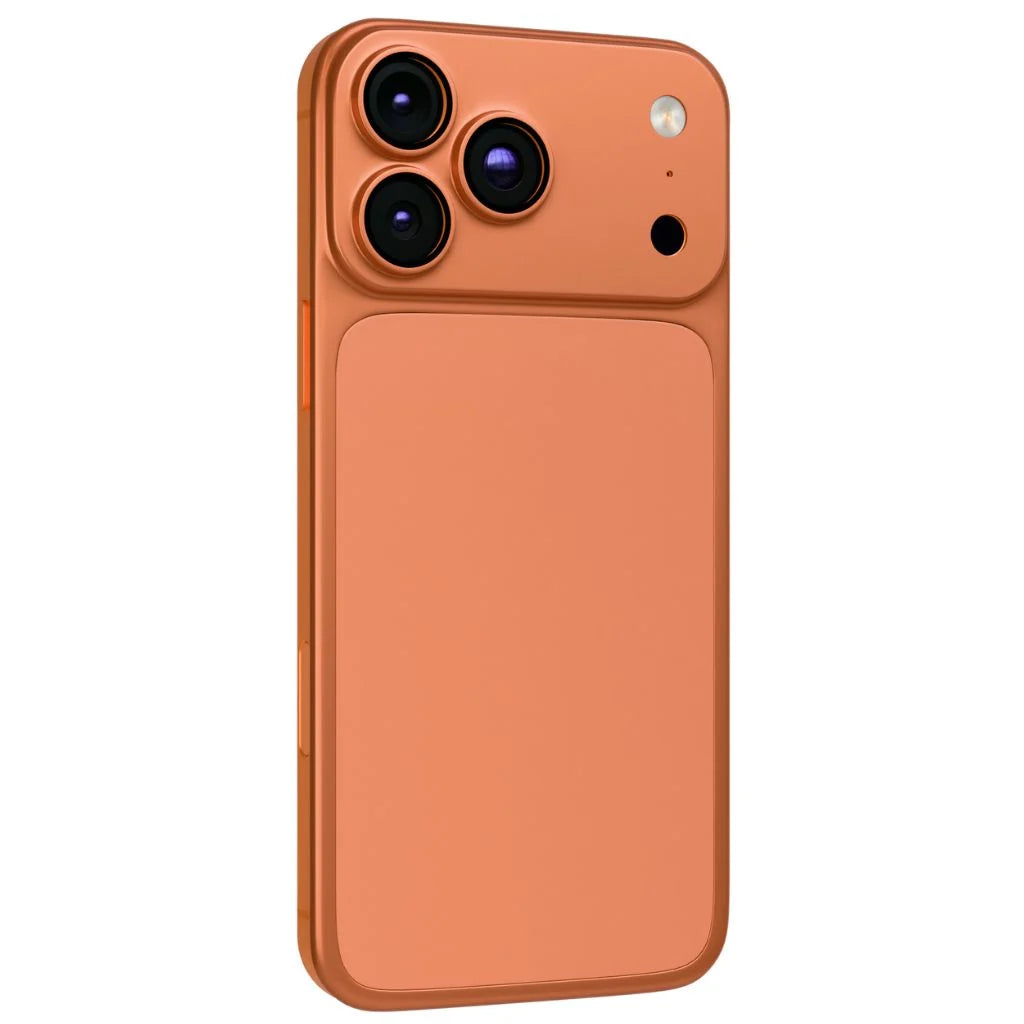
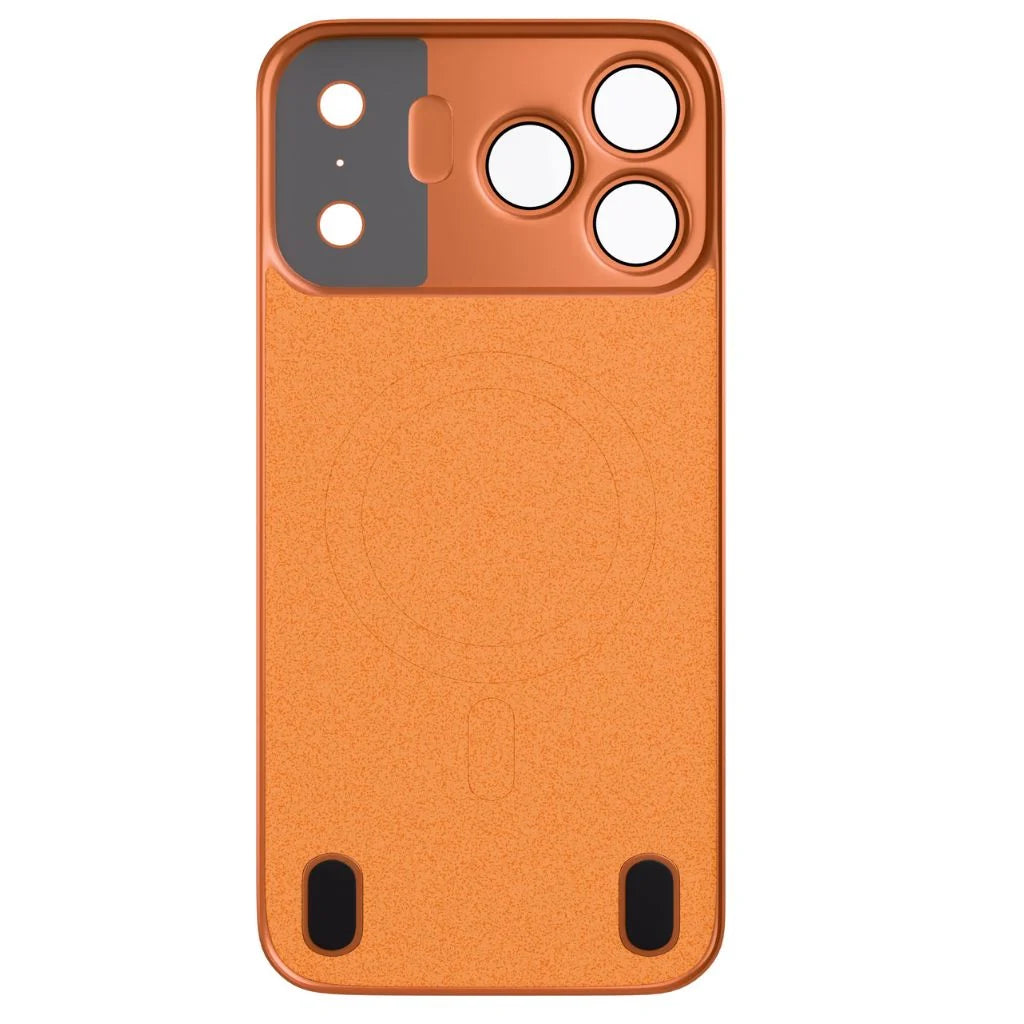
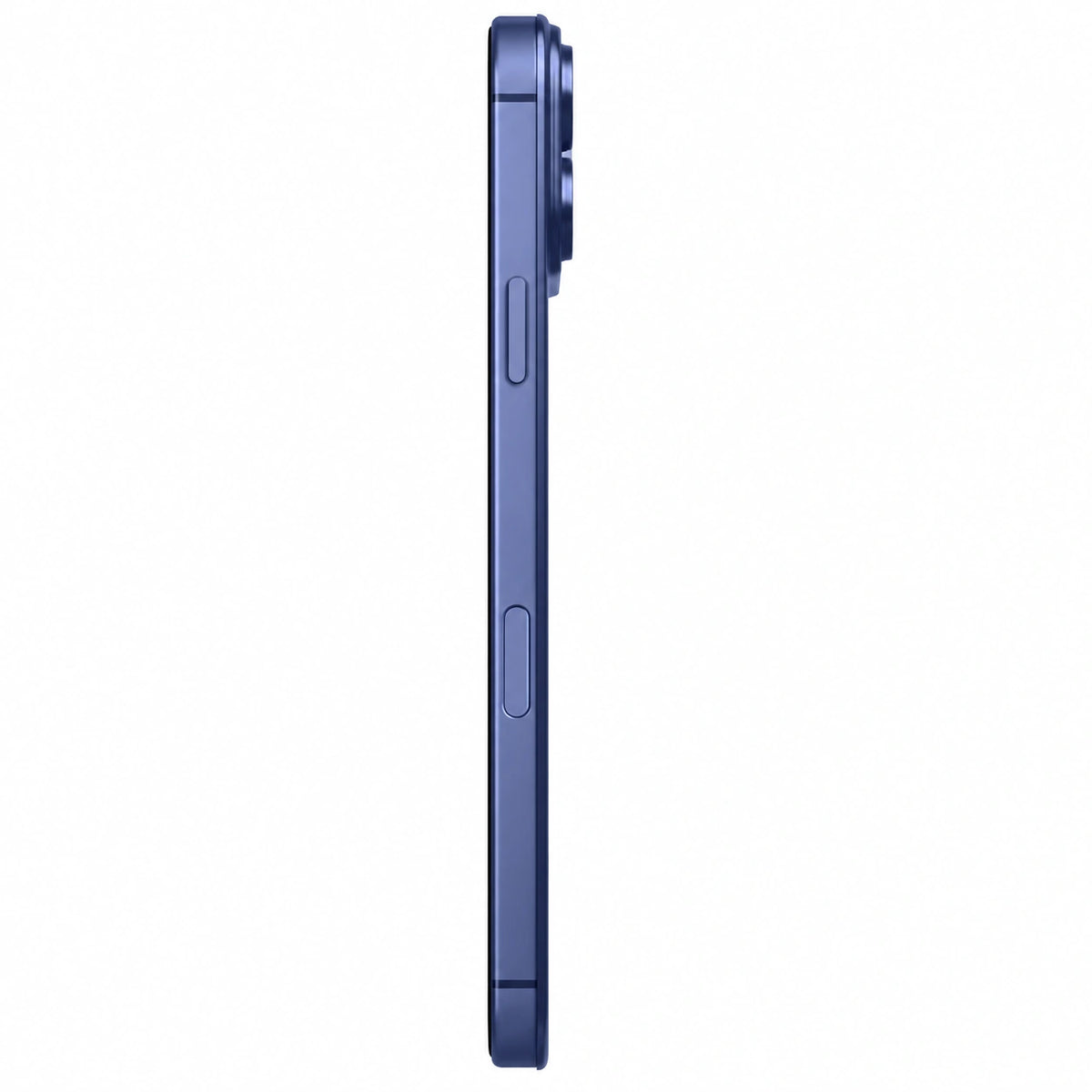
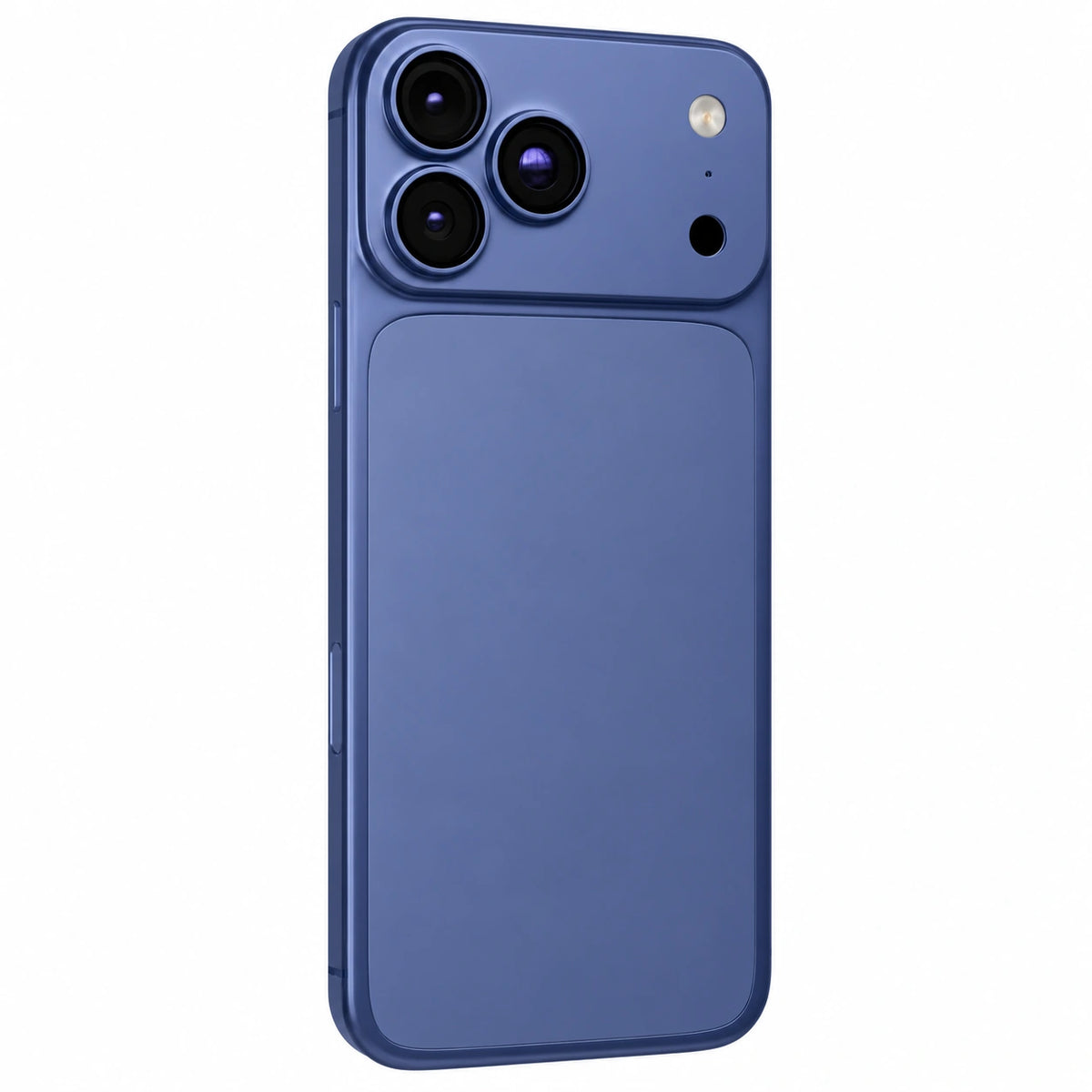
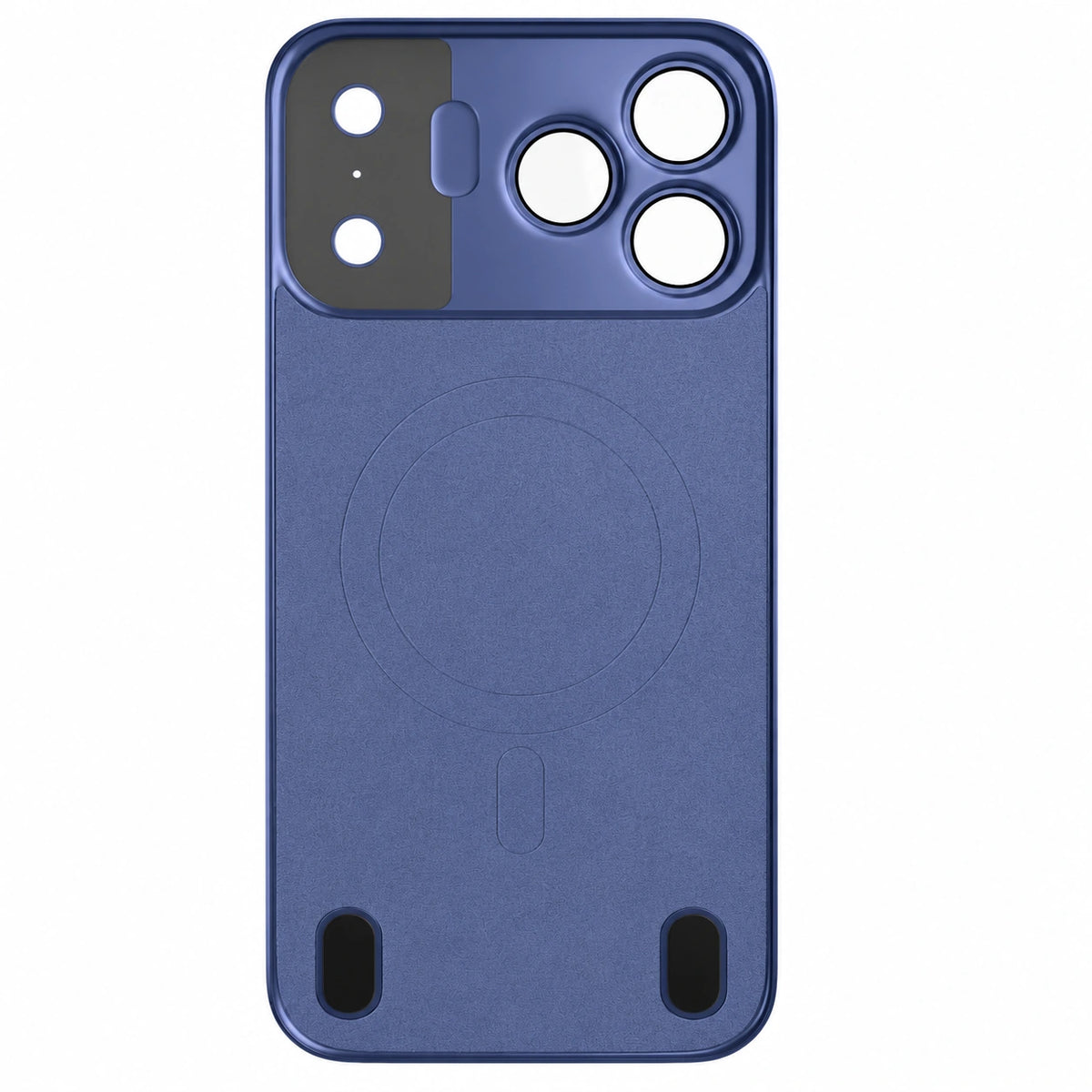
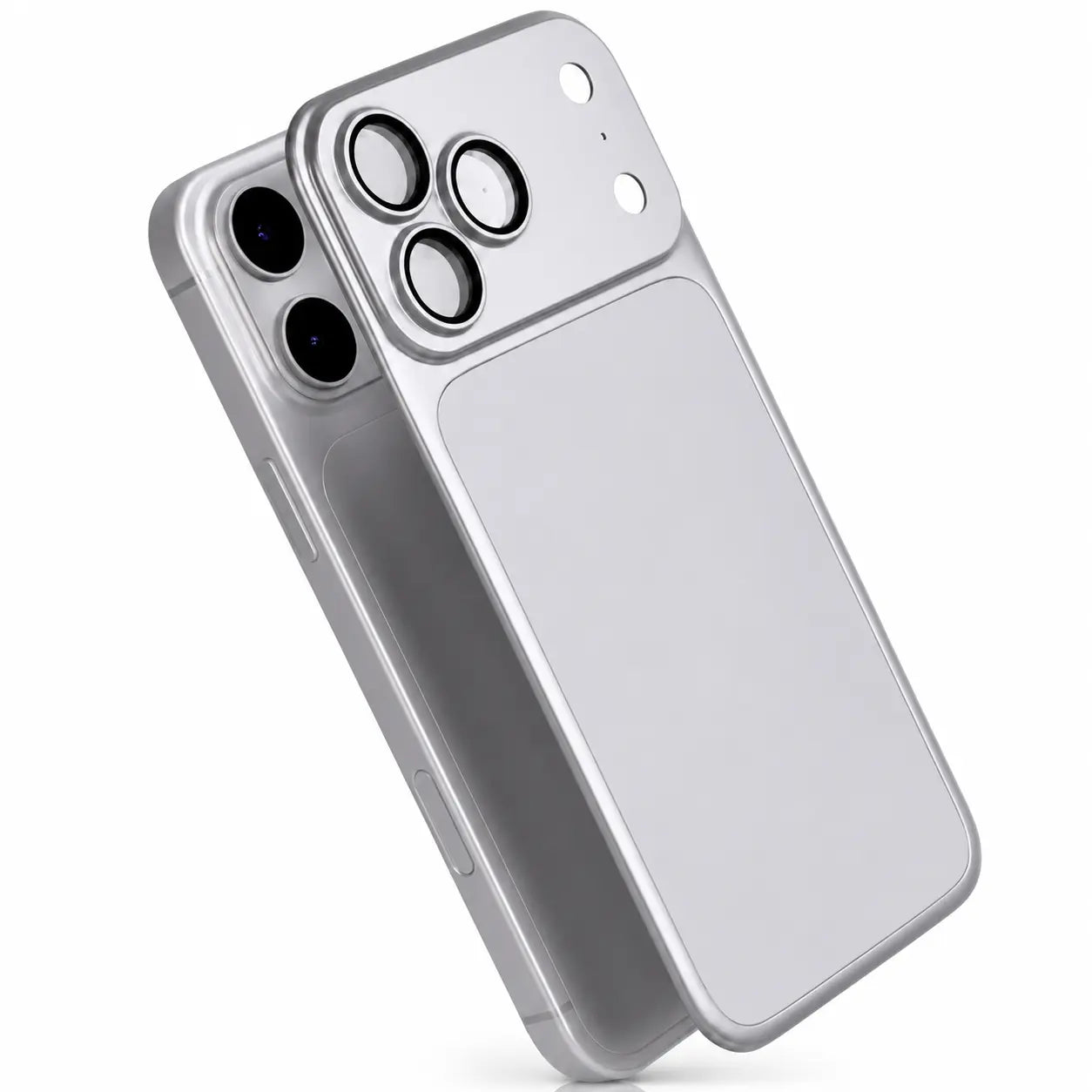
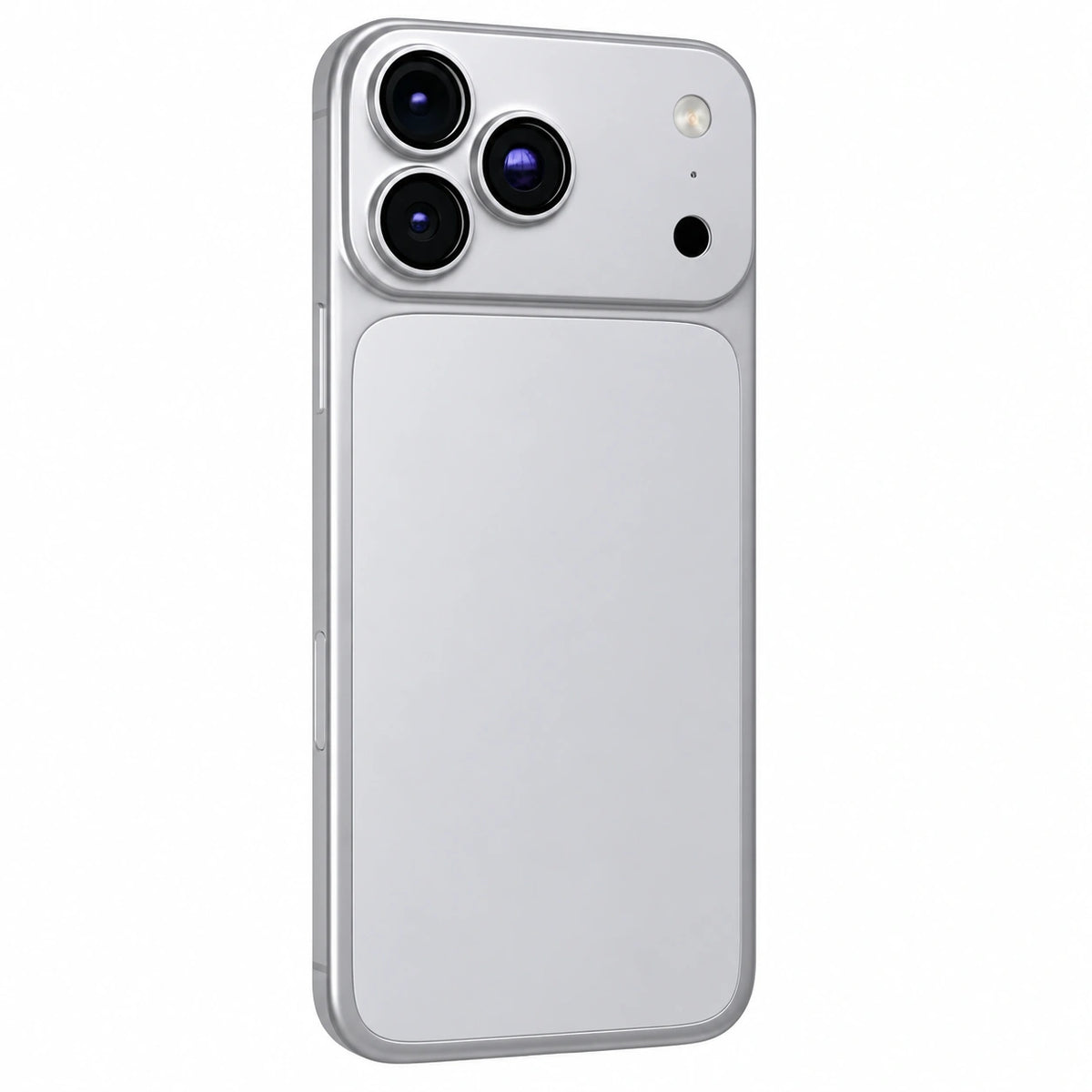
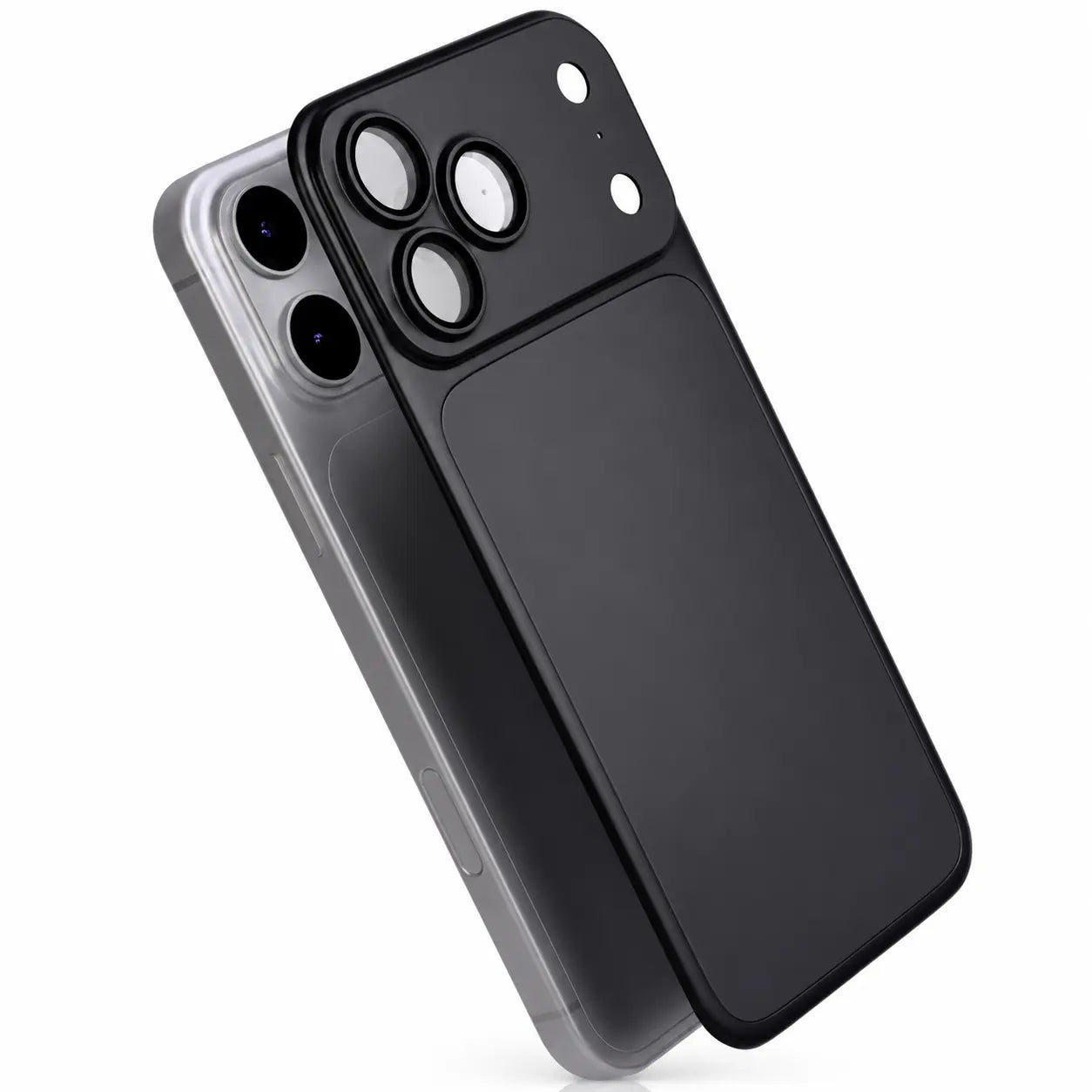
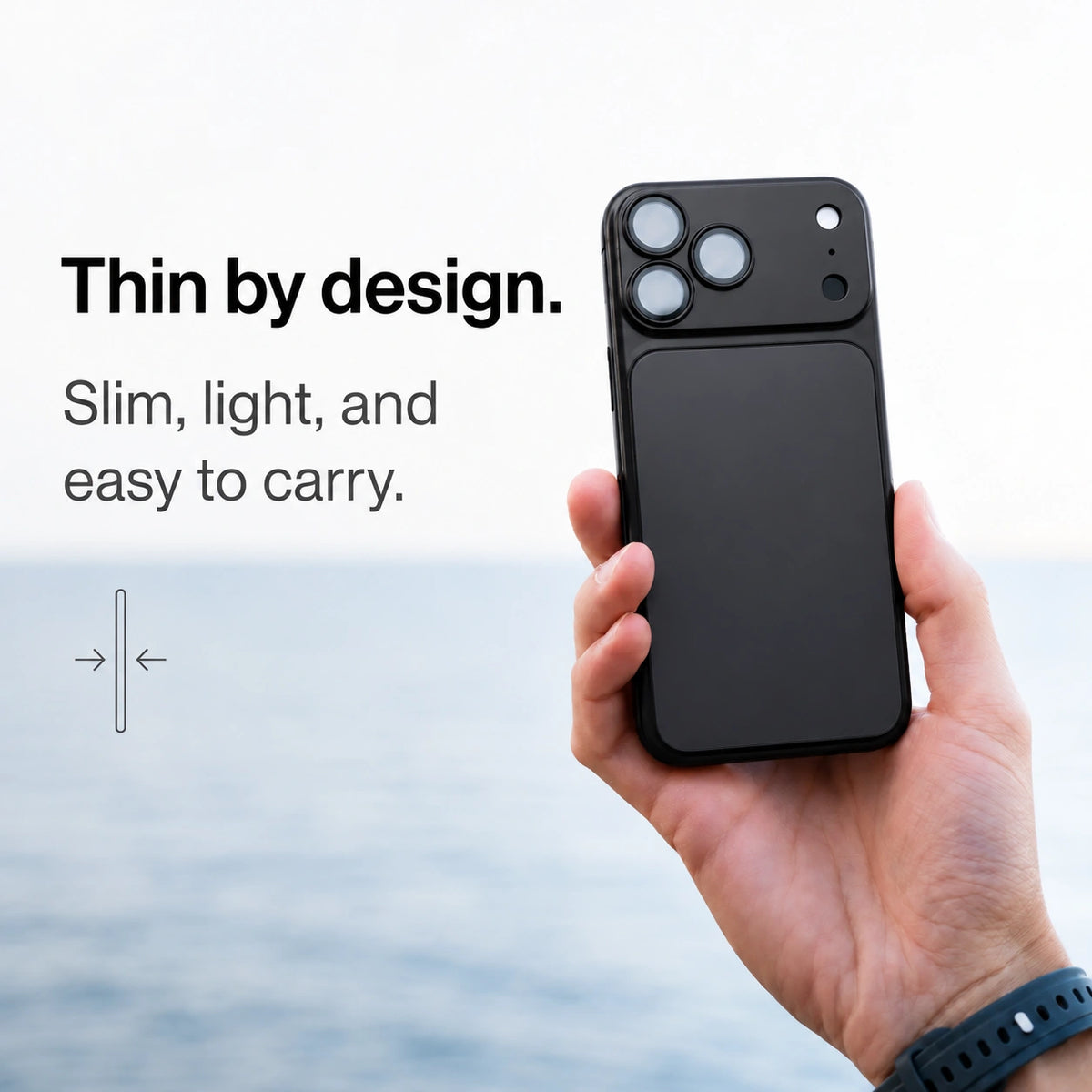
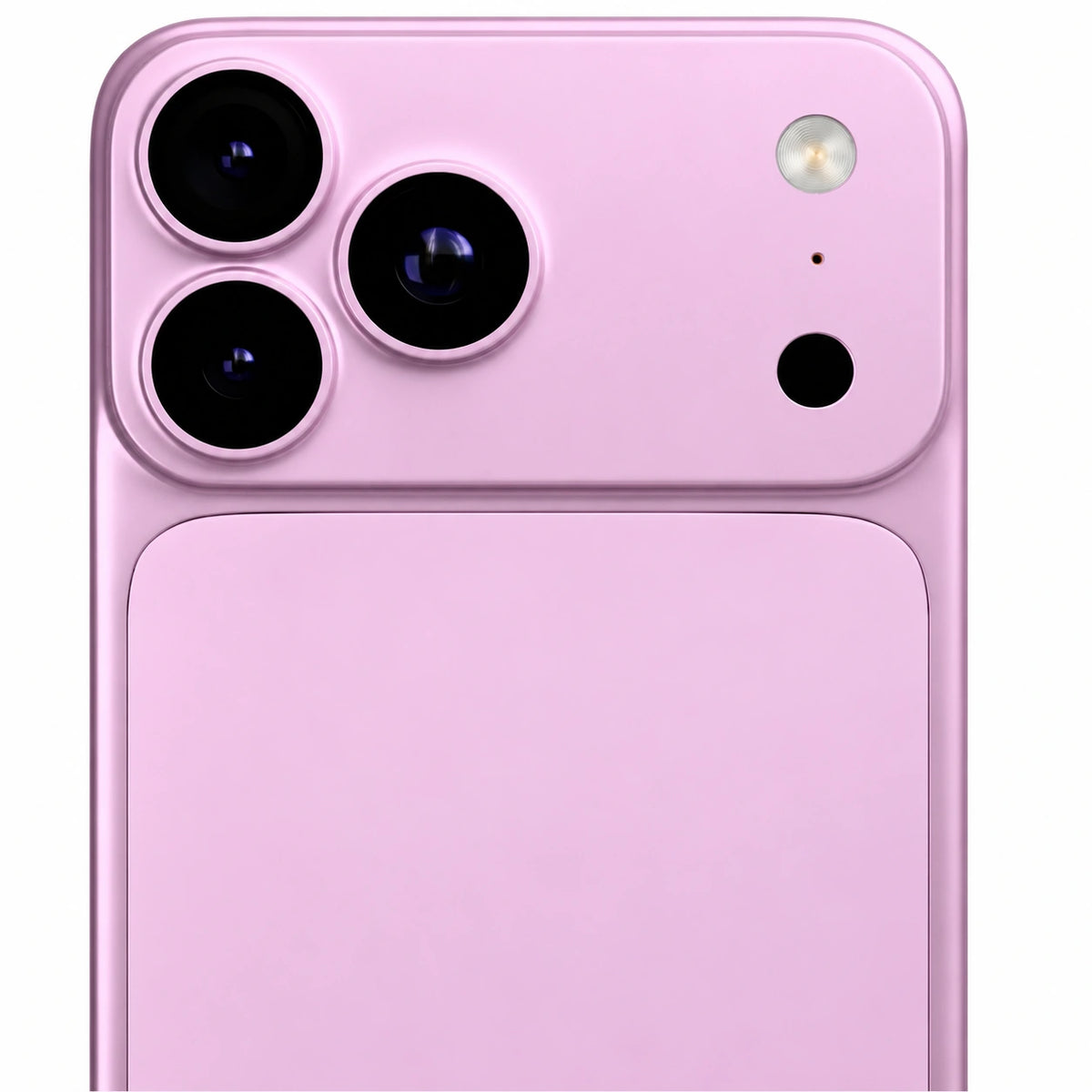
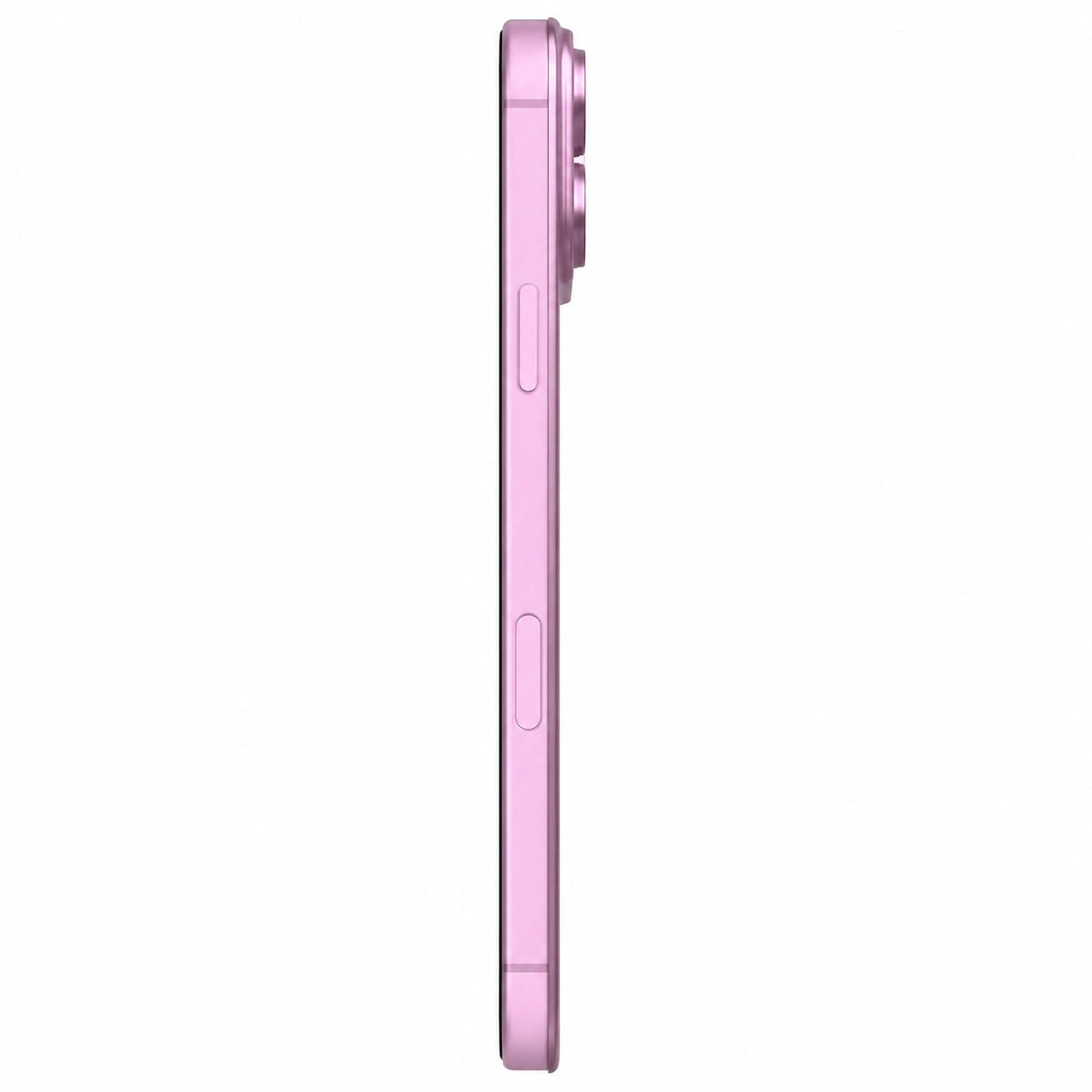
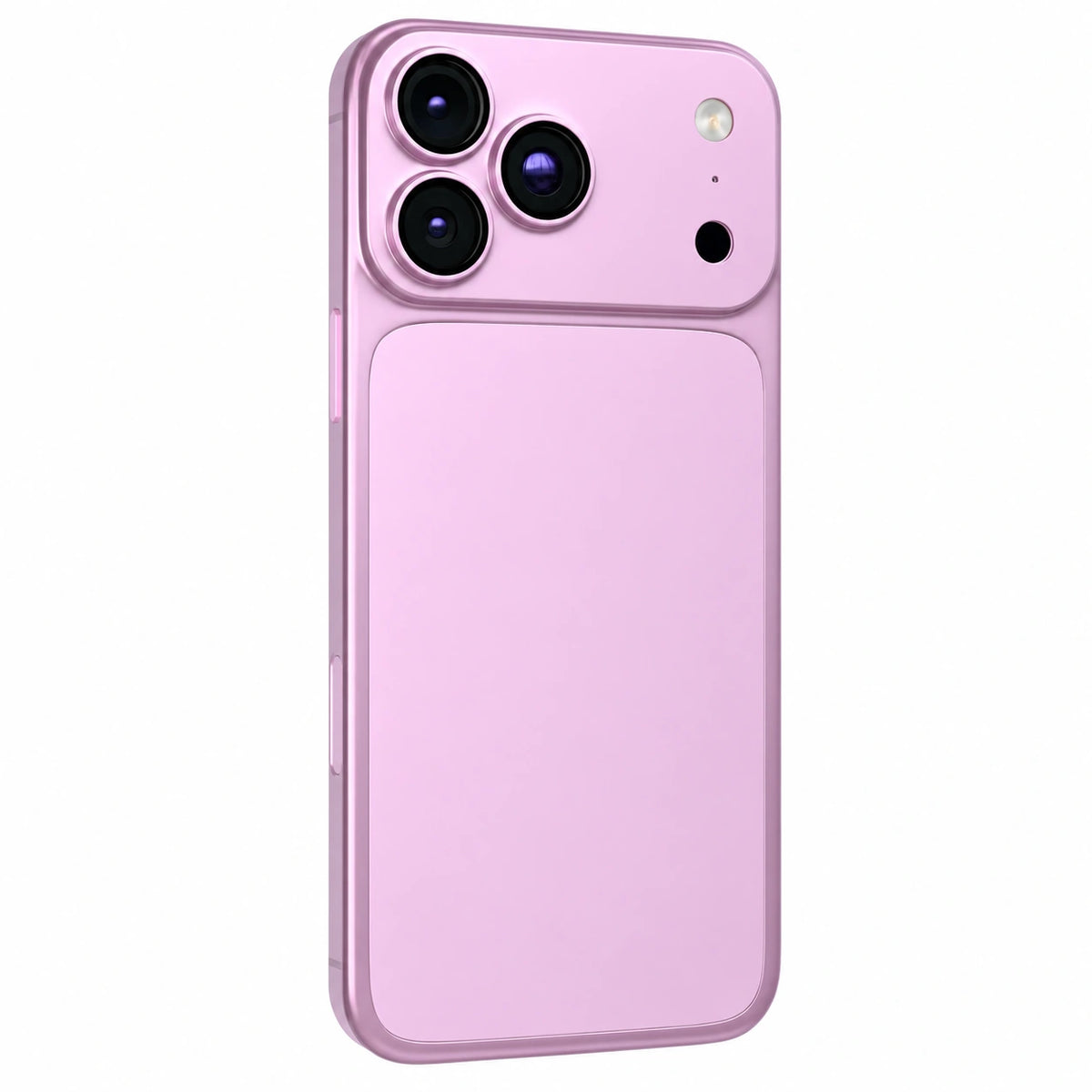
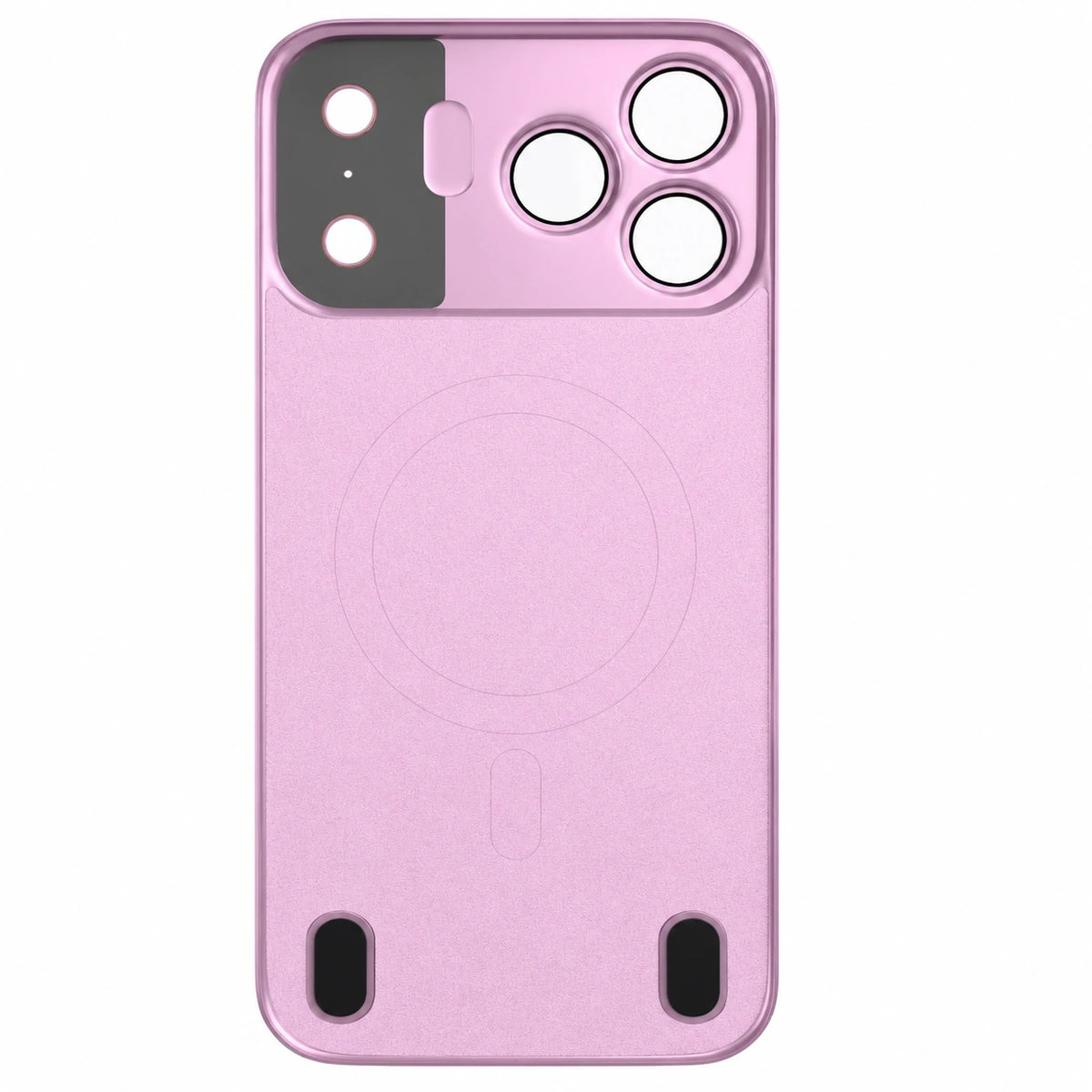
Minimal protection. Maximum style.
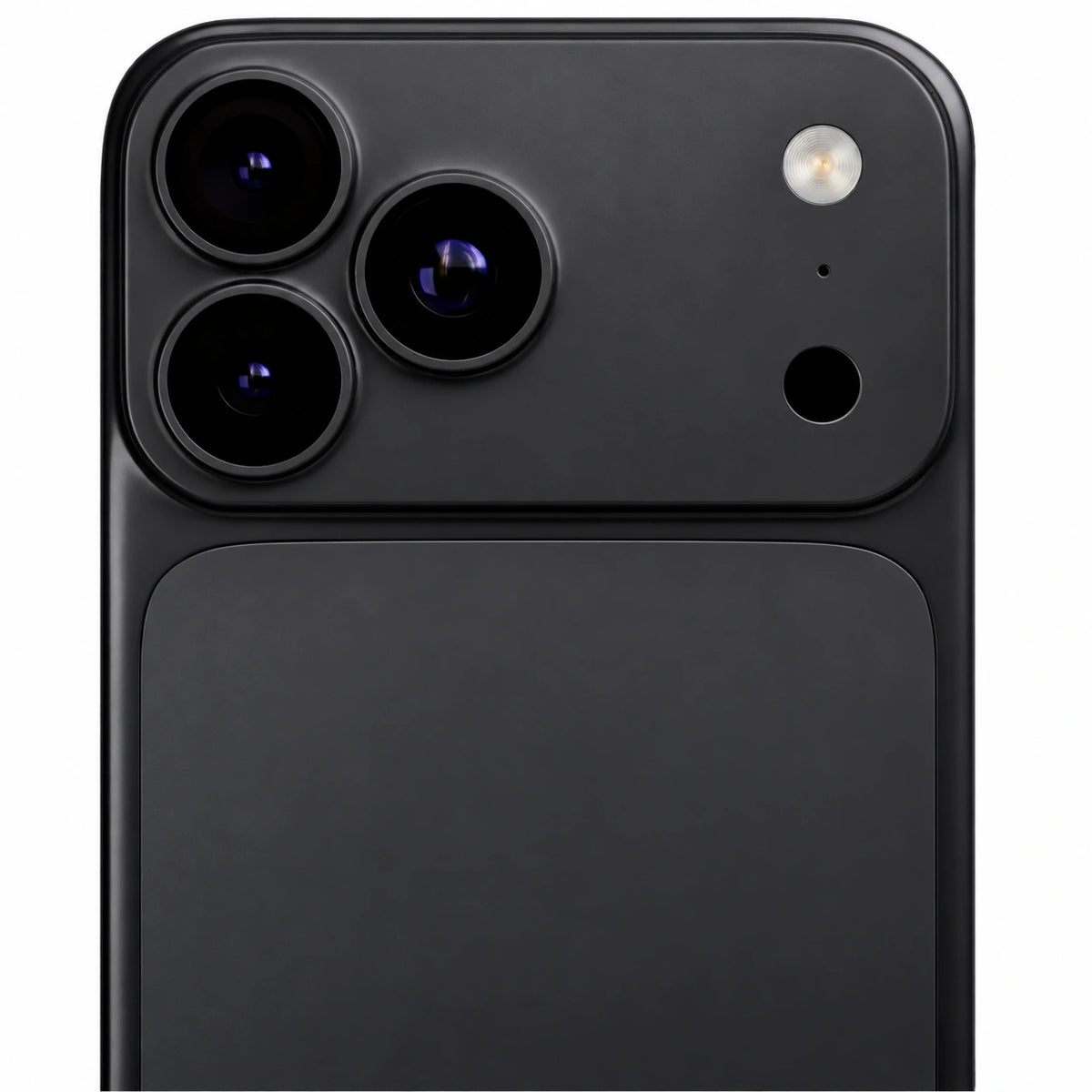
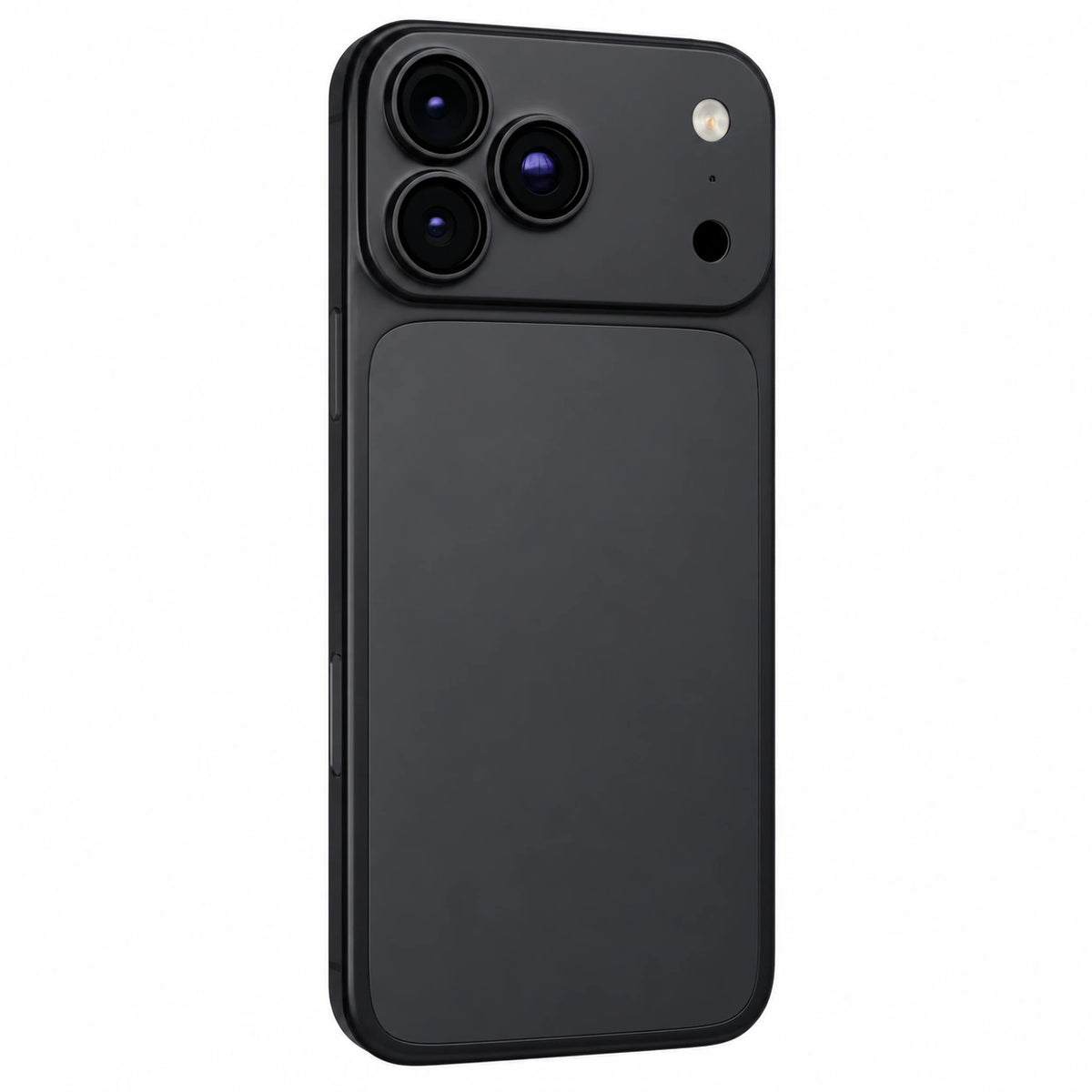
Protect the back and camera while keeping your iPhone slim and ready for magnetic charging.
Fit it in a few steps
Follow the installation guide for a secure fit on your selected iPhone model.
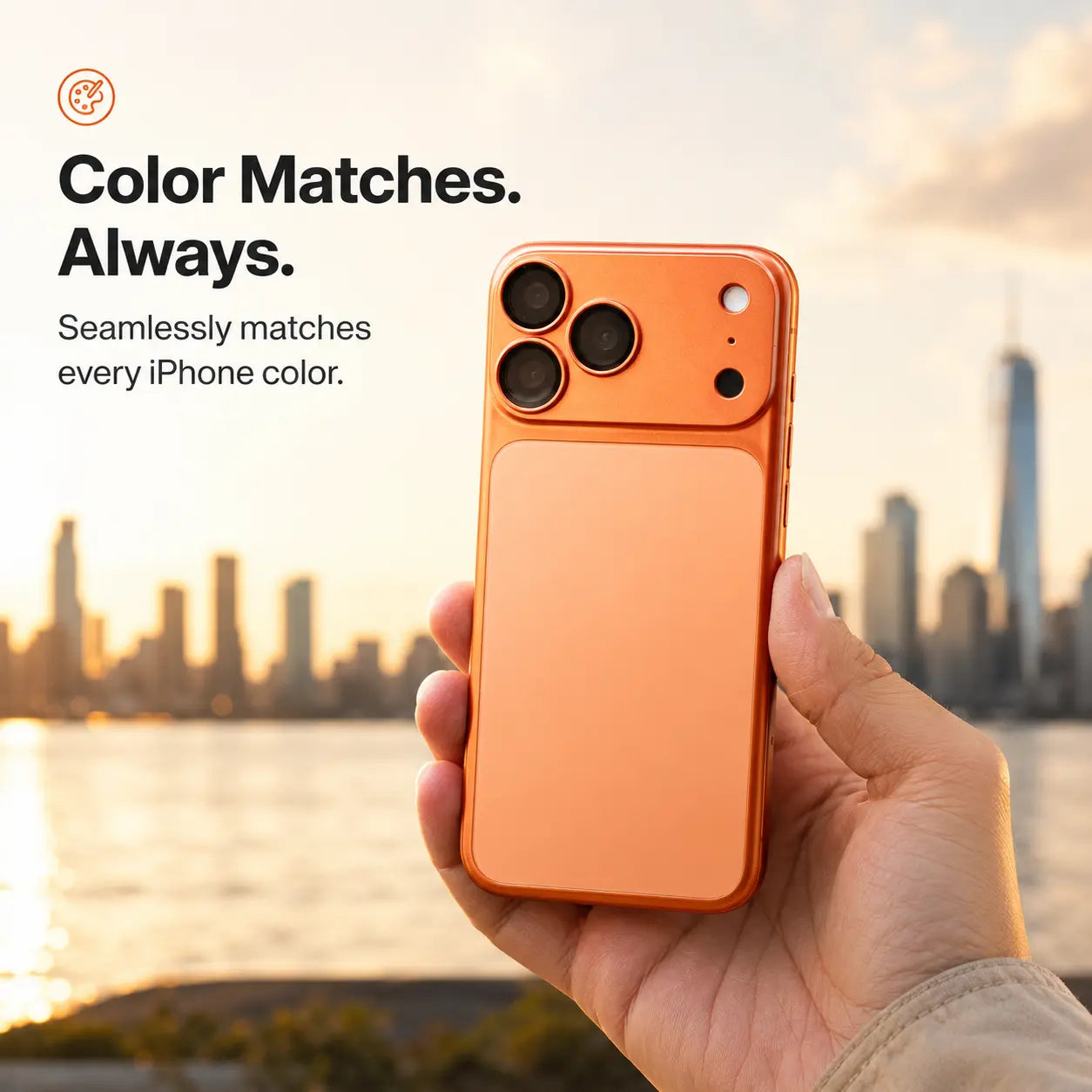
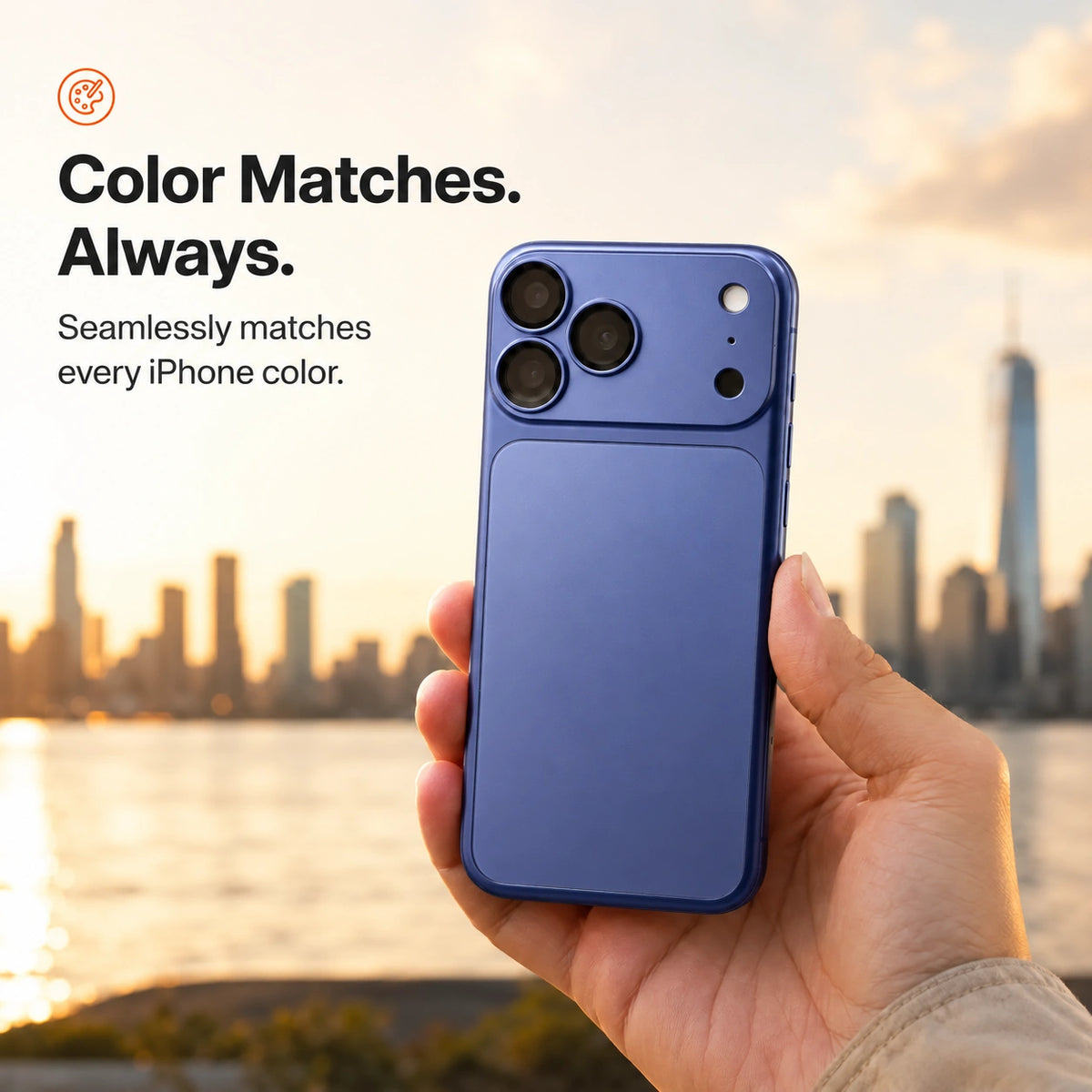
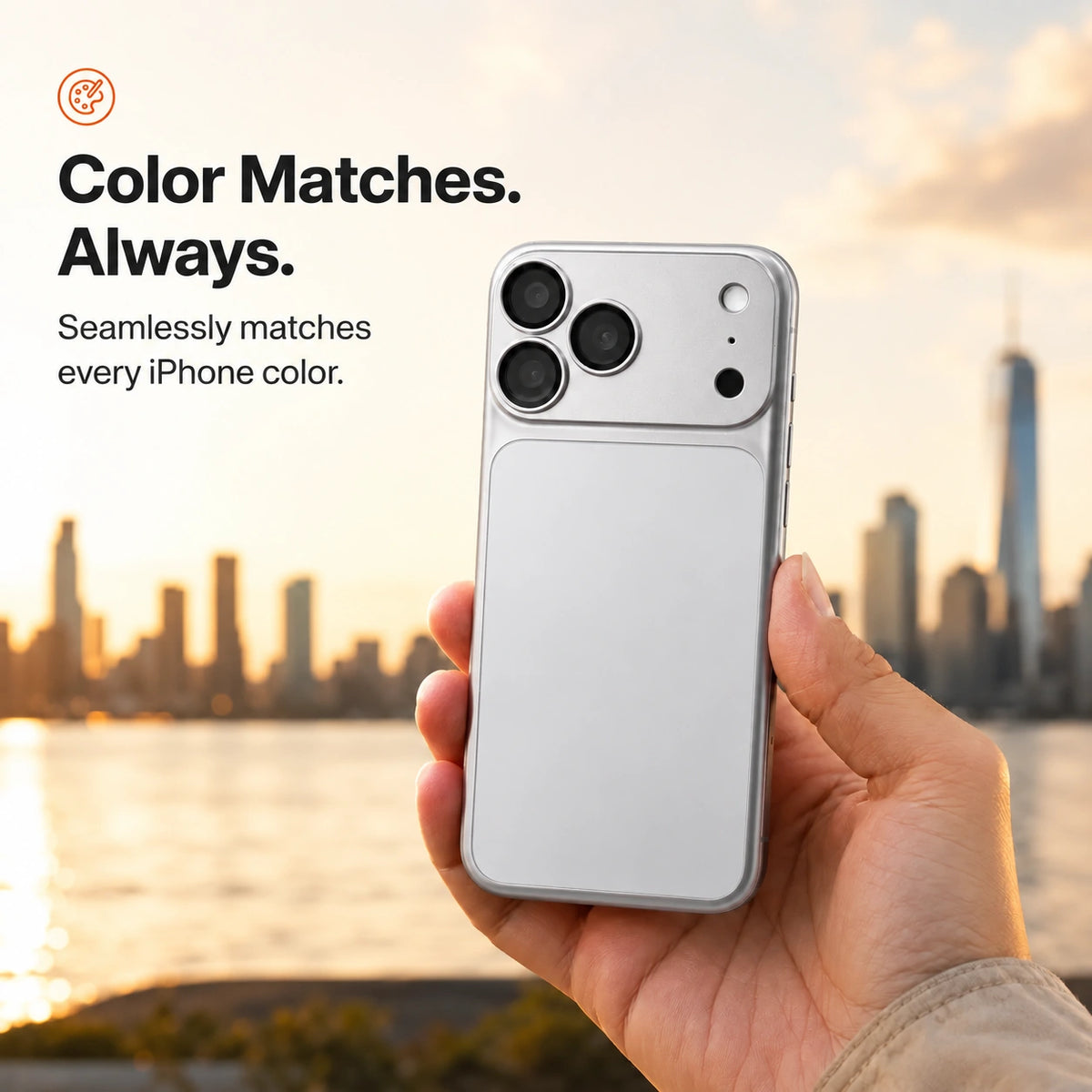
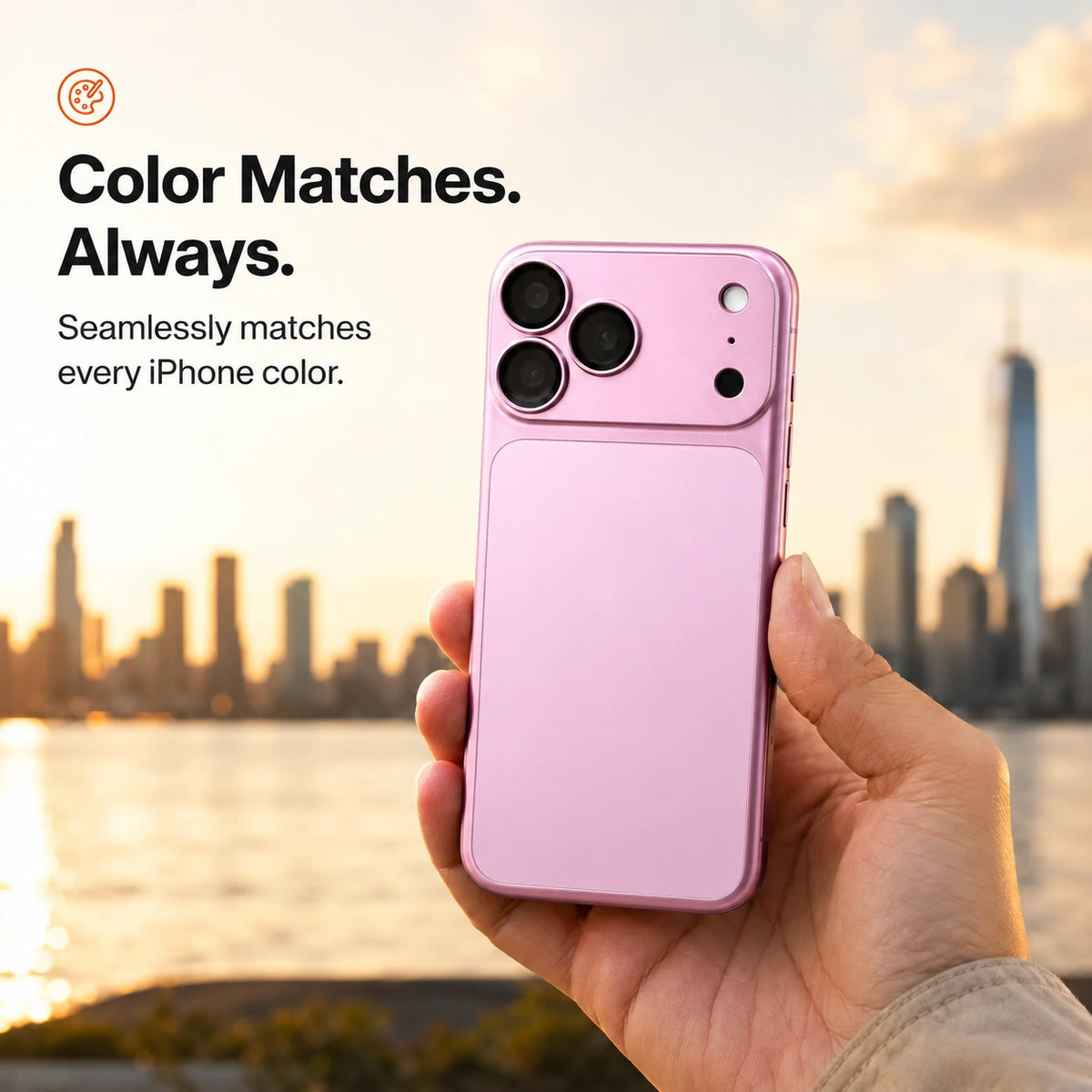
Keep a coordinated look
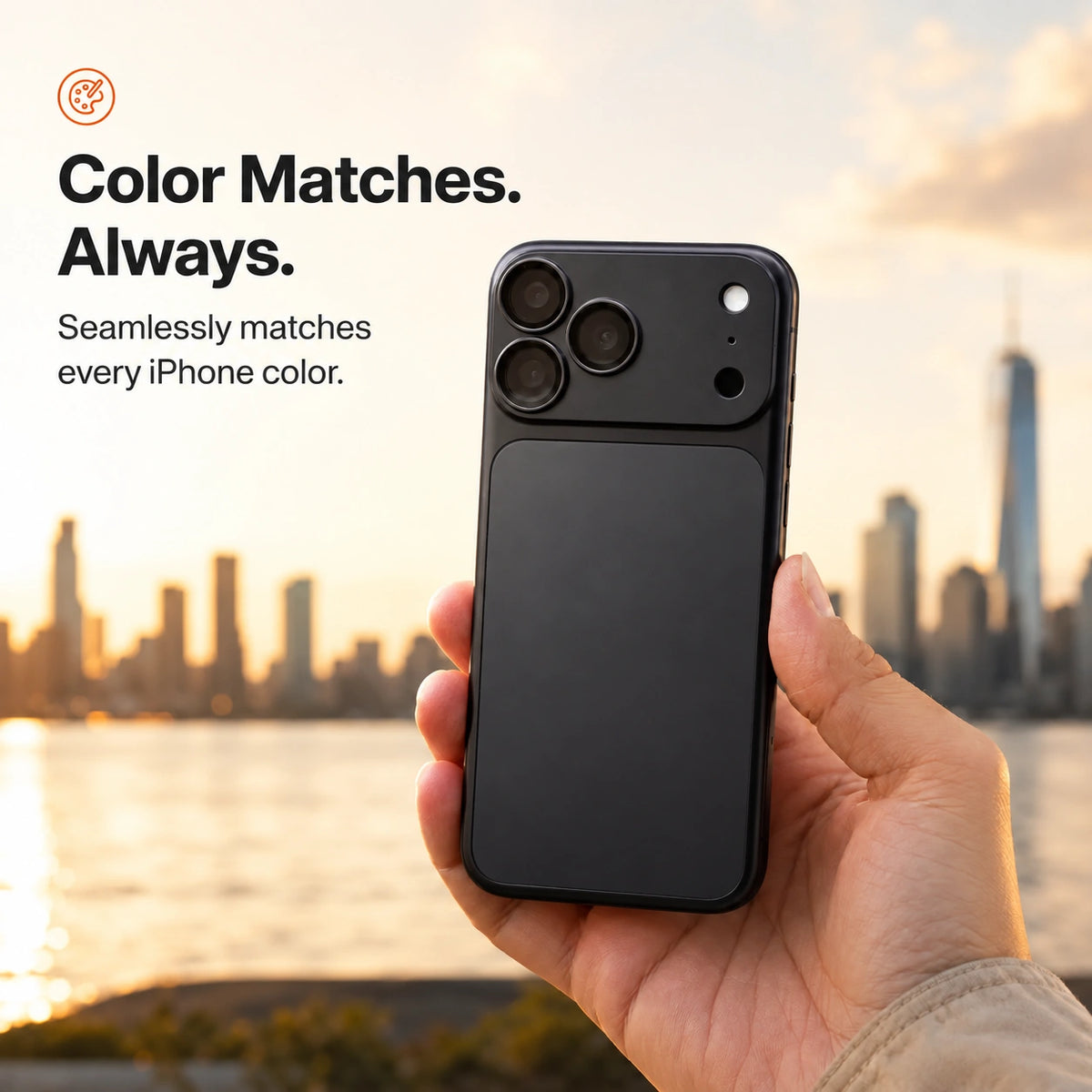
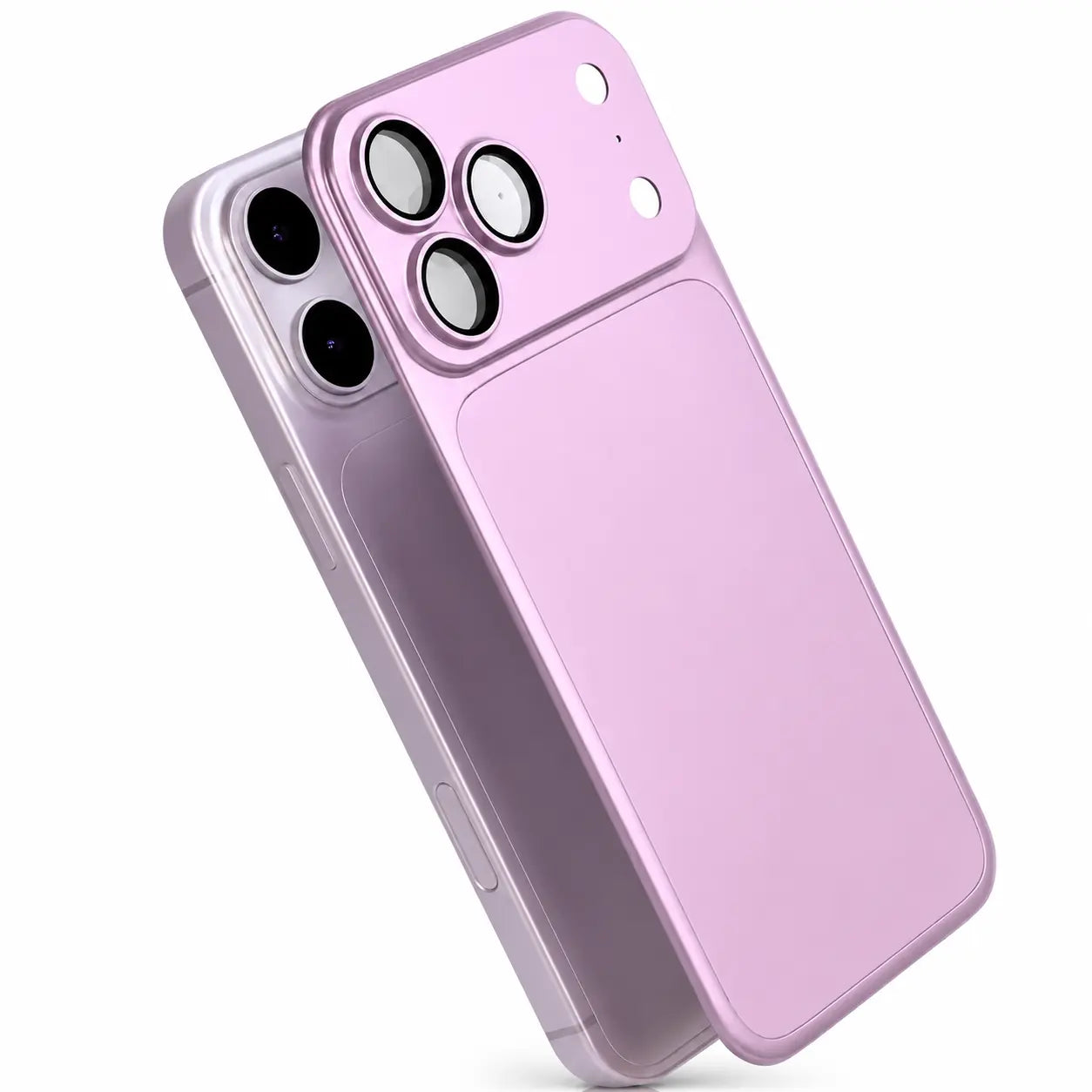
Choose a finish that complements your iPhone’s color.
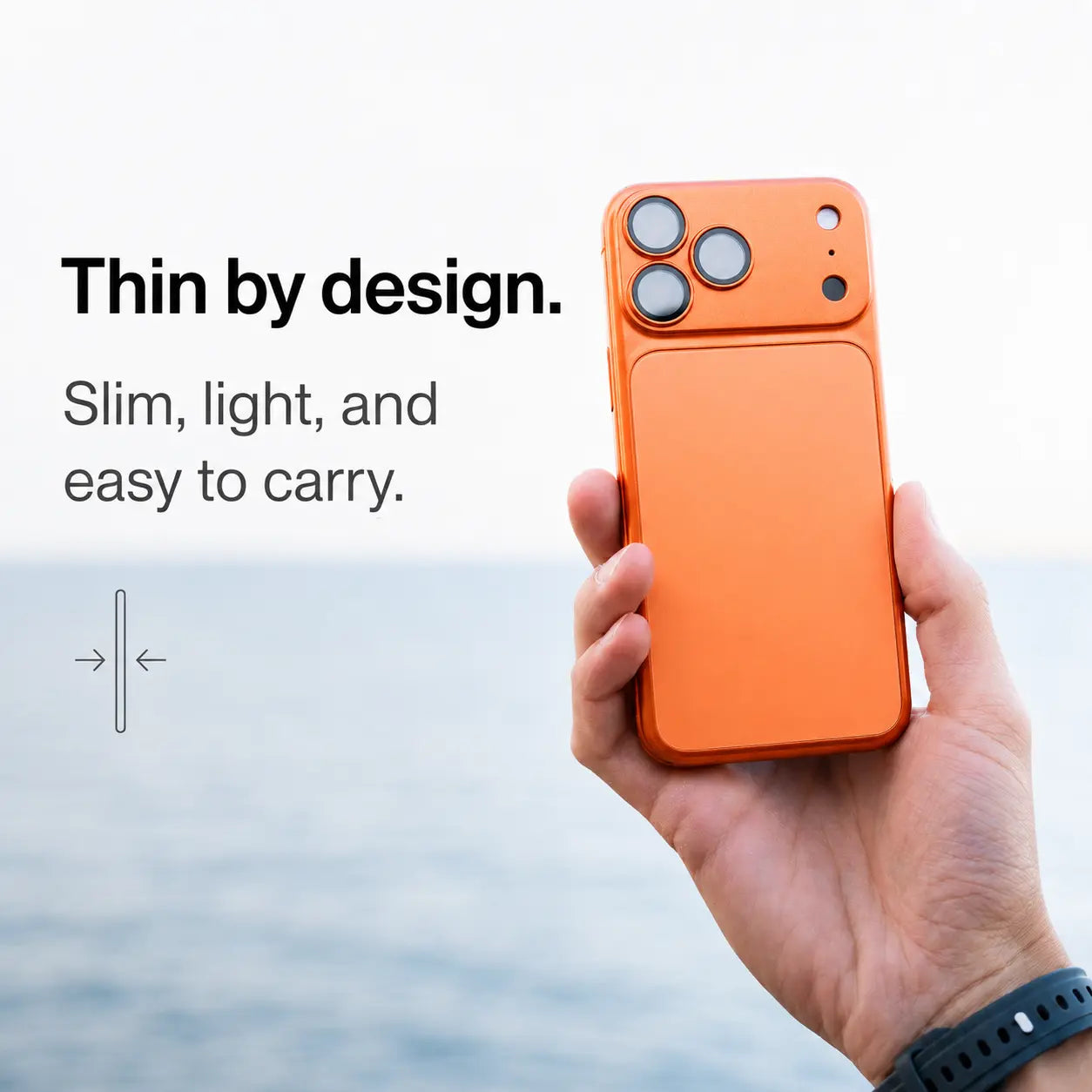
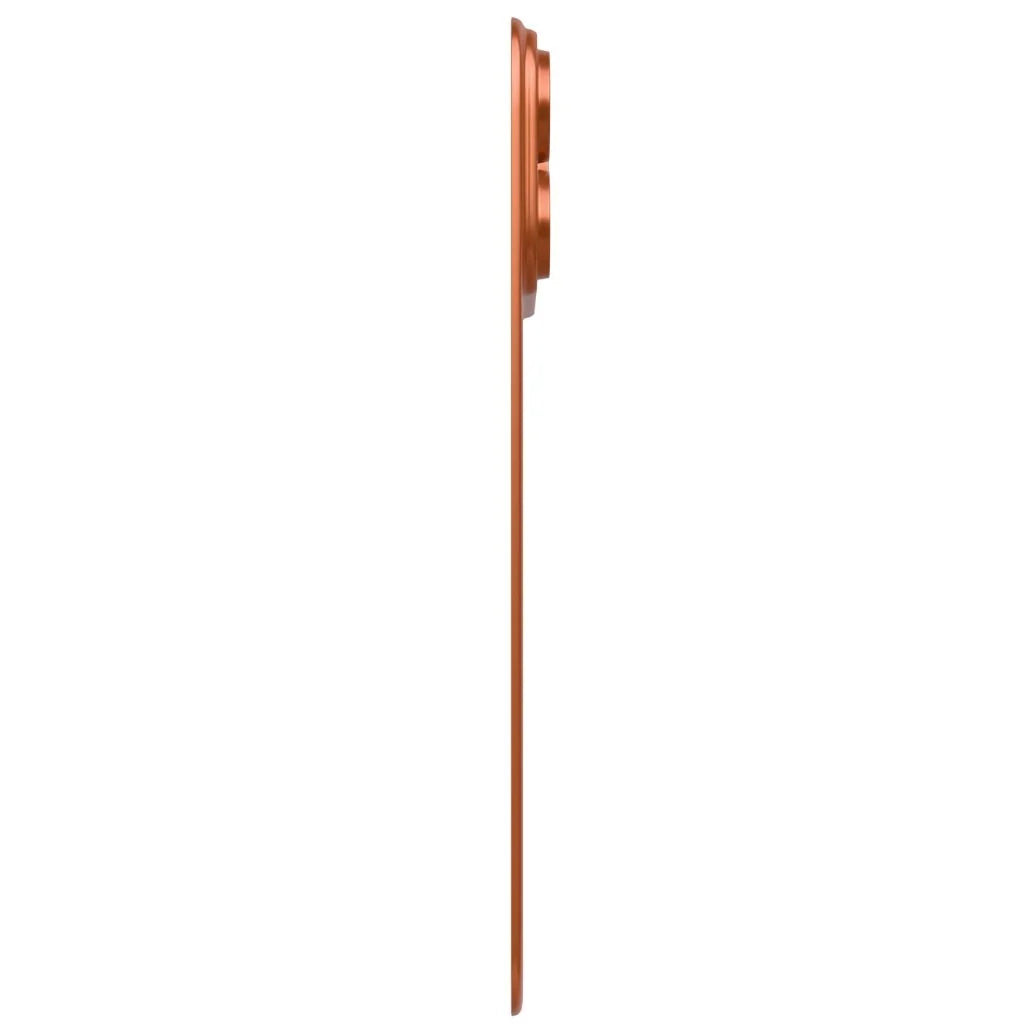
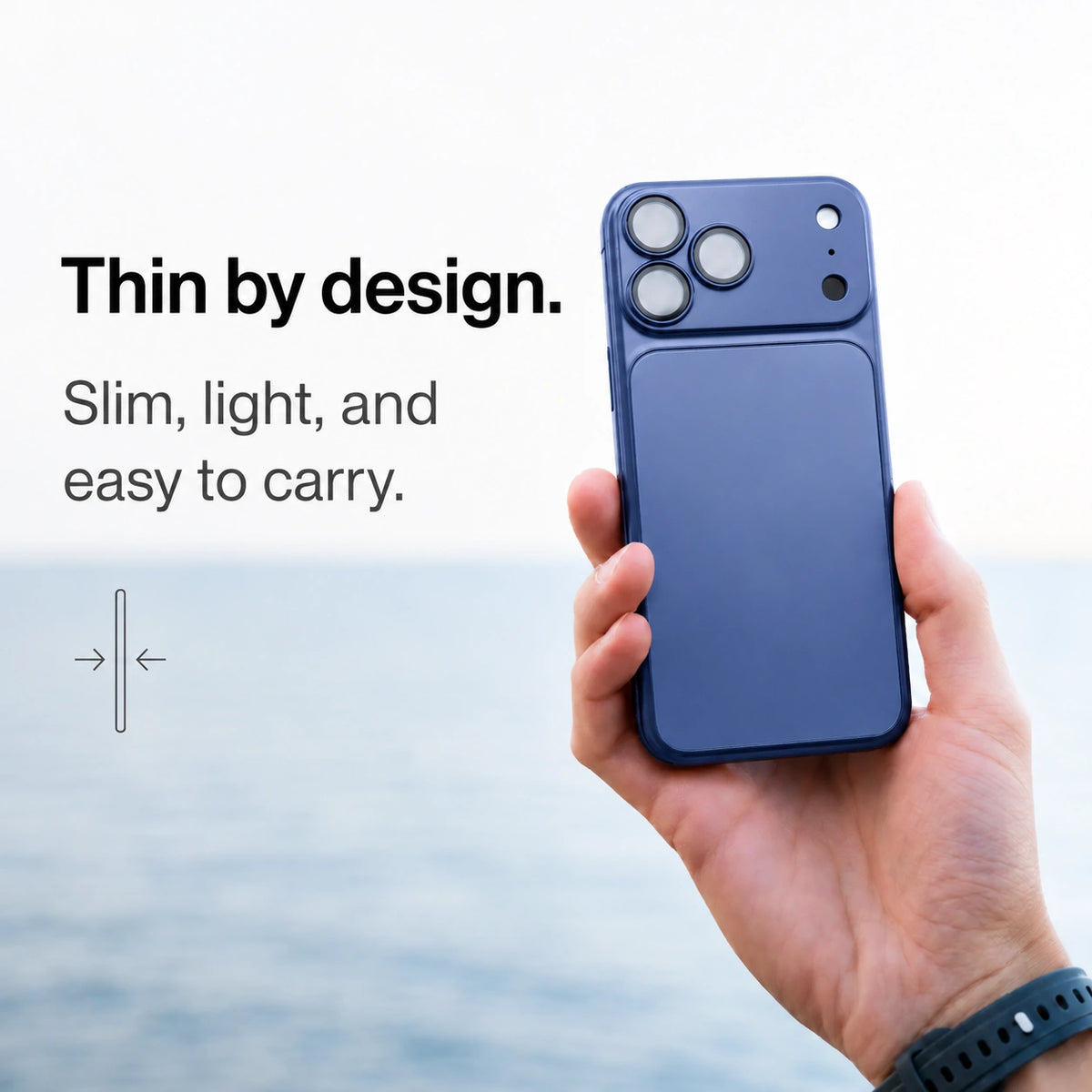
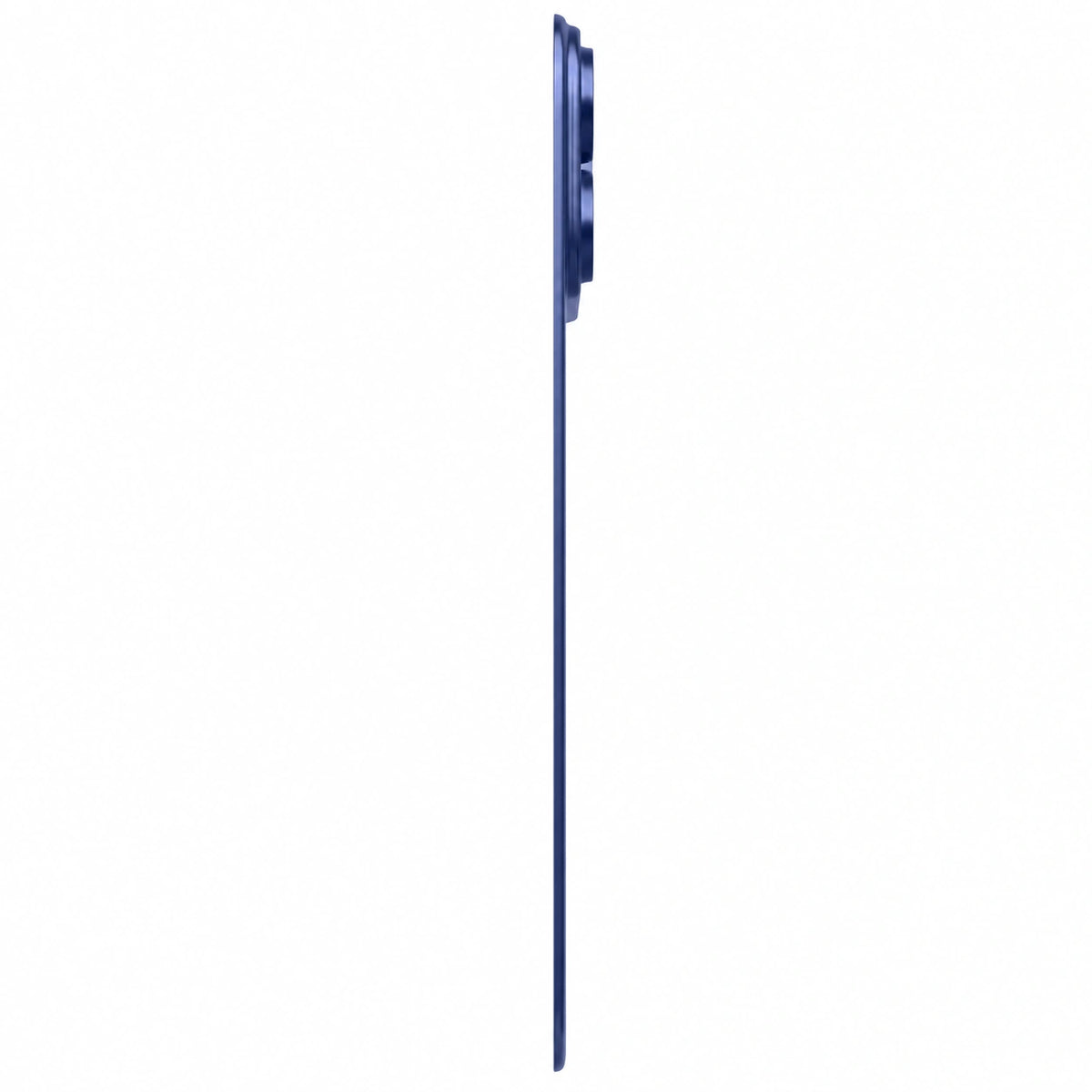
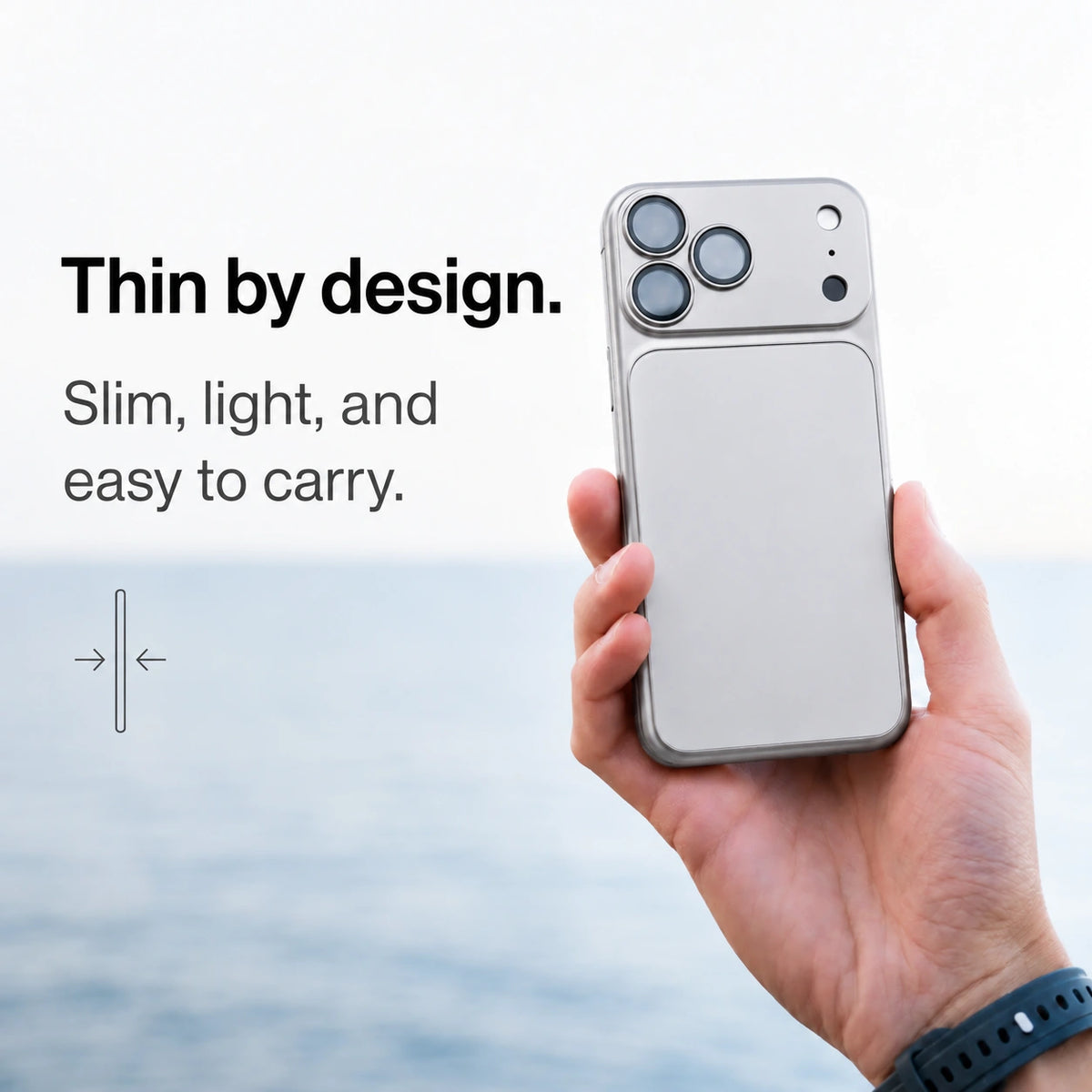
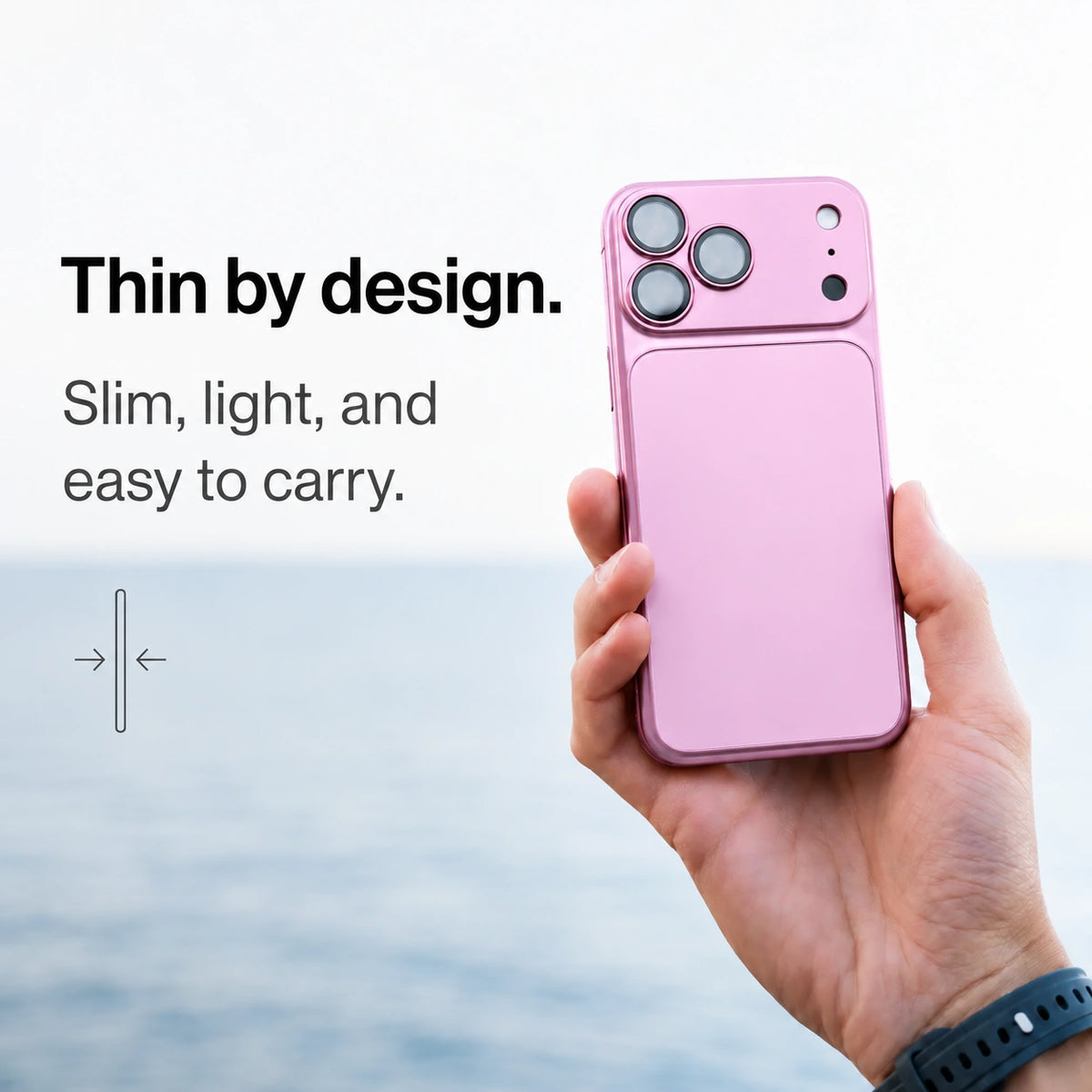
Keep the slim feel
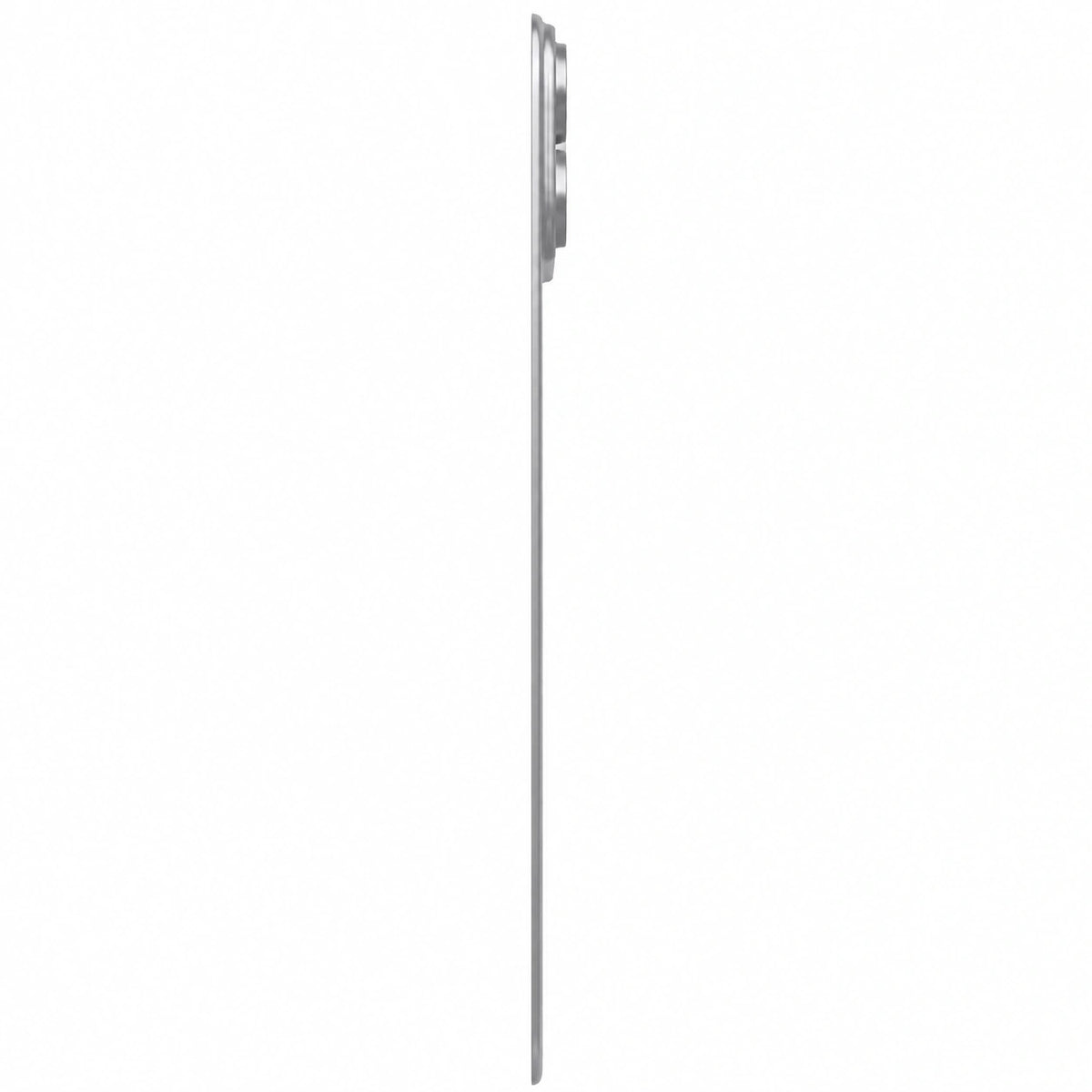
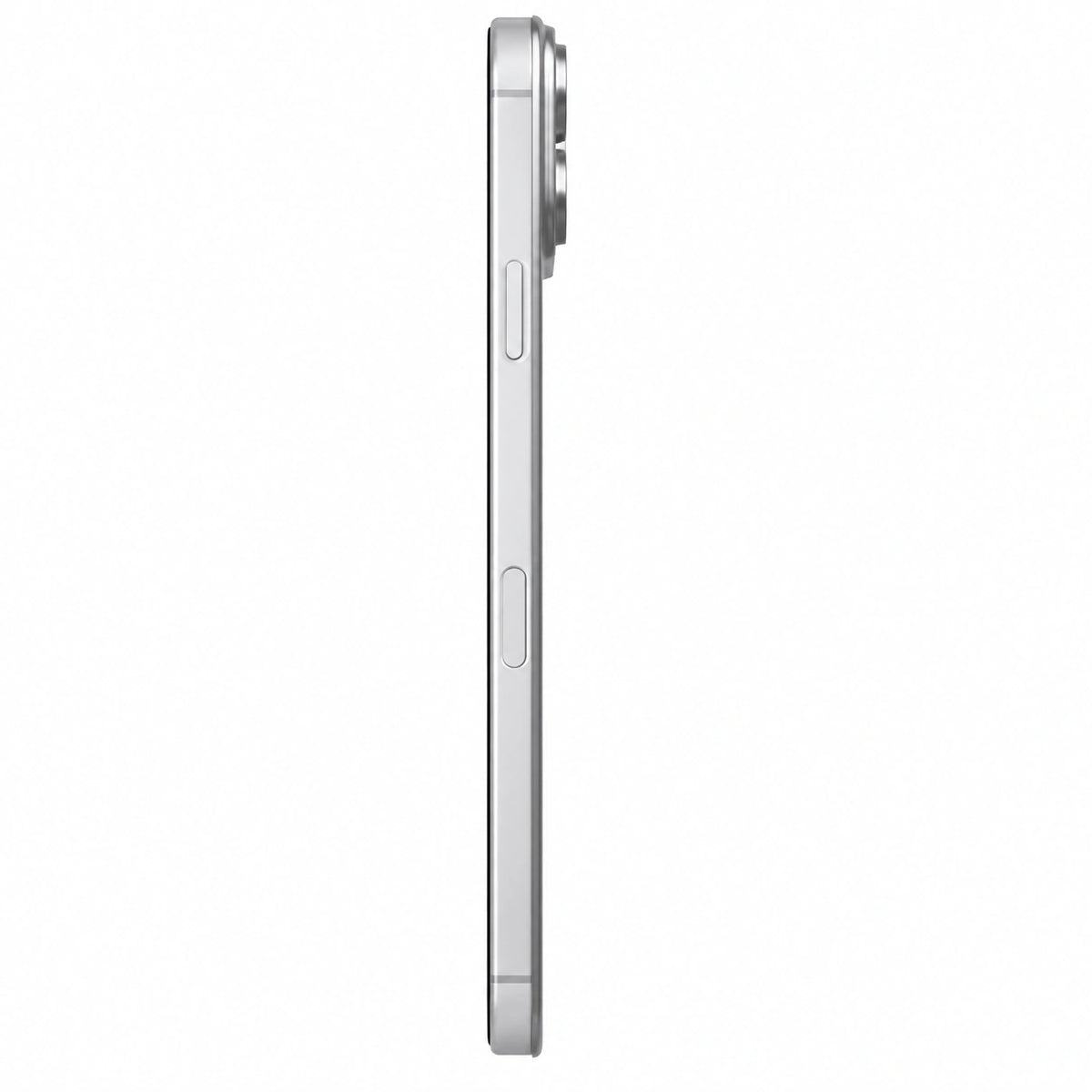
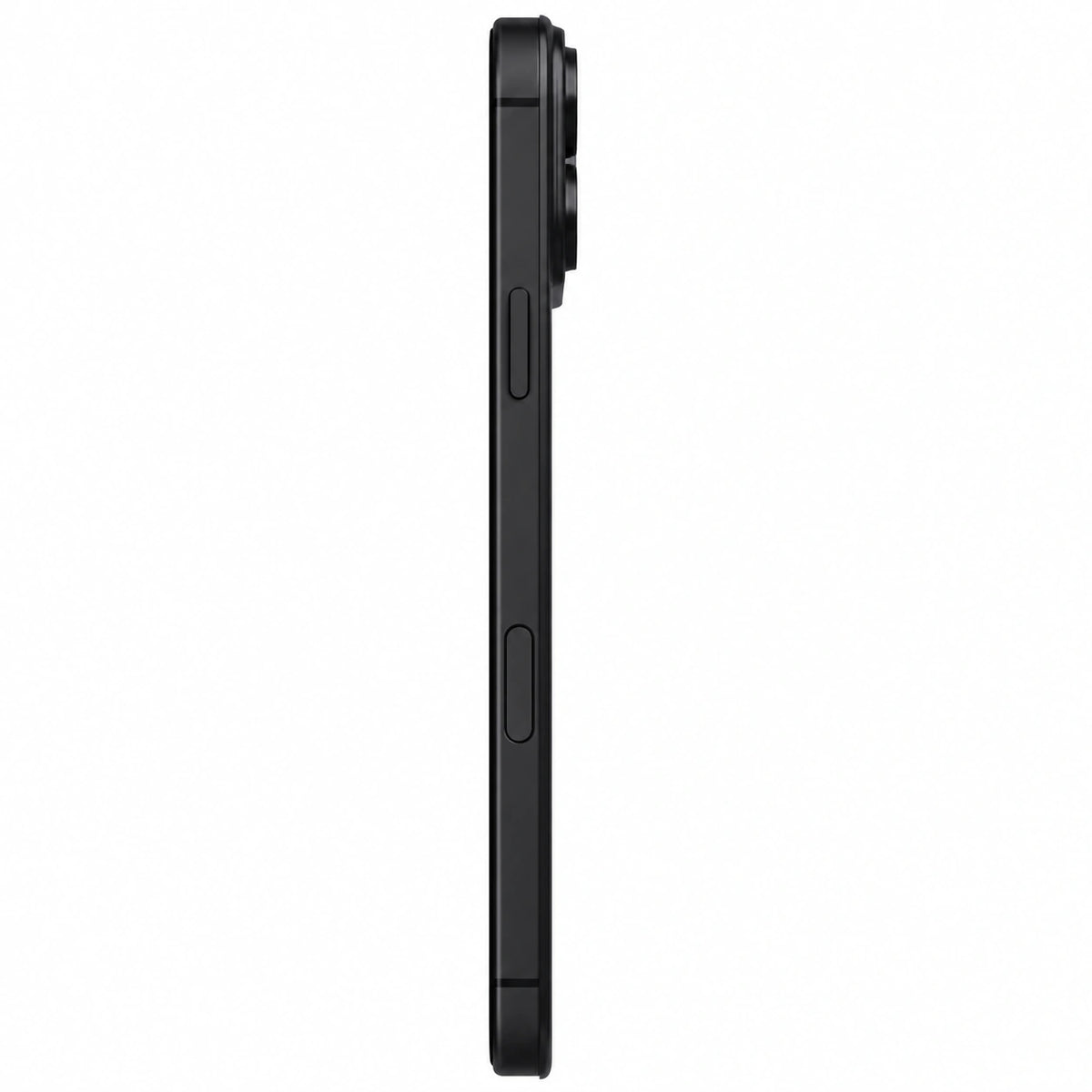
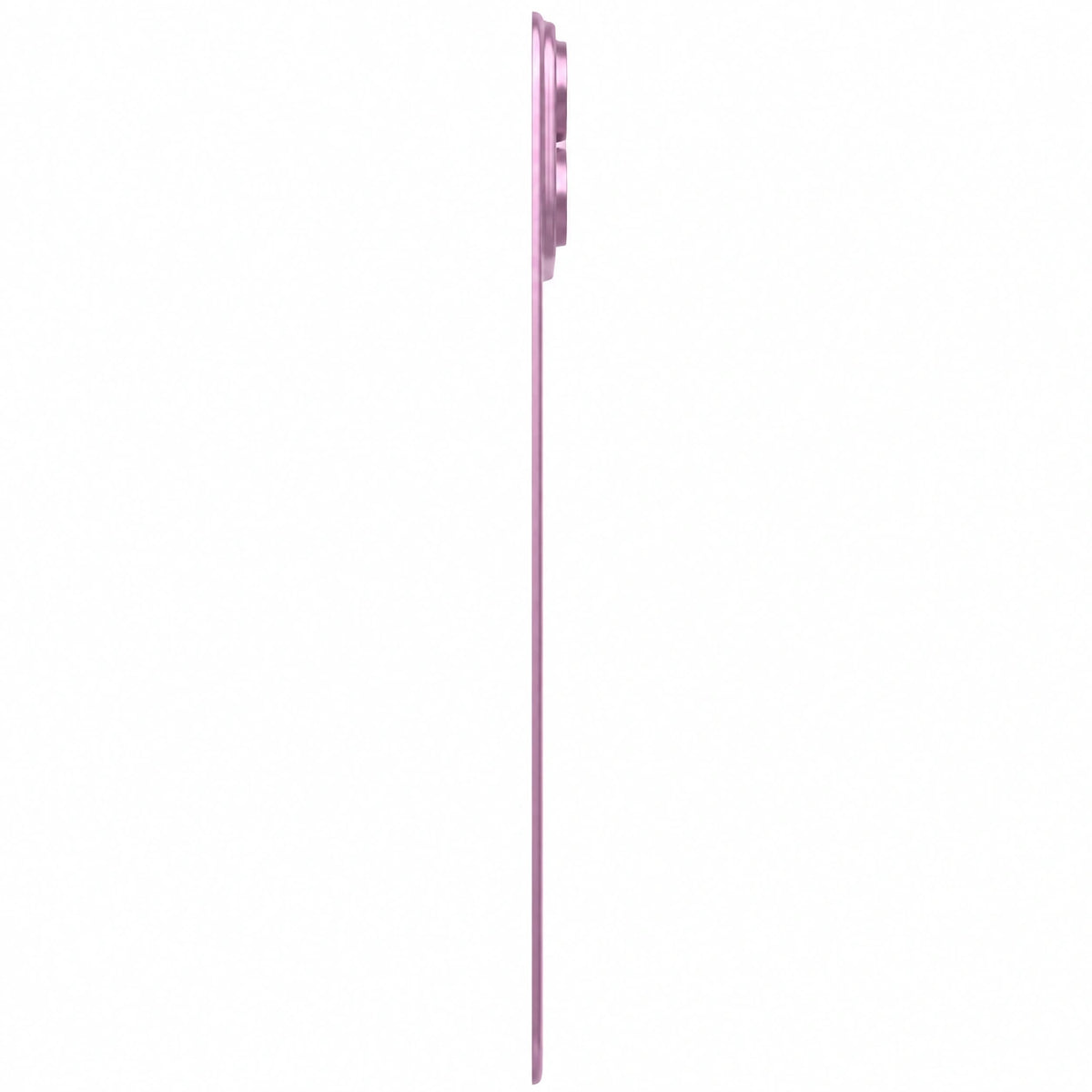
A low-profile design preserves the feel of your phone in hand.
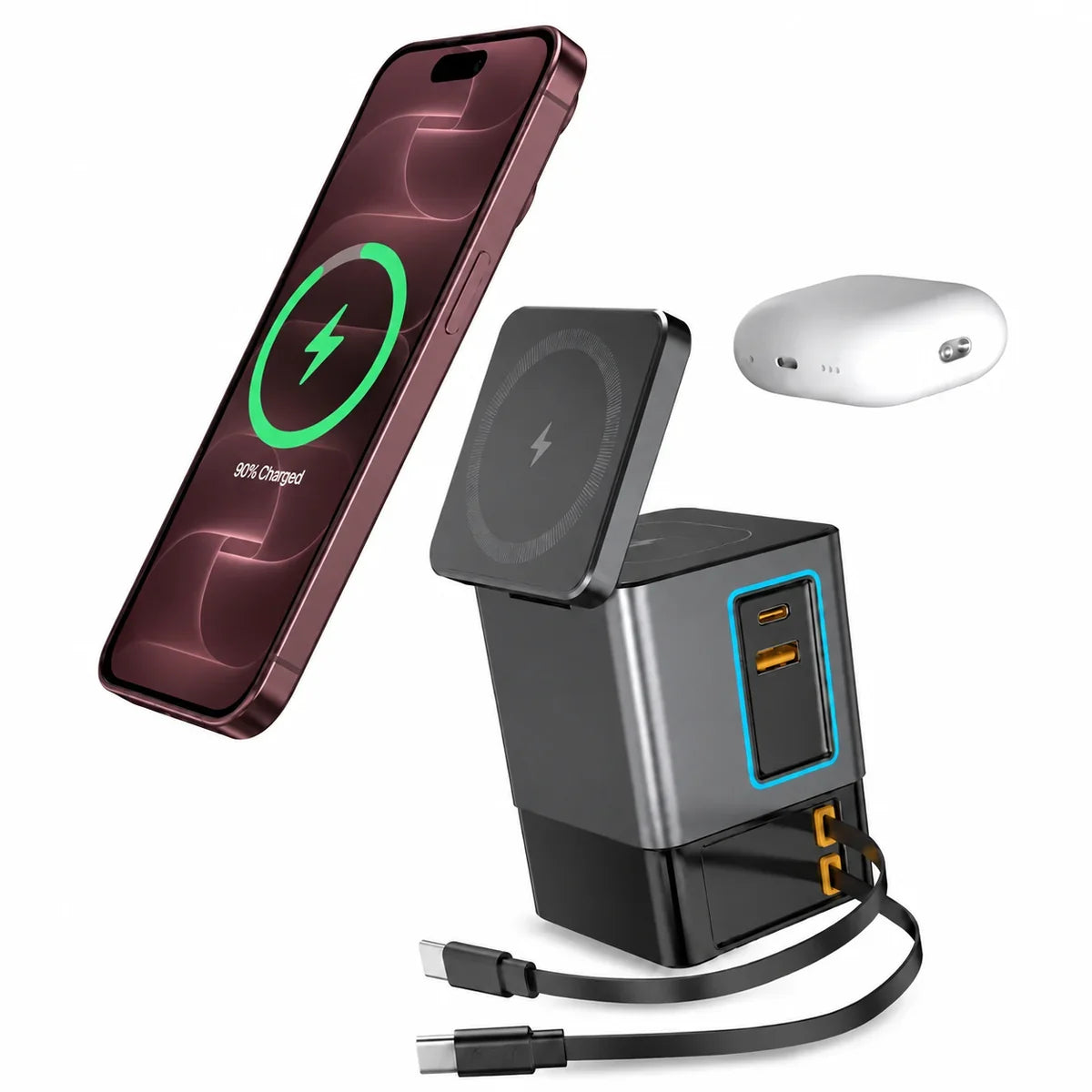
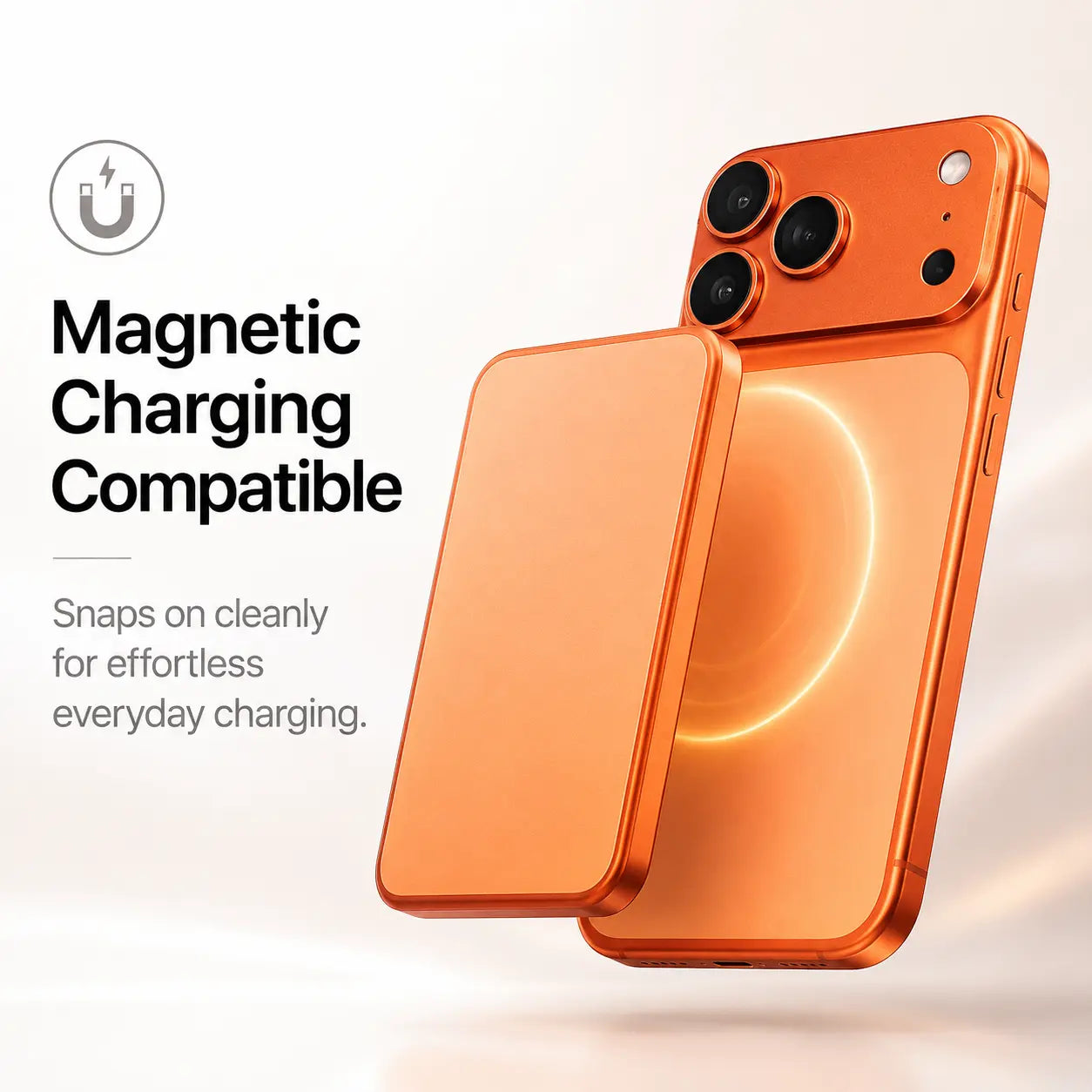
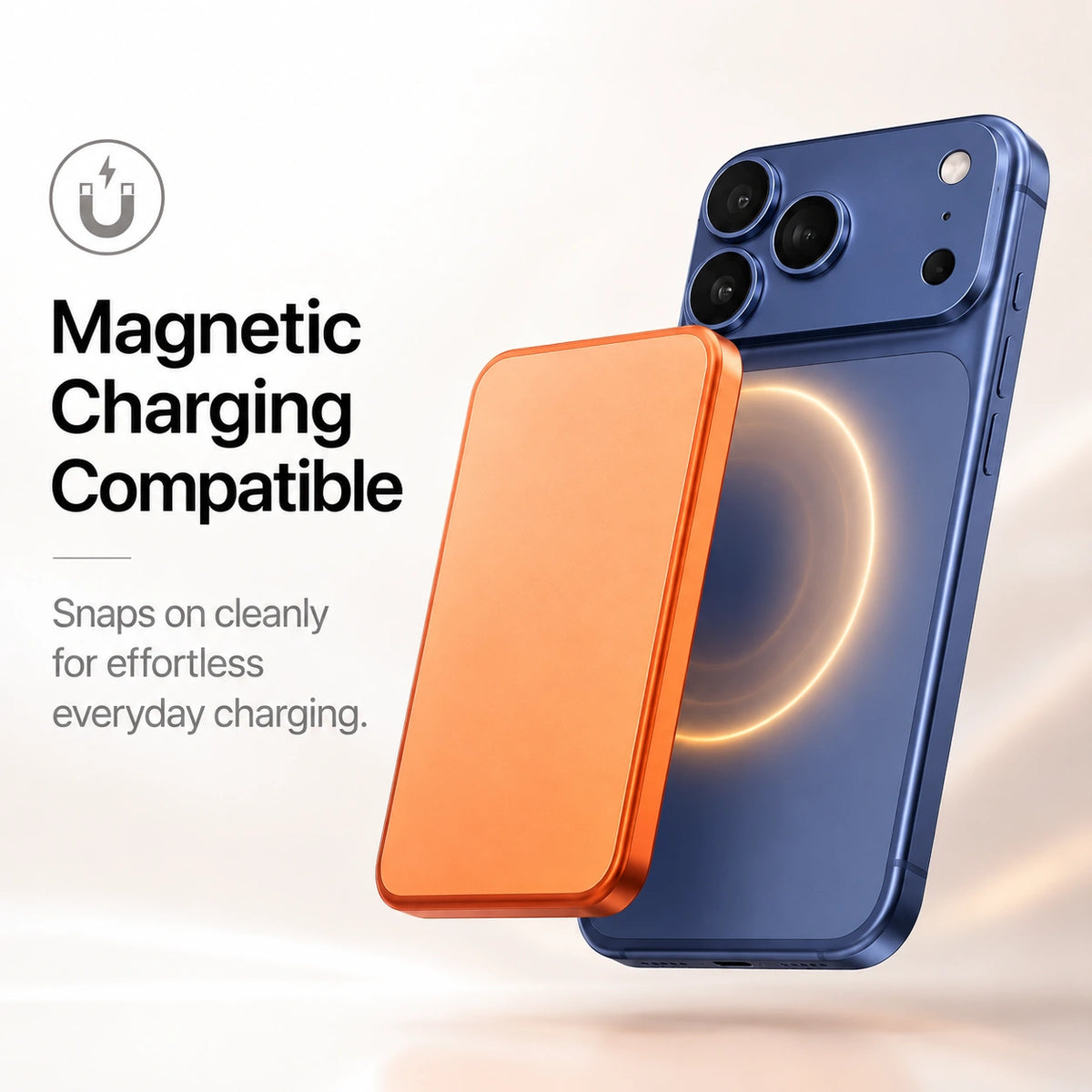
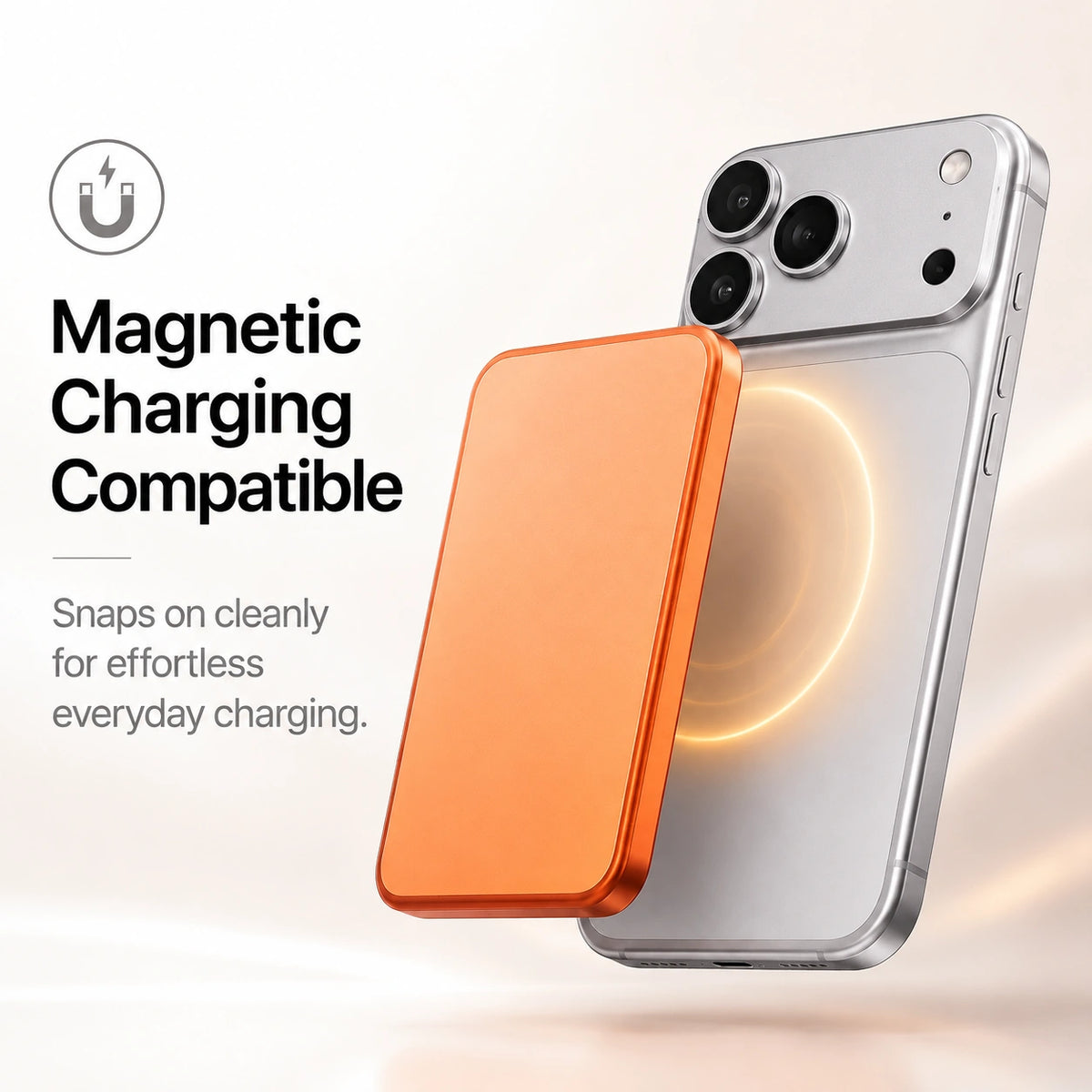
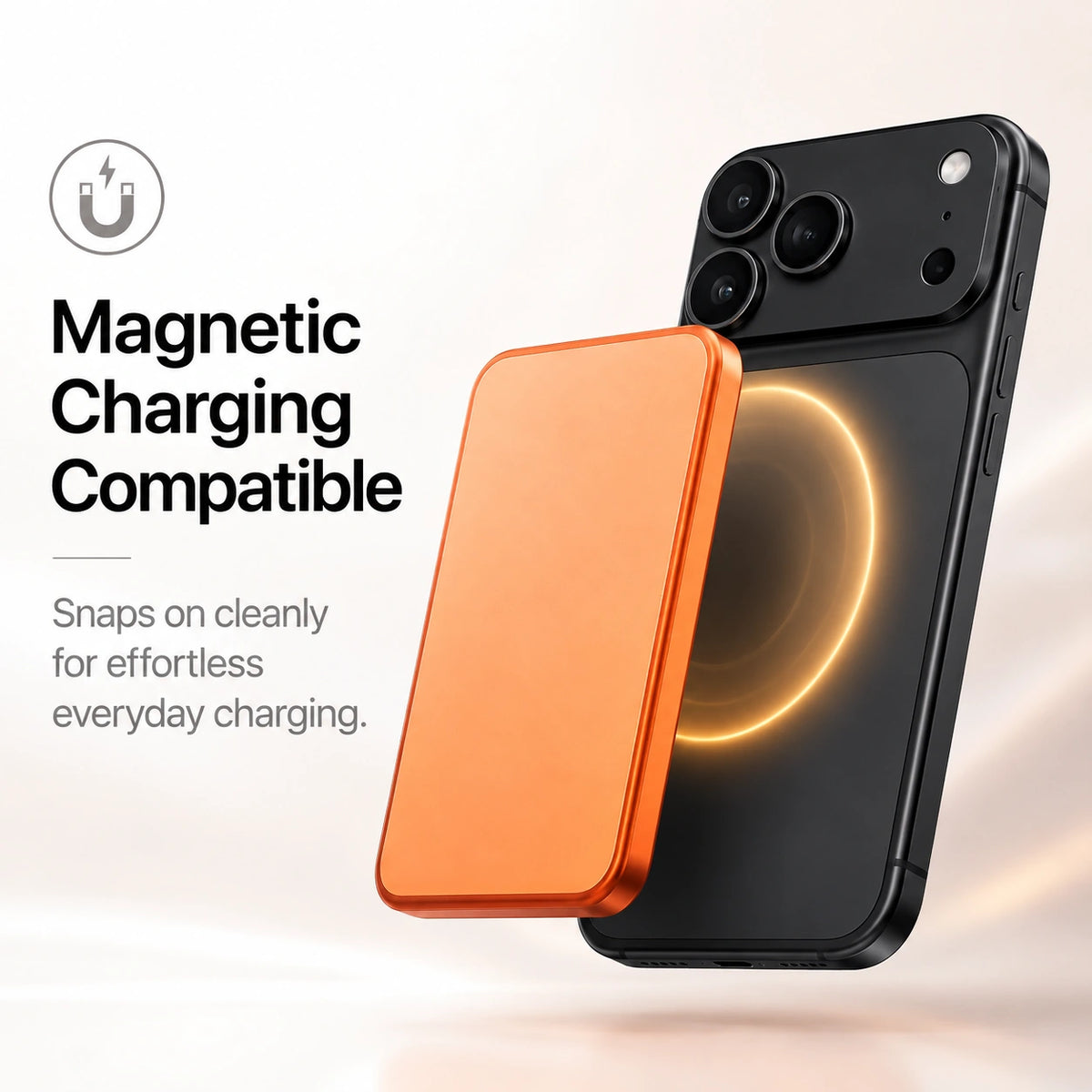
Keep charging wirelessly
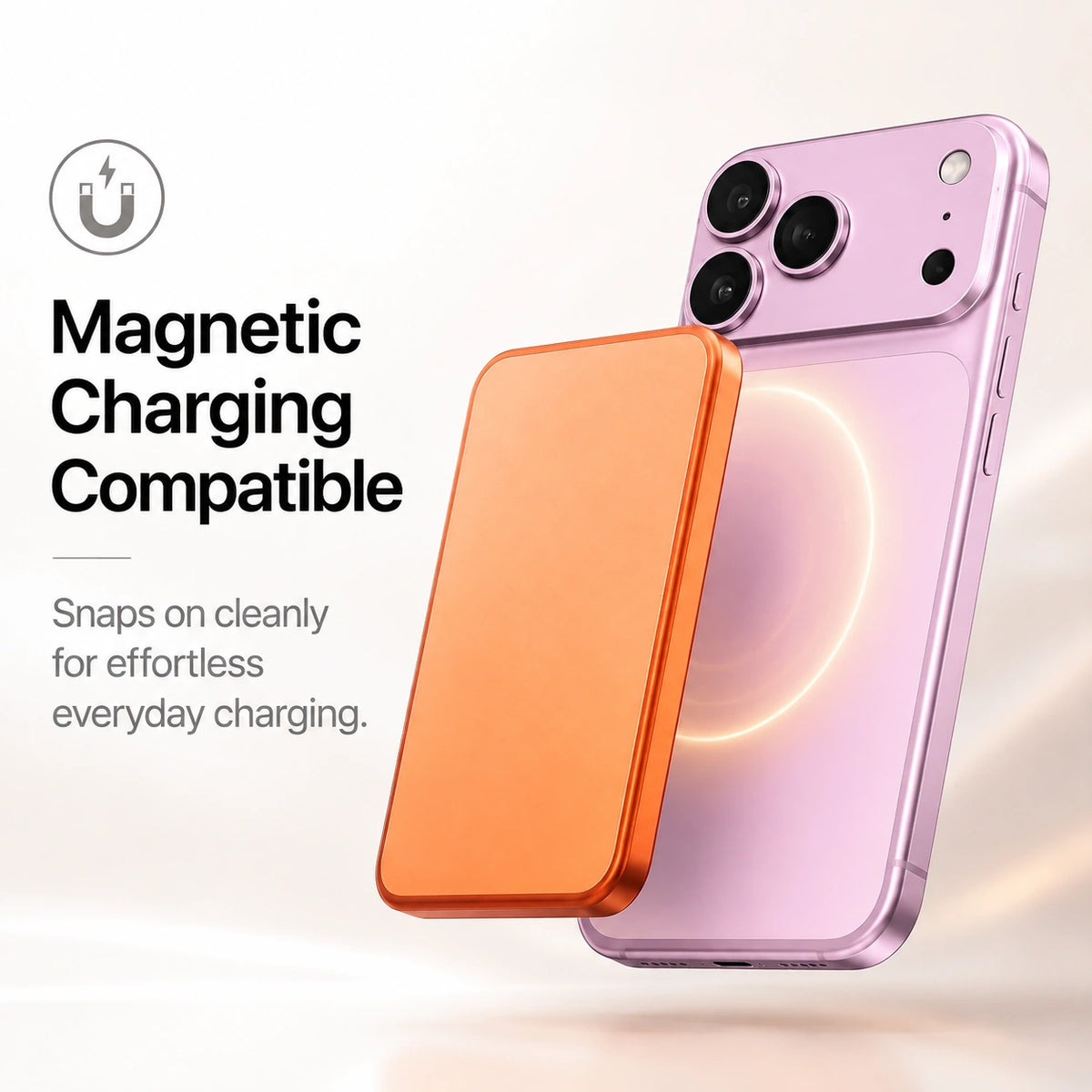
Use suitable magnetic wireless chargers with MagBack installed.
A slim backplate helps guard the rear surface from everyday scratches.

Keep a compatible magnetic charger aligned through the backplate.

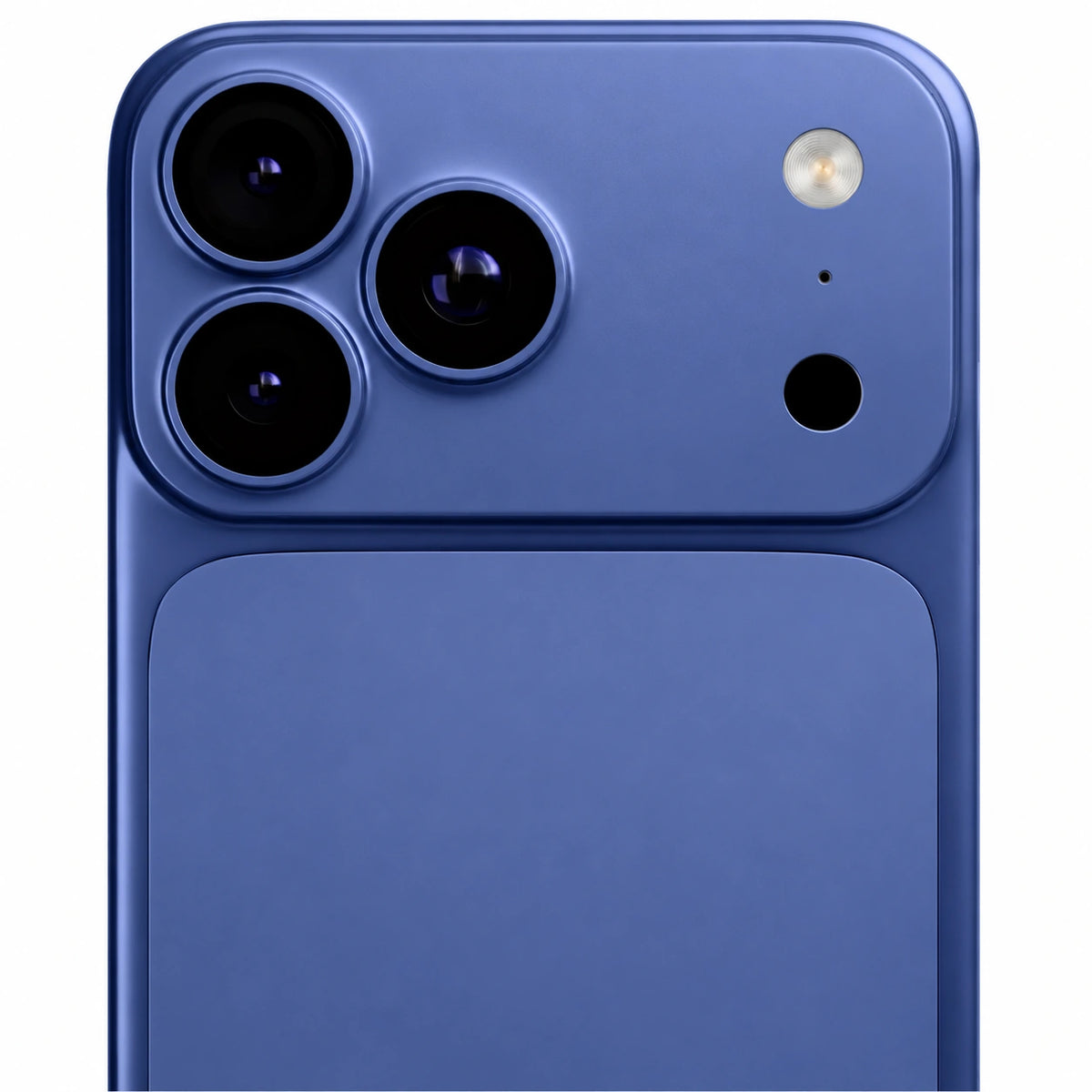
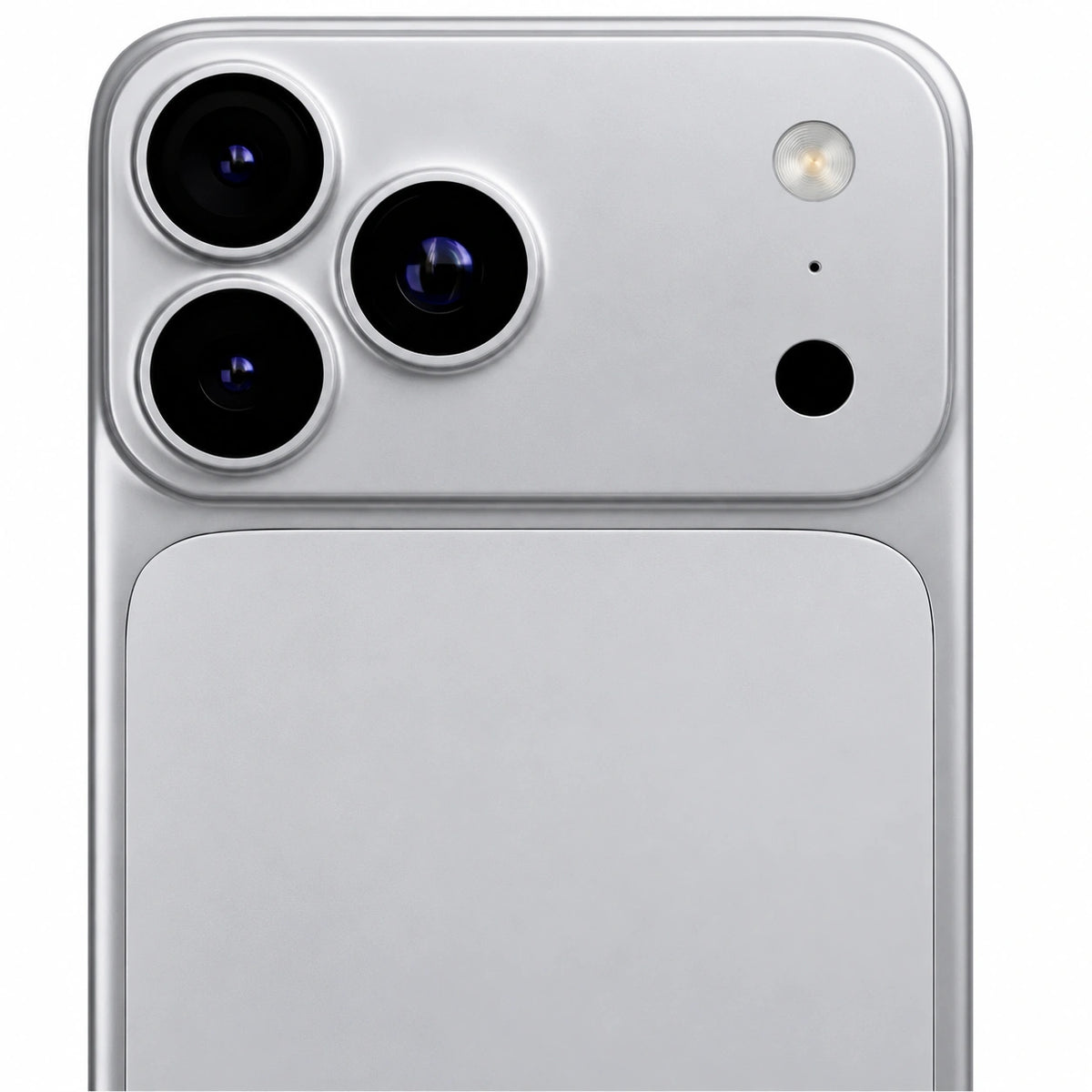
Fitted coverage surrounds the camera area.

A smooth matte surface keeps the look understated.

Add back protection with a thin, lightweight profile.
| Camera Protection | Raised camera surround for added lens protection |
|---|---|
| Attachment | MagSafe compatibility with adhesive backing |
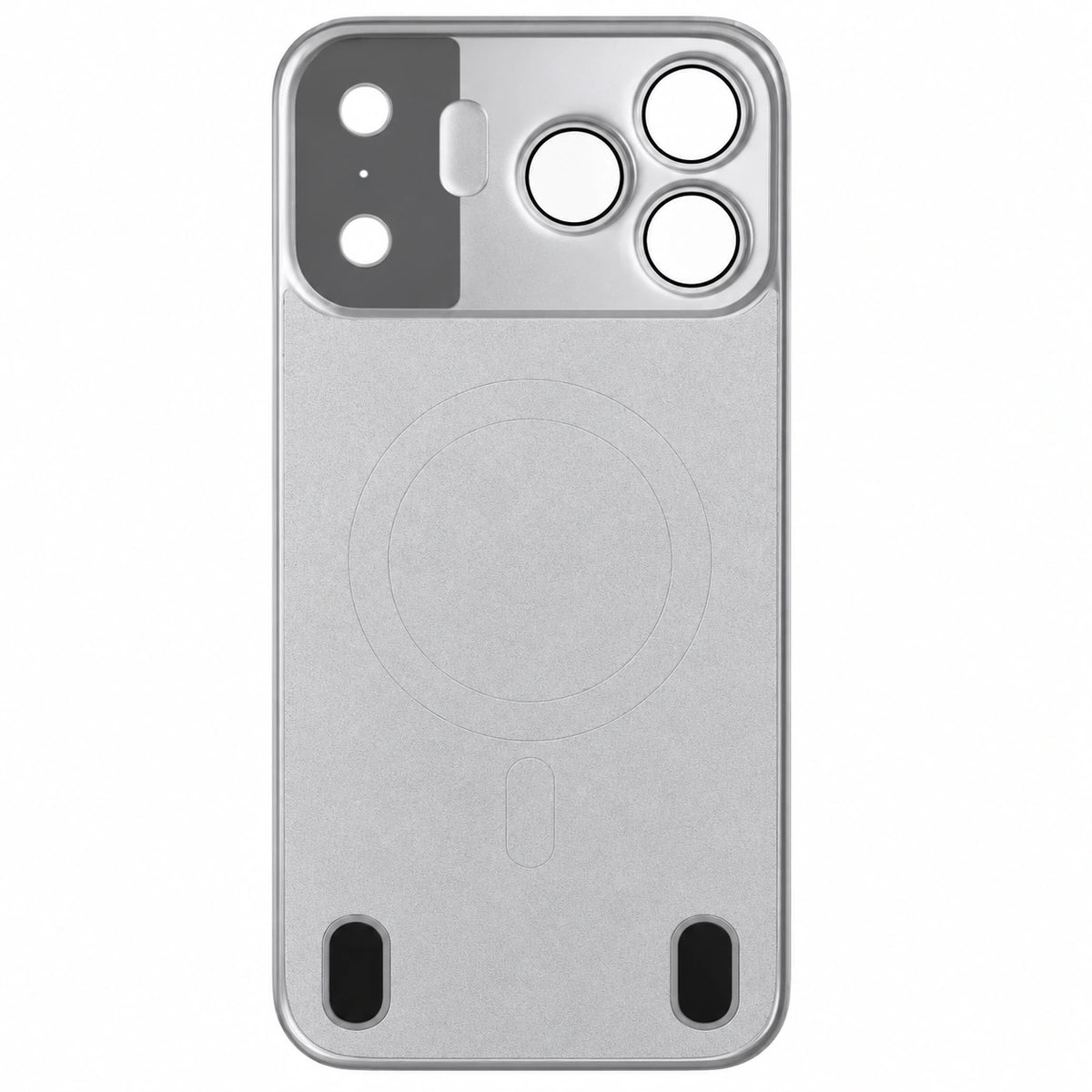
| Magnetic Alignment | Built-in magnetic ring for magnetic wireless charging compatibility |
| Finish | Matte, fingerprint-resistant surface |
| Materials | Matte AG Glass Back & Polycarbonate (PC) Frame |
| Weight | 65 g (≈ 2.29 oz) |
Check Settings → General → About. Tap Model Number to see the A-number. Match the exact model before ordering.
No matching option is listed for this product. Check your model before ordering.
Choose your exact model in the device selector before adding to cart.
Confirm the backplate is the version intended for your exact phone.
Remove dust and grit from the phone and backplate using the cleaning method in the supplied instructions.
Use the fitting instructions supplied with this backplate. Do not force it on like a full phone case.
Make sure the backplate is secure and the camera and ports remain clear. Test your intended accessories separately.
Use the instructions supplied with your product for its exact assembly and controls.
Yes. The built-in MagSafe alignment is compatible with magnetic wireless charging.
MagBack is designed to protect the back and camera area while maintaining the slim feel of your iPhone.
Yes. The raised camera surround helps protect your lenses from scratches when placed on flat surfaces.
The matte finish is designed to resist fingerprints and everyday smudges.
No. Its ultra-thin, lightweight design helps preserve the natural feel of your iPhone.
Yes. MagBack is compatible with magnetic wireless charging.
Simply wipe the surface with a soft, slightly damp microfiber cloth to keep it looking its best.
MagBack uses a strong adhesive backing together with built-in MagSafe alignment for a secure installation.
No. The adhesive is designed for a secure, long-lasting installation and is not intended to be removed and reapplied.
Open Settings > General > About on your iPhone and check Model Name. Match the full name to the selector above, including Pro, Plus or Max where shown.
Clean the back of your iPhone before installation.
Remove the protective film from the adhesive backing.
Align MagBack with the back of your iPhone using the built-in magnets.
Press firmly for a secure attachment.
Overall rating: 5.0 / 5 from 10 reviews.

Absolutely love how slim it is, you guys had the pink which is my favorite color! 🩷

The quality exceeded my expectations

The color looks even better in person. I've already had friends asking where I bought it.

Completely changed the look of my phone while keeping it slim, thanks!!

loving how lightweight and minimal it feels.
Fantastic service and great product
I've tried so many cases over the years, but this is by far my favorite. My phone still feels like an iPhone.
Perfect if you don't like thick cases. It keeps the original feel of the phone while adding just enough protection.
I've been using it every day and it still looks brand new
One of the nicest phone accessories I've purchased!